


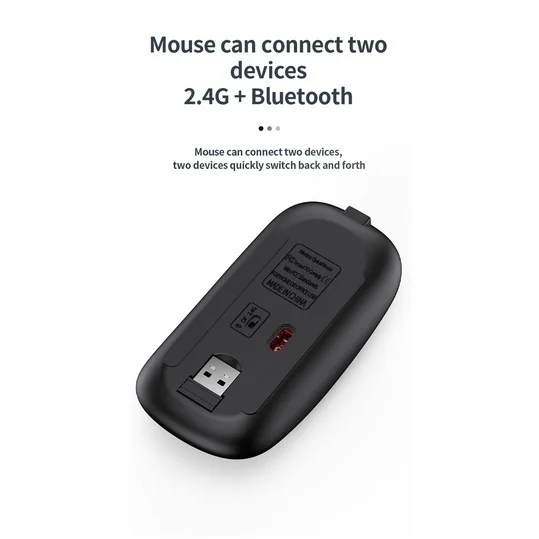
USB2.4G connection:
1. Flip the power switch to ON to turn on the keyboard
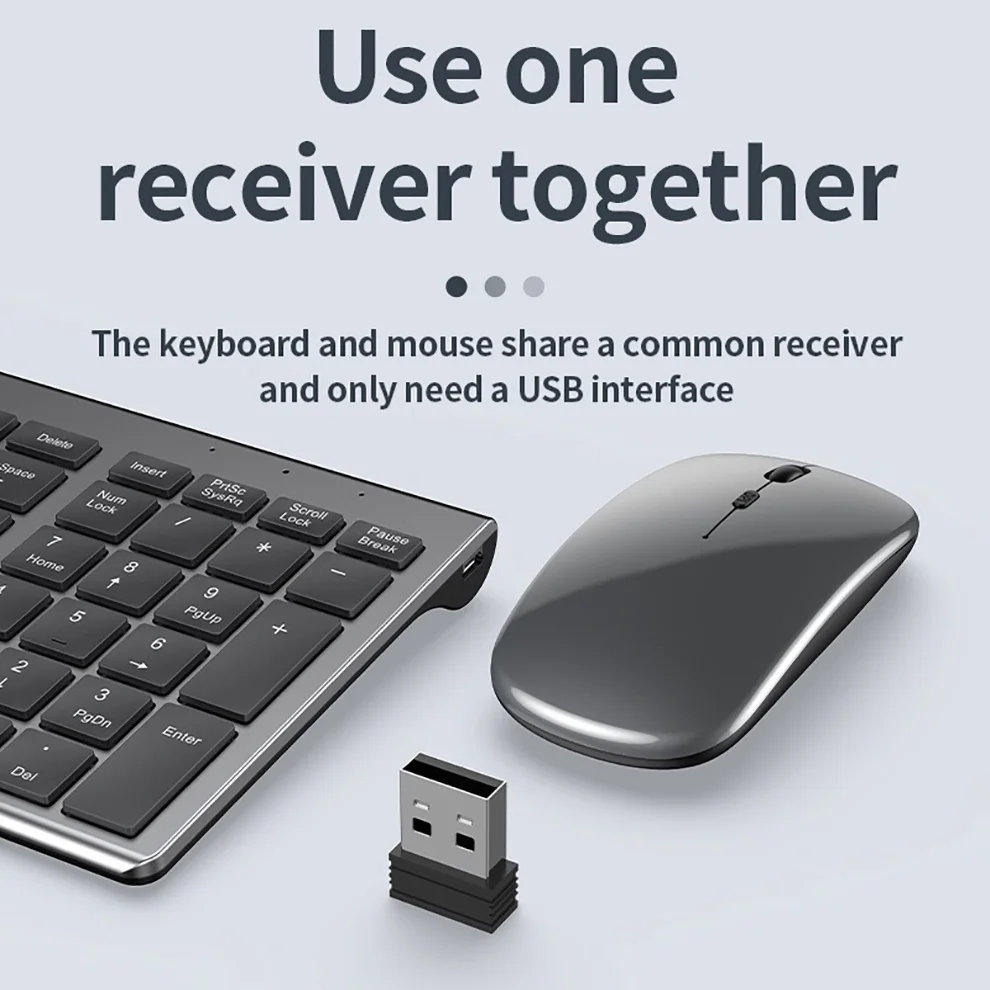
2. Insert the USB into the computer, press and hold the button FN+~, the connection is successful
Bluetooth connection:
1. Flip the power switch to ON to turn on the keyboard
2. Turn on your device’s Bluetooth to enter the search state (system settings – turn on Bluetooth – search and add)
2. Press and hold the key FN+1 or FN+2 or FN+3 on the keyboard, the light flashes, the device will display “O50 keyboard BT”, you can click to connect successfully.
Multi-device connection:
1.FN+1: Connect to Bluetooth device 1
2.FN+2: connect to bluetooth device 2
3.FN+3: connect to bluetooth device 3
4.FN+~: connect to USB, 2.4G wireless reception
5. Press FN+1/2/3/~ alone to switch the paired devices
6.FN+1/2/3, press and hold for 3 seconds in combination: flashing light, can start the searched state (connect a new device)
Additional instructions:
1. For the first connection, you need to switch the keyboard to the corresponding system
2. Failure to switch may cause the function keys to not be used normally!
3. The keyboard distance is 5-10 meters, and the language environment factors of different devices are related to the distance.
troubleshooting:
1. When the keyboard cannot be searched, please try to turn on the bluetooth on the device to search again
2. When the keyboard is turned on and there is no indicator light, try to charge the keyboard.
3. After connecting to other devices, go back to the original device again, you need to delete the old record before you can connect
4. When the pairing fails, you need to delete the failed pairing record, and then perform the second pairing









B***r –
I received it normally, well packed and protected, just a little bit of the delivery time but fine… But when testing I do not know because some punctuation keys are unconfigured according to the Keys, I am not able to key the letter “ç” too… Not if some configuration I have to tinker yet. .. But I’ll check!
S***a –
Great! 100 stars. Thank you!
B***o –
Is a very complete keyboard, has several combined keys (e. g. calculator is Fn + F5). Both are very light, great to take in the backpack. Silent Keyboard (only shift keys makes more noise), supports up to 6 keys pressed at the same time. Comfortable mouse, has 3 DPI modes. Photos comparing with machenike-k500 keyboard and mouse machenike-m7 Pro
C***s –
Excelente
C***a –
Very good keyboard.
J***n –
I am very impressed with the ease of set up and functionality. It just worked, no battery issues as others report. Arrived in good condition.
M***z –
It works very well the quality is good I liked it very much as it brings switch for off, slim very good items
J***A –
The charging cable does not enter through the usb port, the plug is defective
s***r –
Like this mouse and keyboard set. For the price, value is good. Connects quickly to laptop and satisfied with purchase.
a***e –
Beautiful but the mouse liked me possible if you buy the kipboard for the best case shape and the touch of the Yegel with USB wire for shipping
Customer –
The product is just what I expected. A keypad of a tight size that fits me in the laptop case but at the same time with numerical keys on the side that make it easier to work. The mouse very comfortable and the wheel goes very well. I recommend it
R***e –
Item arrived quickly, well packed, and the keyboard and mouse worked perfectly. The keyboard is easy to install and the mouse even easier. I’d say, don’t look further. This is the one 😉
K***g –
delivery is well packed. the system is easy to install. Both the mouse and keyboard work well. Good response.
D***r –
I really like the quality for the price! The buttons on the keyboard feels good and the same applies to the mouse. They are both silent click-wise. The mouse is a laser type that you can see like on older mouse types, but it seems to be fine. one minor thing is the switching between devices. They are controlled independently – so the mouse and keyboard. The keyboard can connect to multiple devices, but it it does not seem like the mouse can do the same for multiple devices. So the keyboard can handle three BT devices and one 2.4 GHz with the USB dongle. The mouse seems to only to have the option for one BT device and one 2.4 GHz device via the dongle unfortunately.
Customer –
Keyboard came with damaged battery
O***o –
Works great. Both keyboard and mouse ergonomics are just perfect for me and compact to fit any backpack. The only negative impression is a Mini-USB charging connector and very short cable. Will have to look if any cable from old phones not yet discarded.
A***t –
works well so far. only suggestion is to have better instructions on how to set up the mouse
Customer –
Order received super cute as expected
H***s –
One of the best.
E***z –
The article is correct. Sometimes it takes a little time and several attempts to make it happen