

Features
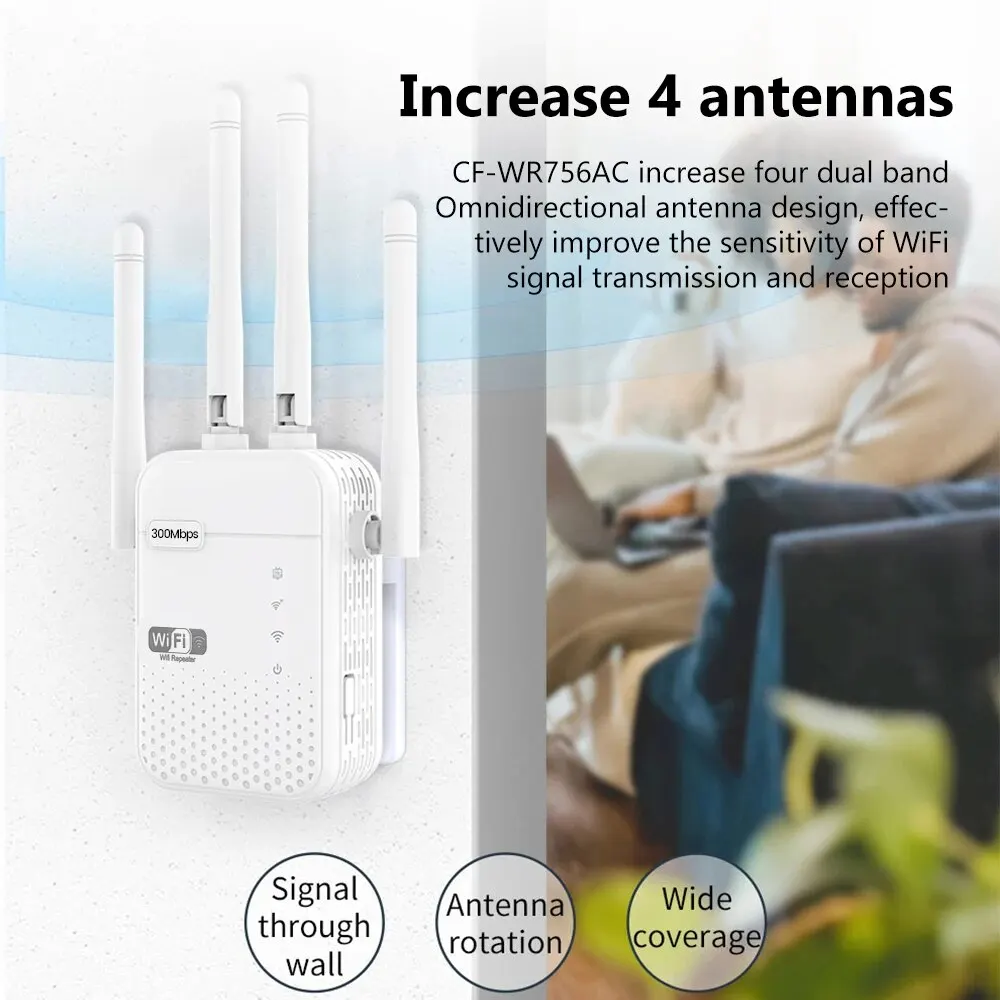
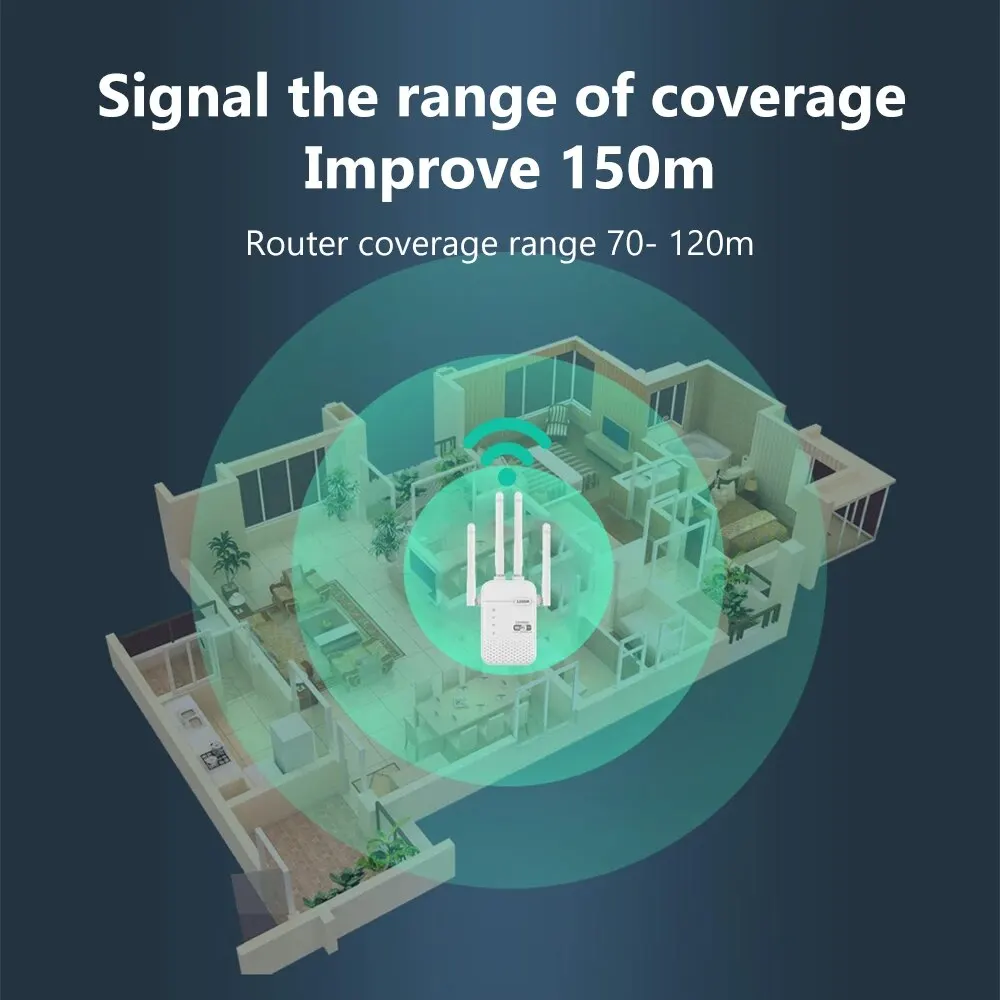
1. Signal Boosting Device: This WiFi range extender can help amplify your wifi, extend the signal to a longer distance, and eliminate wifi dead zones, so you can use the network in any area of your home. You don’t have to worry about weak signals due to distance, walls and floors.
2. Multiple Working Modes:
①Repeater mode can easily expand your wifi range without cables, which is more convenient.
②AP mode can create a new wifi hotspot for sharing, so you don’t need to disclose your private wifi.
③Router mode: amplifies the signal.
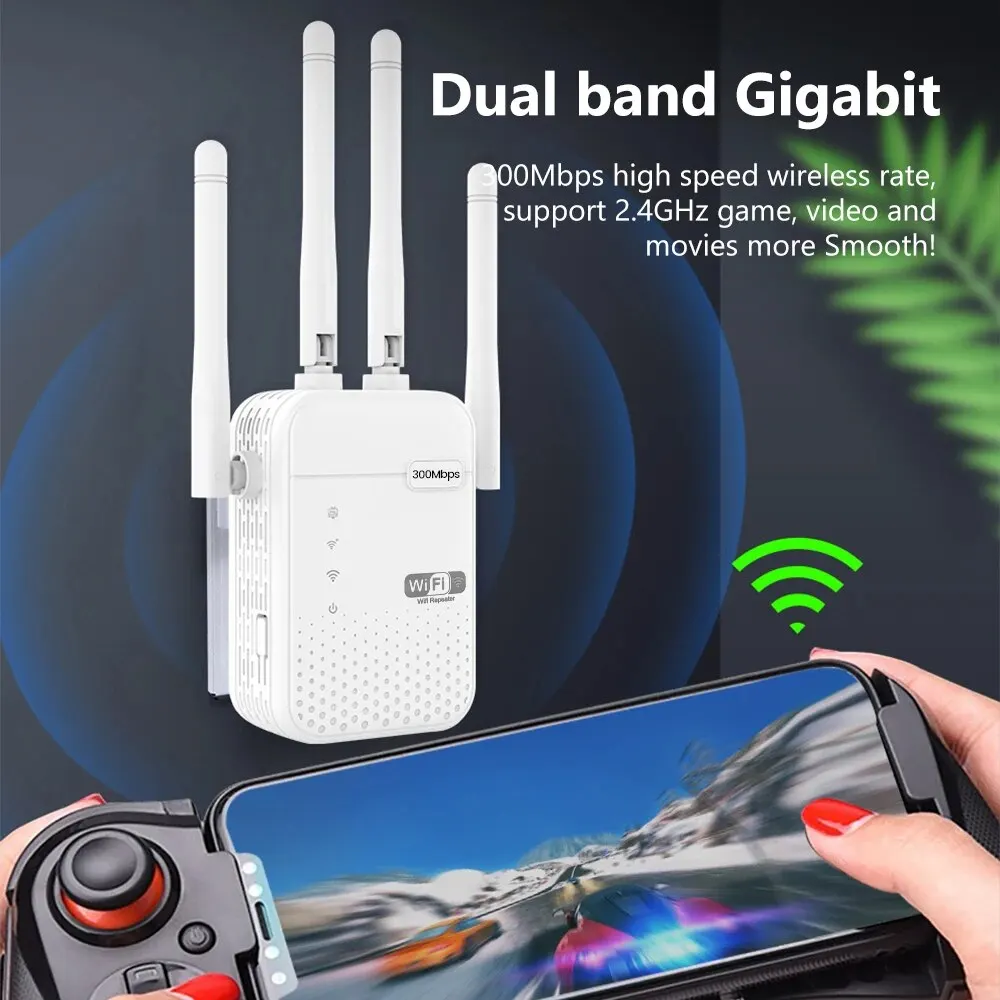
3. High Transmission Rate: 300Mbps high transmission rate, providing a smooth and stable connection for your equipment without buffering or lag. 2.4G frequency band signals can cover a longer range and provide better wall-passing capabilities.
4. Universal Compatibility: Support IEEE802.11 b/g/n standard, compatible with all related devices in the home or office, such as: TV, computer, smart phone, wifi camera, wifi smart plug and other smart home devices.
Parameters:
Material:ABS
Gross weight: 169g
Net weight: 95g
Packing size: 197*96*80mm
Product size: 180*56*33mm
Transmission medium: five types of lines
Relay distance: 100 (m)
Power requirements: 110-220V
Lightning protection: There is lightning protection
Protocol: Support IEEE802.11 b/g/n
Transmission rate: 300Mbps
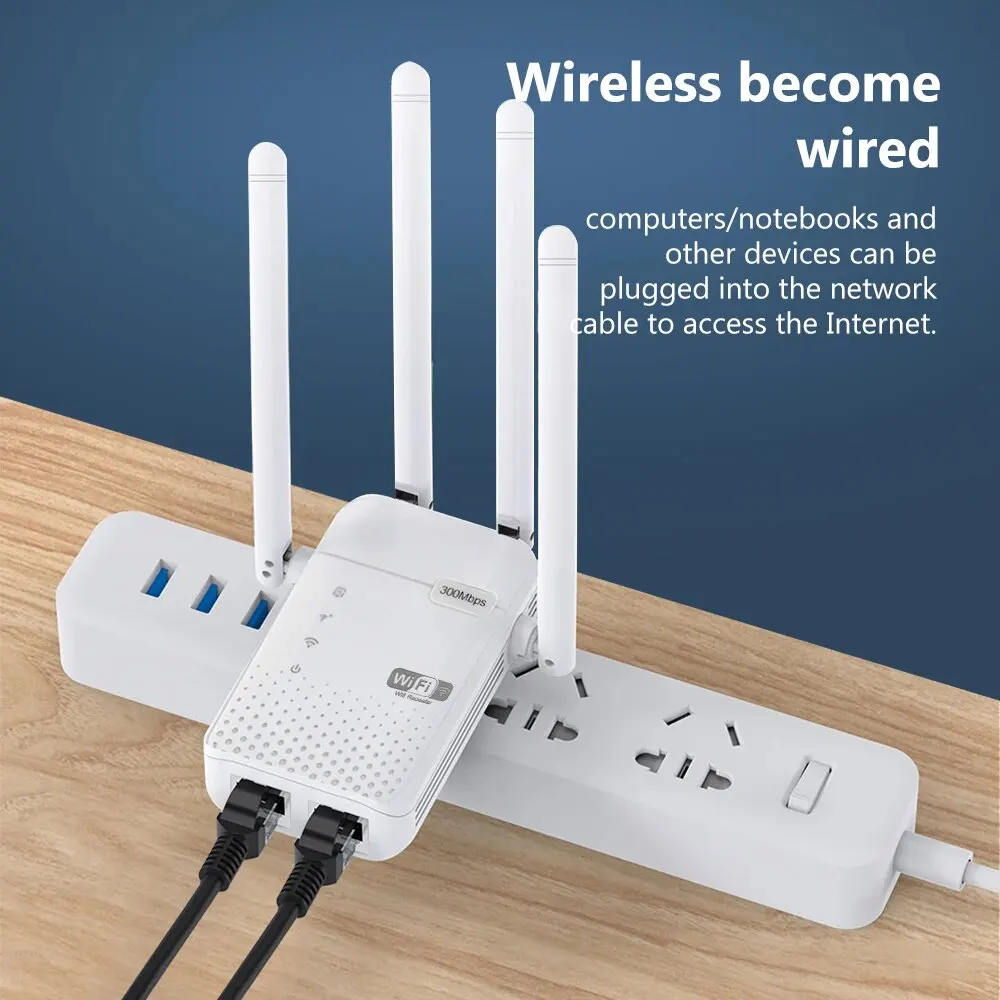
Network port: 100M x 2
Supports router, trunk, and AP modes
Note:
1. When the transmitter is plugged in and used, search for Repeater-XXXXXX on wifi of the mobile phone or computer, and after clicking the connection, it will automatically jump to the setting page (Note: If the jump interface does not appear after clicking the connection on the mobile phone, please click “Ignore this network” and then turn on wifi again to reconnect to WIFI. If this operation still does not work, you can manually enter the URL “192.168.11.1” in the browser.)
2. Use the relay mode. If the WIFI name cannot be found, try to turn the WIFI switch on the phone again. If not, press and hold the reset button on the side until the switch light flashes and releases, then repeat the above steps
3. If the AP mode is required for connecting the network cable, insert the repeater, select the AP mode, and set the password before connecting the network cable. Otherwise, the password cannot be set before connecting the network cable
4. The product is equipped with the product instruction manual. There are detailed instructions and frequently asked questions. Please use the product according to the instruction manual.


FAQ
Q1.:What should I do if I can’t access Repeater’s web management page?
A1: Make sure your computer is connected to this extended network device.
A2: Make sure your computer is set to automatically get an IP address.
A3; If the repeater is already connected to the router, it should go to the router’s DHCP client list
To get the current IP address of the repeater.
A4: Reset the repeater.
Q2: Why does the wireless transmission rate decrease while the wireless signal is stronger after the restart?
A1: In accordance with the wireless transmission protocol, all repeater devices are set to work in half duplex mode, rather than full duplex mode, in other words, the repeater is in one-way communication between the wireless router (or AP) and the terminal client; Therefore, the transmission time will double and the speed will decrease. When your home network connection is poor, or when you want greater wireless coverage to eliminate “dead zones”, it is recommended that you restart the extender.
Q3: Why can’t a device connected to the repeater get an IP address from the repeater and access the Internet?
A1: Perhaps wireless MAC filters, wireless access controls, or access control lists are enabled on your parent router.
To fix this, log in to your router and disable MAC address filtering, wireless access control or remove the control list.
A2: The repeater has not successfully connected to your router, please reset the repeater and reconfigure it.
A3: The IP address of the router is occupied or the number of wireless devices connected to the route has reached the upper limit. Please restart the router
Router, then reset the repeater and reconfigure.
Q4:WPS Setup (One-click quick Setup) method?
A1:WPS is a one-click shortcut setting. The condition of using WPS is that the router also supports WPS.
Trunk to enter the boot state, short press the WPS button; Then press the WPS button on the router again.
This allows automatic matching between the repeater and the router. If the match is successful, the repeater automatically starts and expands the router signal. The extended name is added with “-ext” after the router name by default, and the connection password is the same as that of the router.
Q5: What if I want to set a new extension name and password?
A1: Use the reset pin to press the reset button for 10 seconds, the power light will blink, the machine will be restored to factory status, and the extension and password can be set again.







Customer –
AaaaaaaaaaaAAAAAAAAAAaaaaaaaaaaaaaaaaaaaaaaaaaaaaaaaaaaaaaaaaaaaaaaaaaaaaaaaaaadfghfrguuffhiytgjoigg
O***z –
I need more time to carry out the installation, since it will be installed in the House that we have in the village.
M***s –
I haven’t installed yet, but it will be good
M***g –
Easy to set up and boosts signal quite well. Love it.
A***h –
Very nice range for its price
I***i –
Good quality and fast delivery!
R***a –
Arrived quickly to Colombia, we need to try but everything looks as the publication indicates, I recommend the seller
E***N –
I still don’t taste it but it’s in perfect condition. It looks good. I hope it works
A***n –
Thank you very much
M***a –
I am positively surprised with the device. Simple instruction. Easy installation.
E***z –
I arrived well packed all excellent
R***s –
ok
D***c –
Simple and easy to use interface. Was surprised how good the range is on this extender. Thank you
J***a –
Working perfectly so far.
X***a –
Good condition
G***i –
Good!