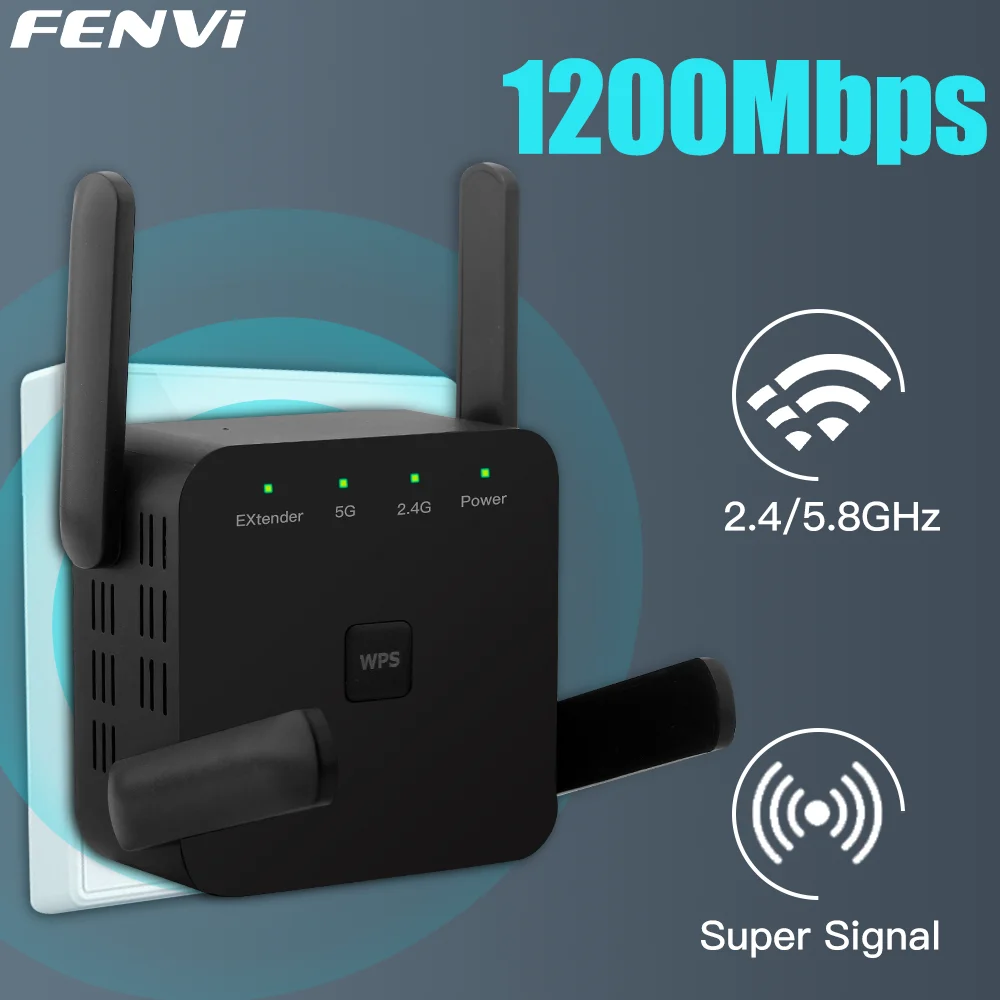
FENVI 5GHz AC1200 WiFi repeater 1200Mbps router black WiFi extender amplifier 2.4g/5GHz Wi-Fi signal booster long range Network Access Point
location like kitchen, washing room, bed room, yard, garage, etc.
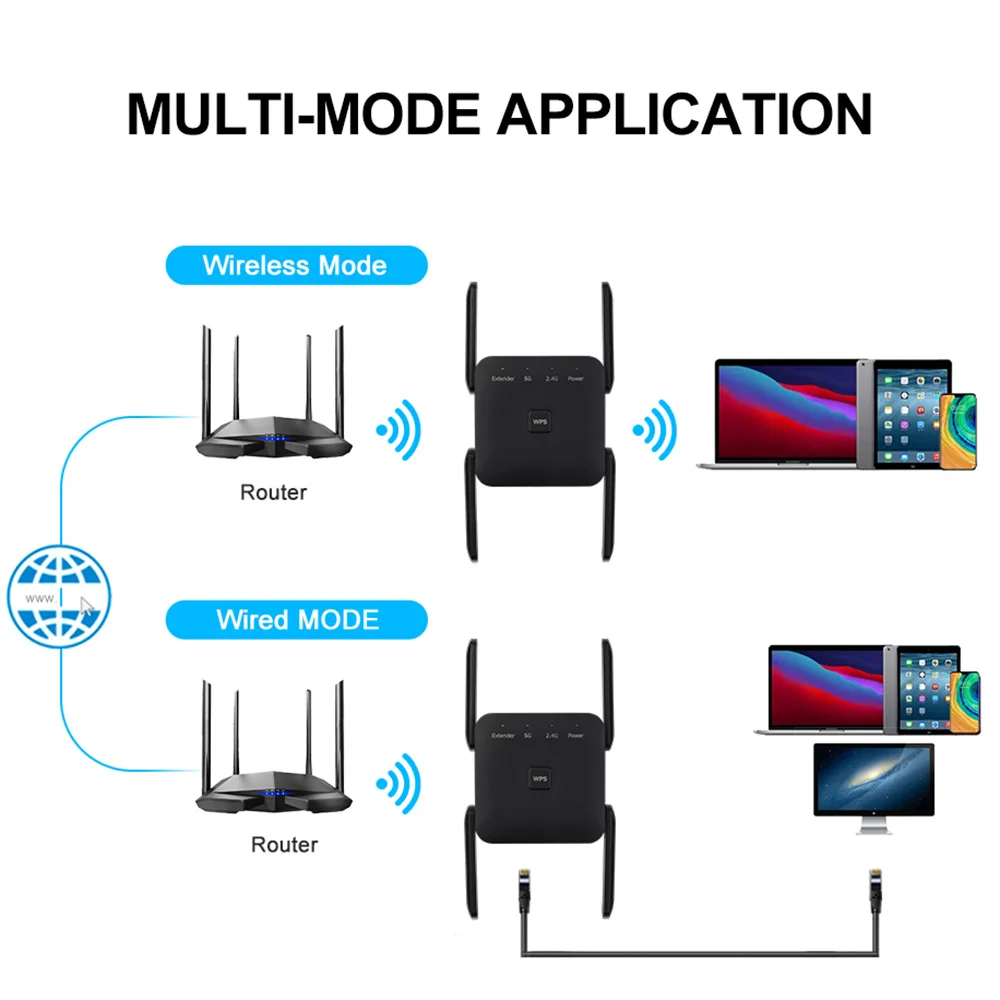
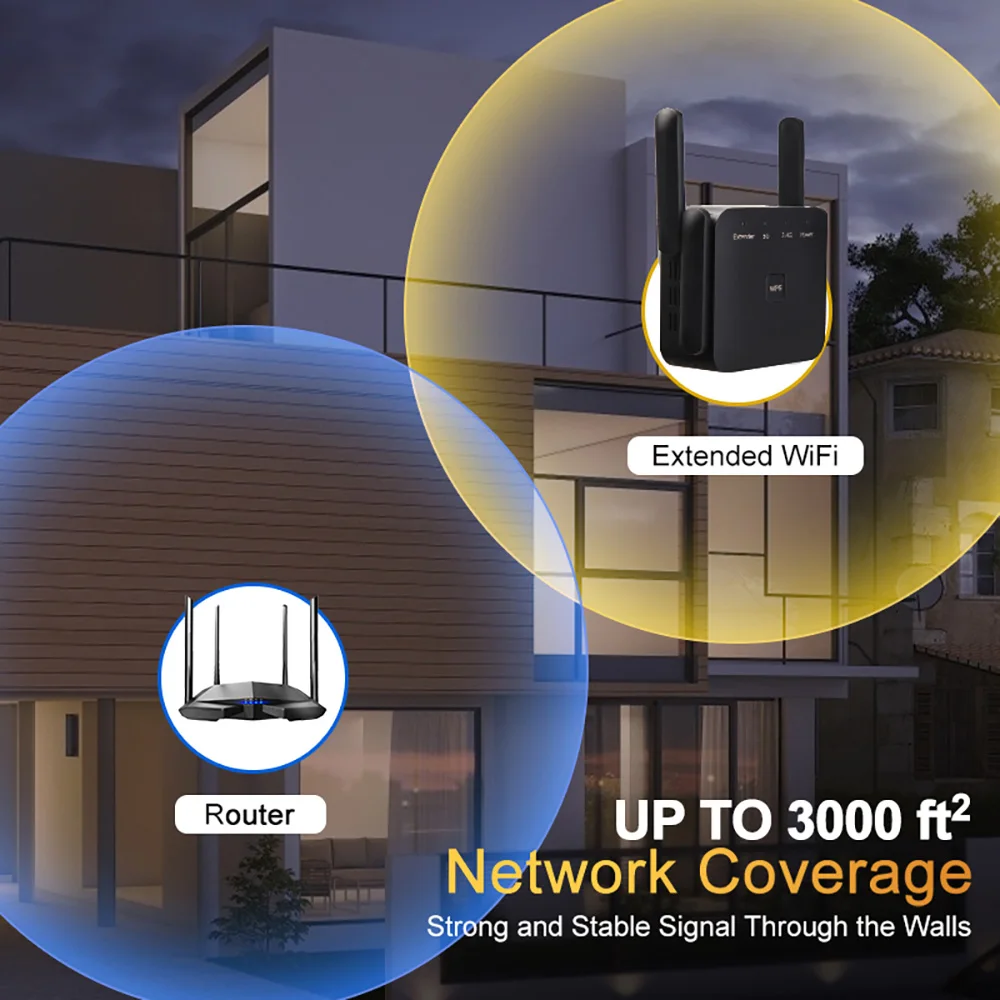
1.【Expand Your WiFi Range】: Wi-Fi range extender works for expanding WiFi signal of main router to further rooms, completely covers network dead zones with stronger signal, optimize your home wireless coverage.
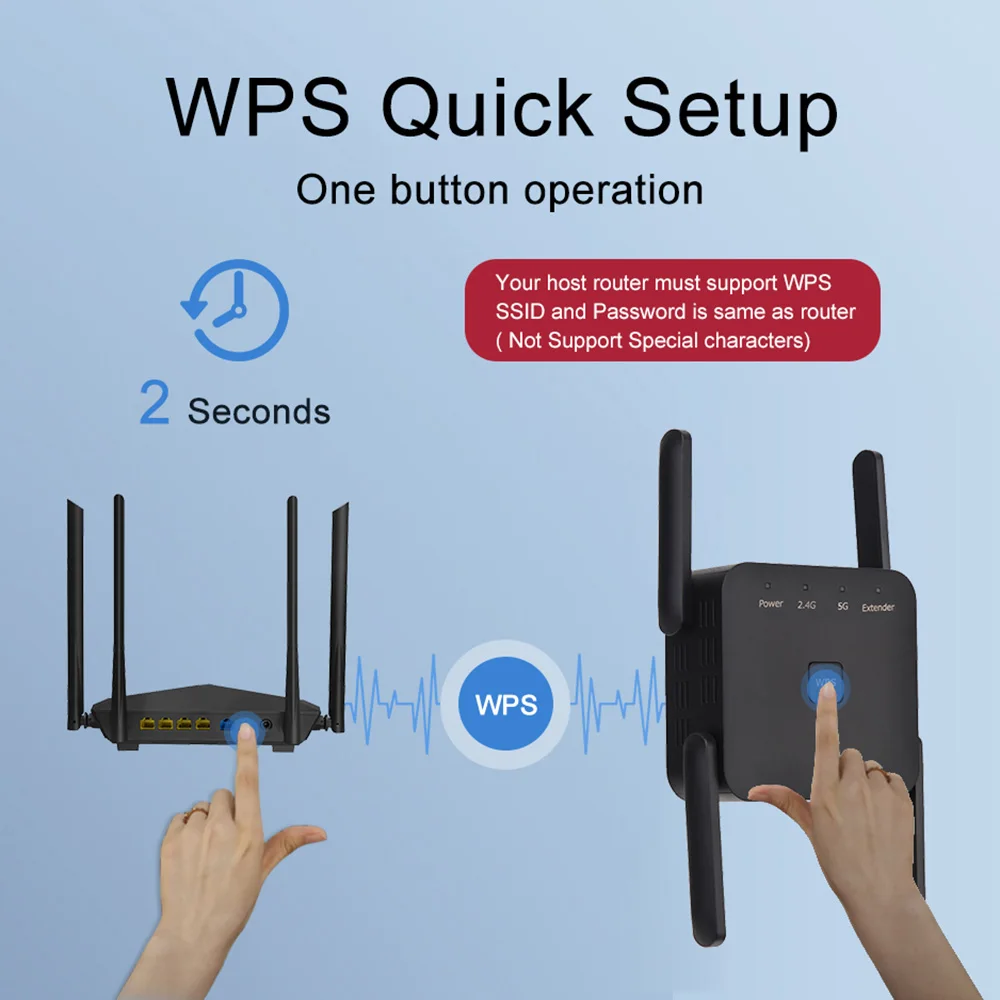
2.【Easy Setup】: Plug and play, wall-mounted design with mini size, follow the user manual to set up easily, no complex steps and tech expert required.
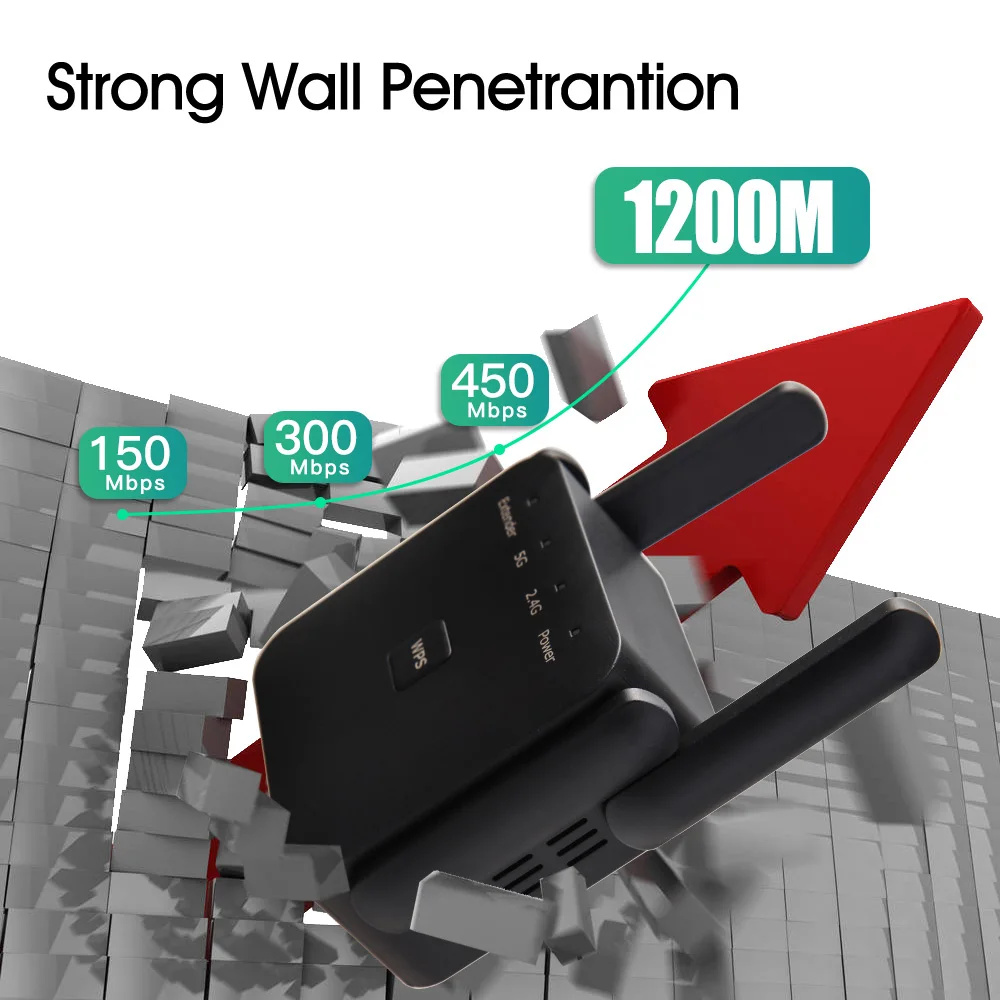
3.【High Performance】: Support wifi signal extending through the wall; the extending distance can be up to 100ft,no more dead zones in your smart home life(speaker / monitoring / TV / doorbell / thermostat).2 External antennas for better performance, reliable wireless N network speed up to 300Mbps covering your bedroom, floors, restroom, garage and garden.
4.【Wide Compatible】: Works with any wireless router or WiFi system on the market. Up to 300Mbps 2.4Ghz wireless speed rate. Supports all devices including Smartphone, iPhone, iPad, Tablet, Laptop, Desktop, Smart TV, TV Box, Alexa, wireless security cameras etc.
1) The passwords of your repeater are as same as your router’s.
2) Poor signal connection may cause slow speeds or dropped connection.
3) If do not see desired wireless network, you can move the range extender closer to the router and scan again as it may be out of range.
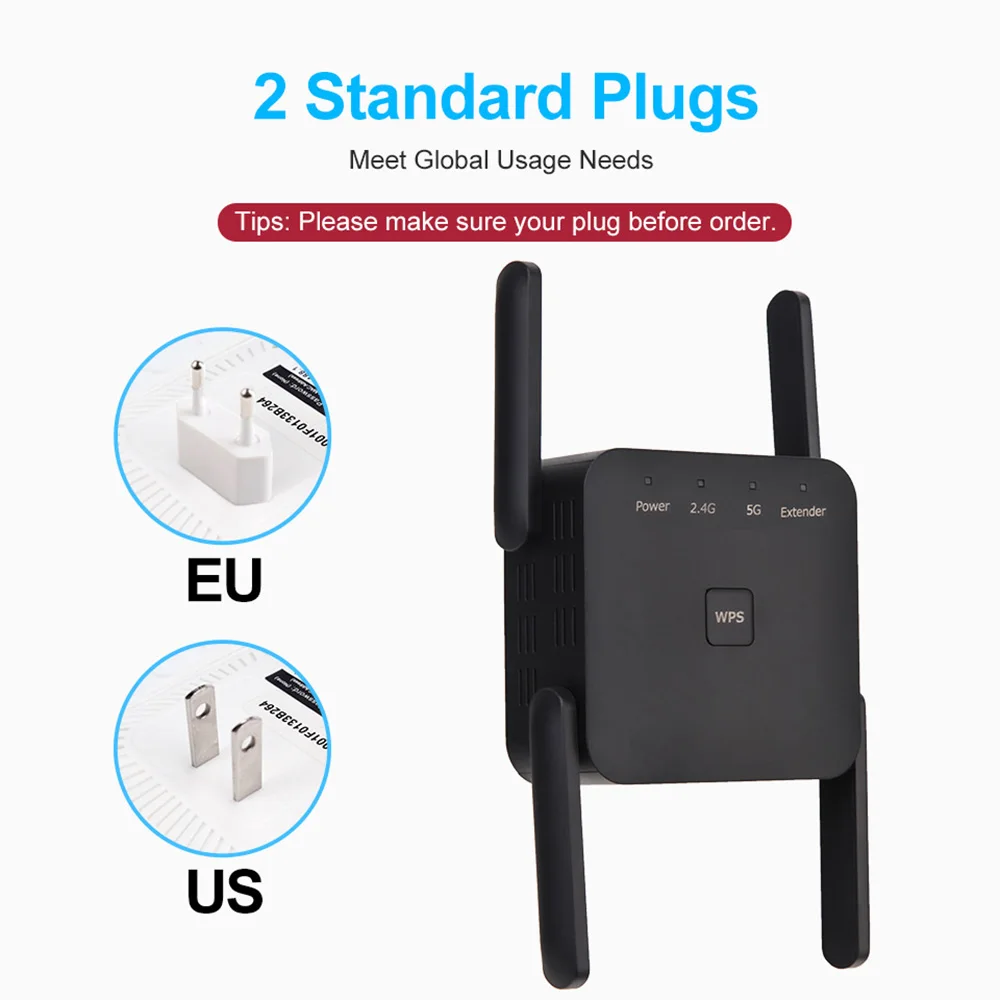
There are two Versions , 5G 1200Mbps Repeater With 4 Antennas EU Plug & US Plug. Please choose carefully
 Q&A
Q&A
Q1. Can’t connect to internet after finished setting ?
A1. Please check whether you enter the same password as your router, and check is there any special characters in it, such as *&^%$#@!. If yes, please change your router password. Repeater can not identify special characters.
Q2. How to reset the repeater ?
A2. Please long press the reset button for 10 seconds under powered. ( NOT WPS button, the reset button is at the side)
Q3: What should I do if I cannot access the Repeater’ s web management page?
A1: Make sure your computer is connected to the extended network.
A2: Make sure your computer is set to obtain an IP address automatically.
A3; If the Repeater has connected to the router,you should go to your router’ sDHCP client list to obtain the Repeater’ s current IP address.
A4; Reset the Repeater.
Q4: Why does the wireless transmission rate speed down,when the wireless signal is stronger after repeated by the Repeater?
Repeater has to process one-way communication between your root Wireless
A1: In compliance with the wireless transmission protocol,all the Repeater devices are set to work in half-duplex instead of full-duplex mode.In other words,therouter(or AP) and the terminal clients; so the transmission time will be double-increased,while the speed will be decreased.Recommends that you connect to the extender when your home network connection is poor ,or when you want a larger wireless coverage to eliminate’ dead zones”
Q5: Why the devices connected to the Repeater cannot get an IP address from the Repeater and cannot access the Internet?
A1; Maybe you enabled a wireless for MAC filter ,wireless access control,or access control list(ACL) on your router. To solve this problem,please log into your router and disable the for MAC filter,wireless access control or ACL.
A2; Maybe the Repeater has not been successfully connected to your router,please reset the Repeater and Reconfiguration.
A3;Maybe the IP address of the router is occupied or the wireless device connected by the router has reached the limit. please reboot your router,then reset the Repeater and Reconfiquration.




P***o –
Strong wifi signal stability across walls.coverage distance of 10meter approx. a very good investment one button setup.
l***o –
Very good
j***s –
Arrived in perfect condition in your box the item is very easy to program and works very well
E***n –
The product arrived quickly and in good condition… It seems to be of good quality for its price.
A***a –
Works great 👍🏼
a***r –
Amazing how low the price was, I think I paid about 10 dollars for it and didn’t expect much but it works just as good as another 5g wifi extender that I bought for my son from a local store which was 57 dollars. Would highly recommend getting this. If you live in the US ask for US plug. Only thing I would caution is when setting up you can’t use special characters in WiFi password which I had to change, no big deal though. Grab yourself one of these if you need 5g with Ethernet going to PC. Awesome product.
v***V –
Fast delivery, packaging Ok and product as described. Easy installation, manual in English but nothing complicated, just put the MDP of your box and the signal is repeated in less than a minute. Suitable for the use I needed: extend 8/10 meters.
A***n –
Fast shipping! The packaging is not very good, it only comes with a very thin cardboard box that has arrived in a corner, but the product seems to be fine. It comes with a skewer to remove mobile cards and a small instruction manual in English. Need to prove it!
C***z –
It arrived very well packed and in perfect condition it looks good quality just need to try it
a***r –
Looks like it’s going well👍It’s the cheapest I ‘ve seen 5G
R***k –
It’s actually works with no issues
i***a –
The use of the device is very easy. Do the purchase according to the type of electrical connections in the country. In my case I asked with US-Plug input
R***l –
Excellent repeater, the download speed of 100 MB is the same as my modem.
A***l –
At the moment it works, although it heats up a lot, let’s hope it lasts.
J***r –
It is in test, it was very easy to connect it, we just wait to see its performance and durability since it happens that they do not last long but for the moment everything to the 100