
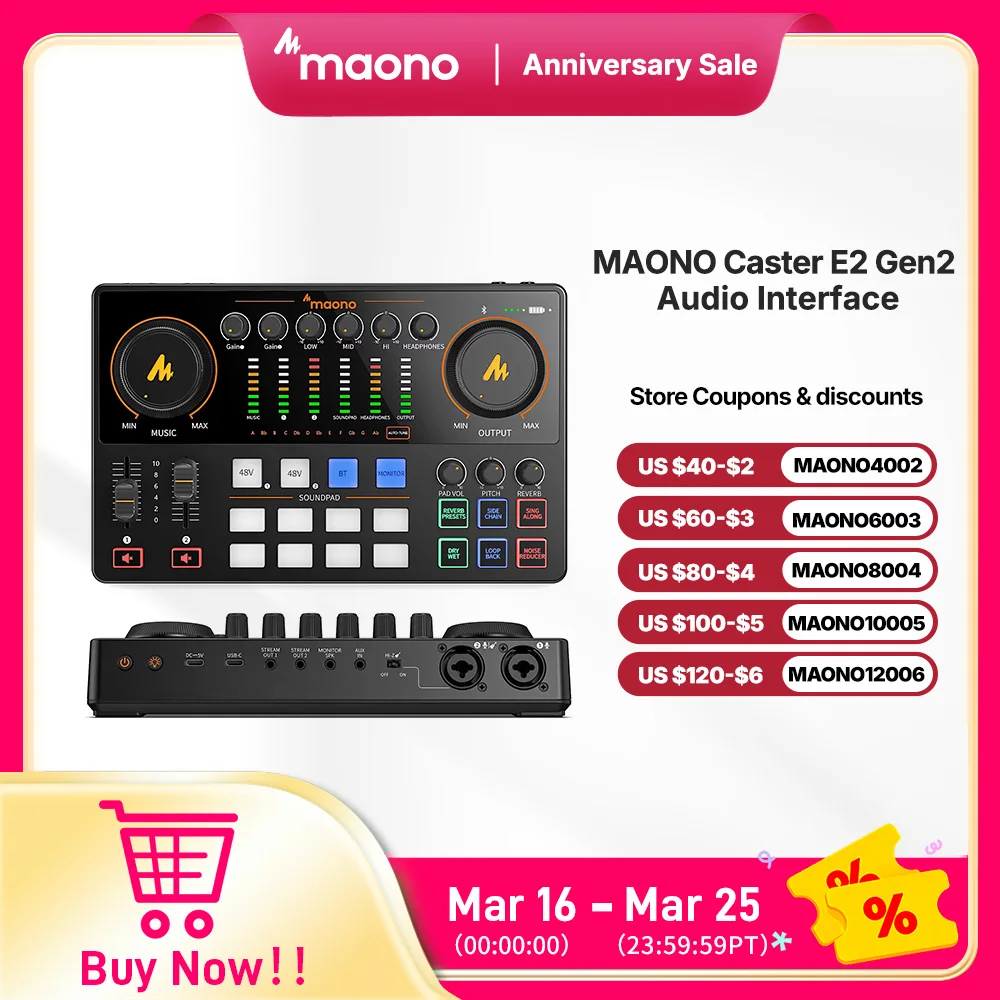


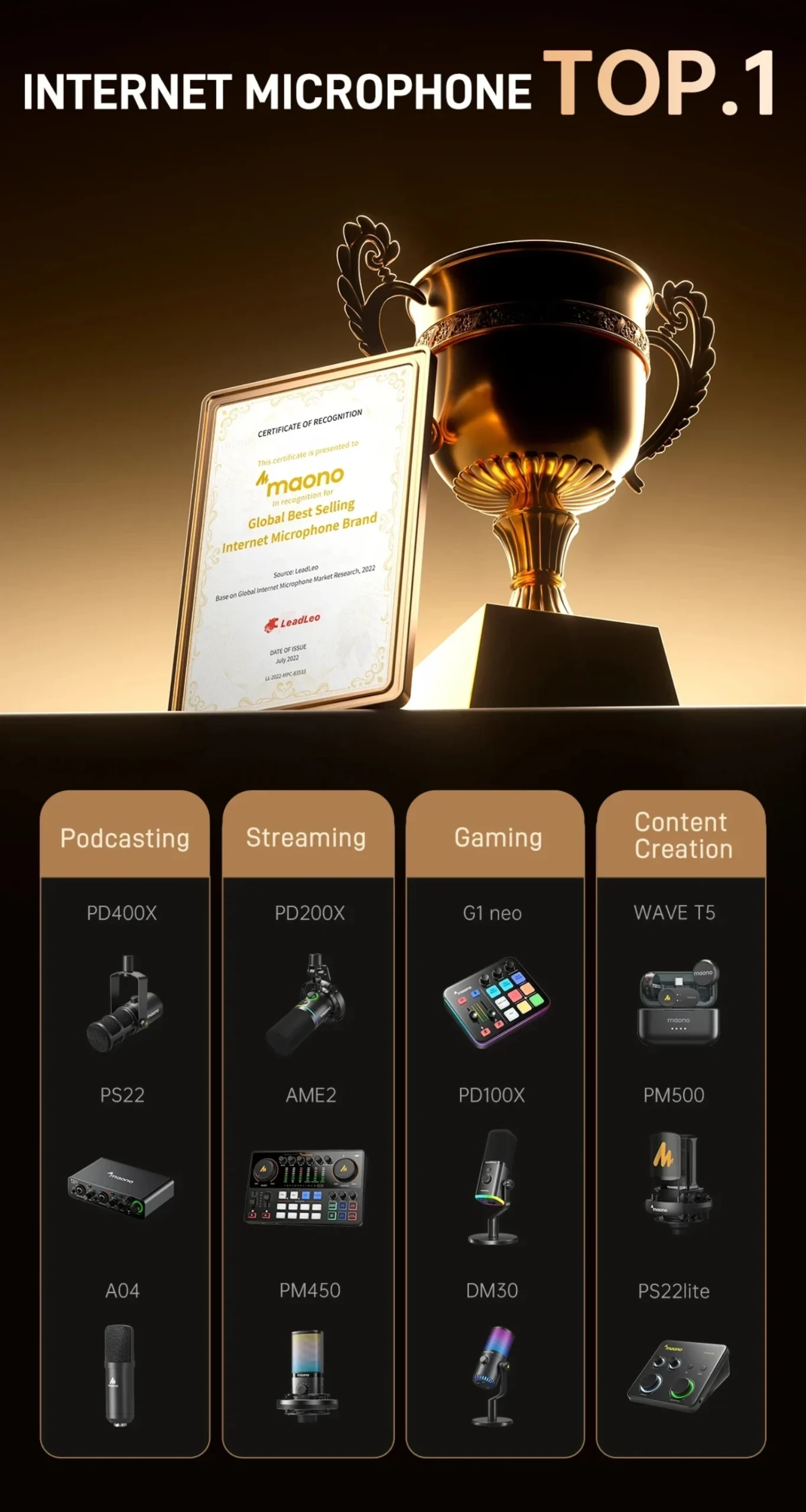
MaonoCaster E2 Gen2 Audio Interface Mixer with Dual XLR Inputs and 8 Sound Pads
Price range: $144.99 through $169.99
MaonoCaster E2 Gen2 Audio Interface with Dual XLR Input for Dual Podcast Live Streaming Gaming Audio Interfaces Sound Card
Product description:
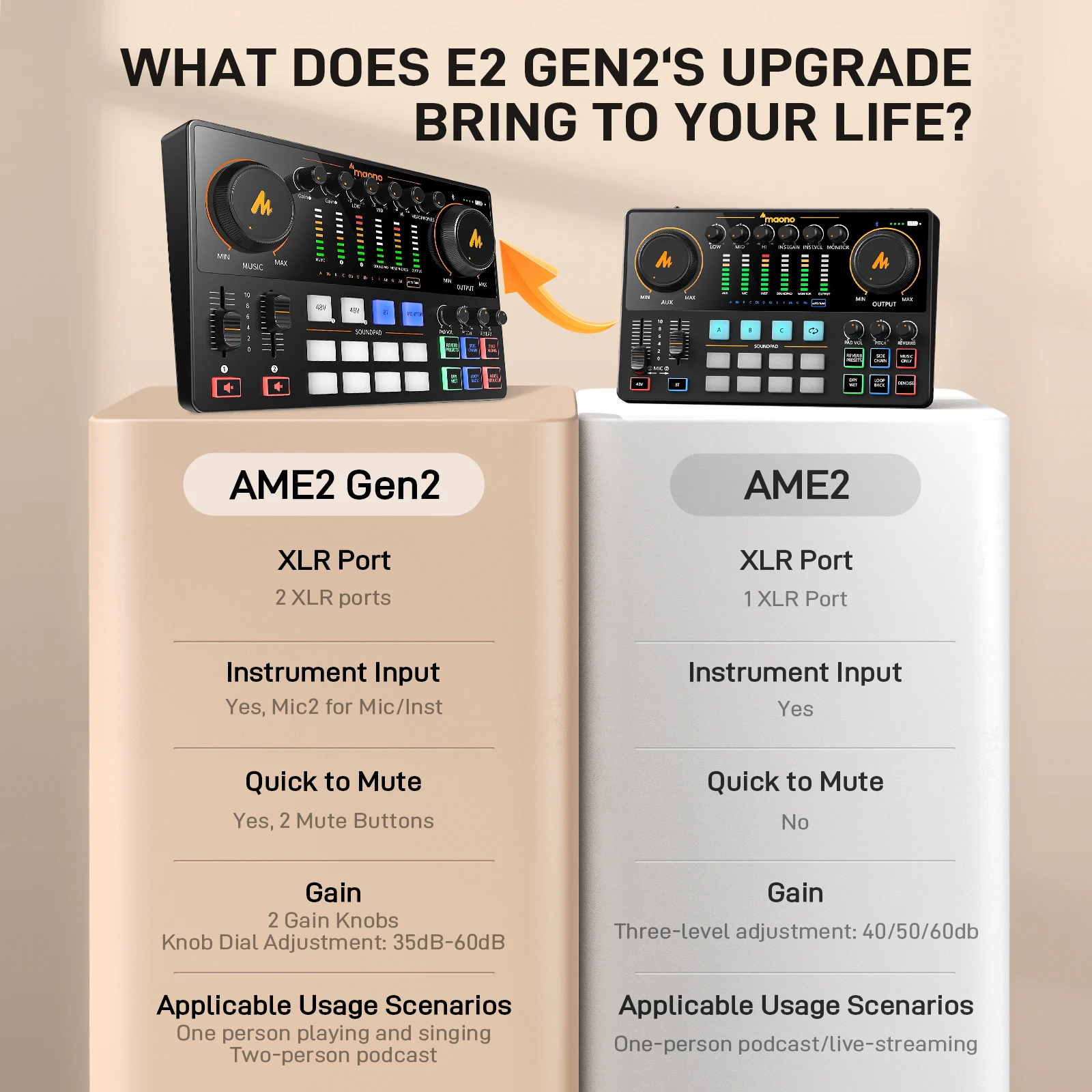
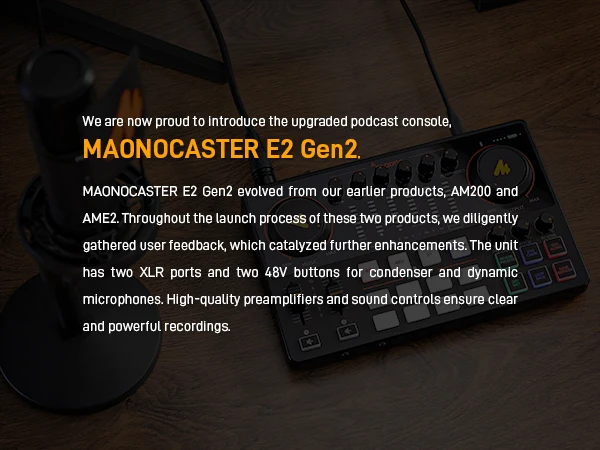
The Maonocaster E2 Gen2 is an upgraded version of our popular podcast and streaming audio console, the E2.
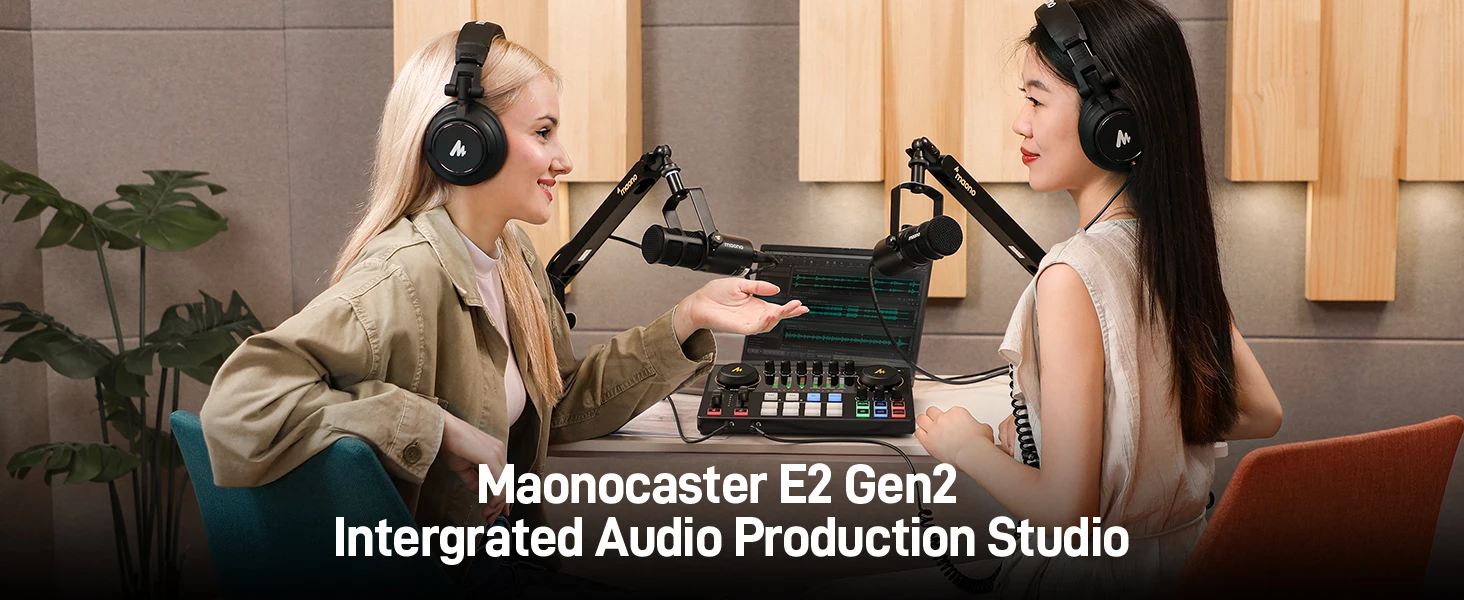
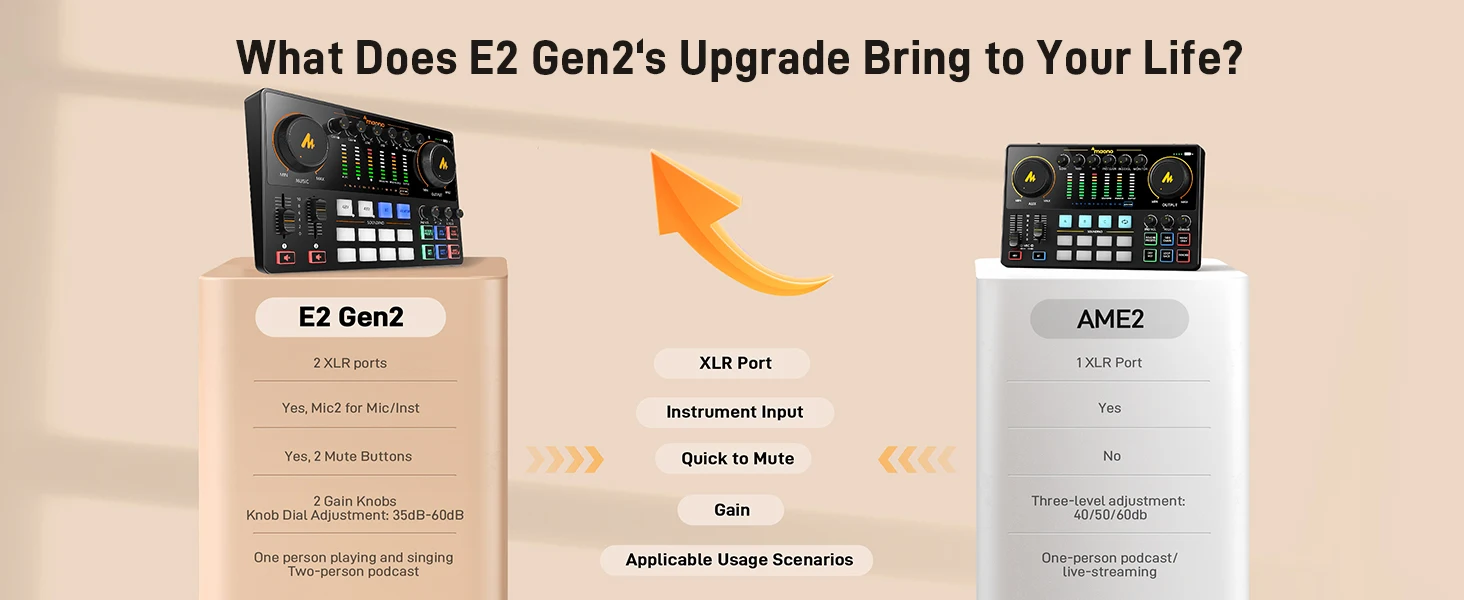
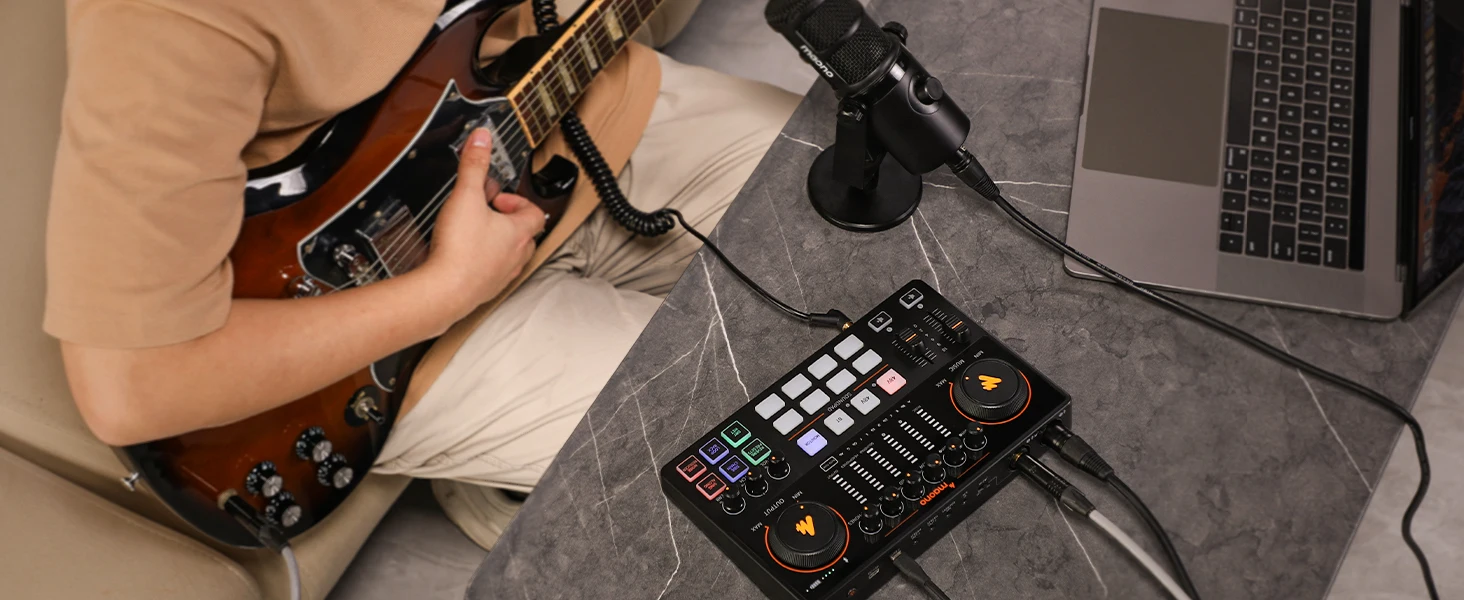
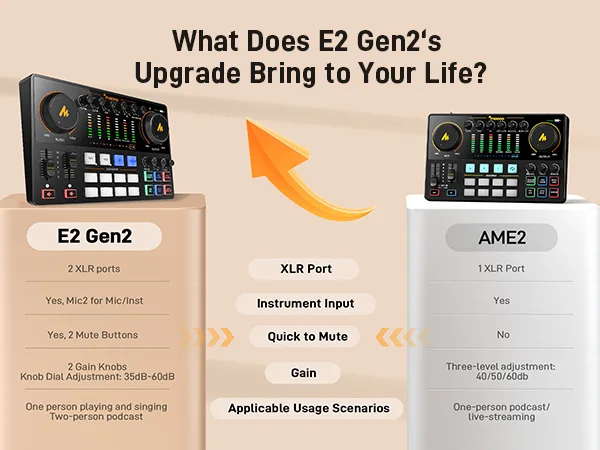
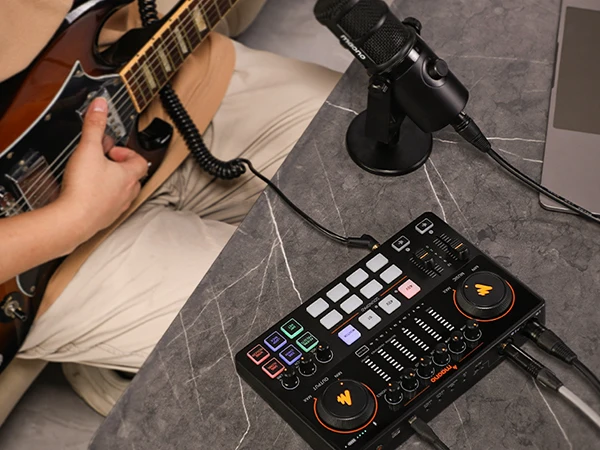
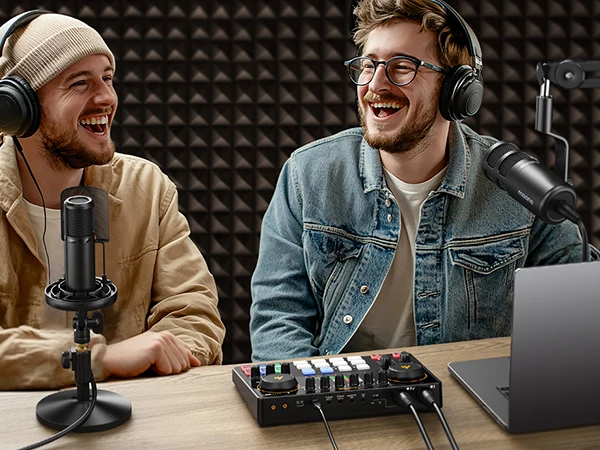
It now features dual XLR microphone inputs with dedicated controls for two-person recording, a direct monitor switch, and two mute buttons to further improve user experience and streamline workflows. The E2 Gen2 supports Bluetooth, AUX-In, and music instruments for background music. It also includes eight programmable soundpads to enhance content creativity. Whether you’re an experienced podcaster, streamer, musician, or content creator exploring the world of audio, the Maonocaster E2 Gen2 is your ultimate companion.
Product Features:
-
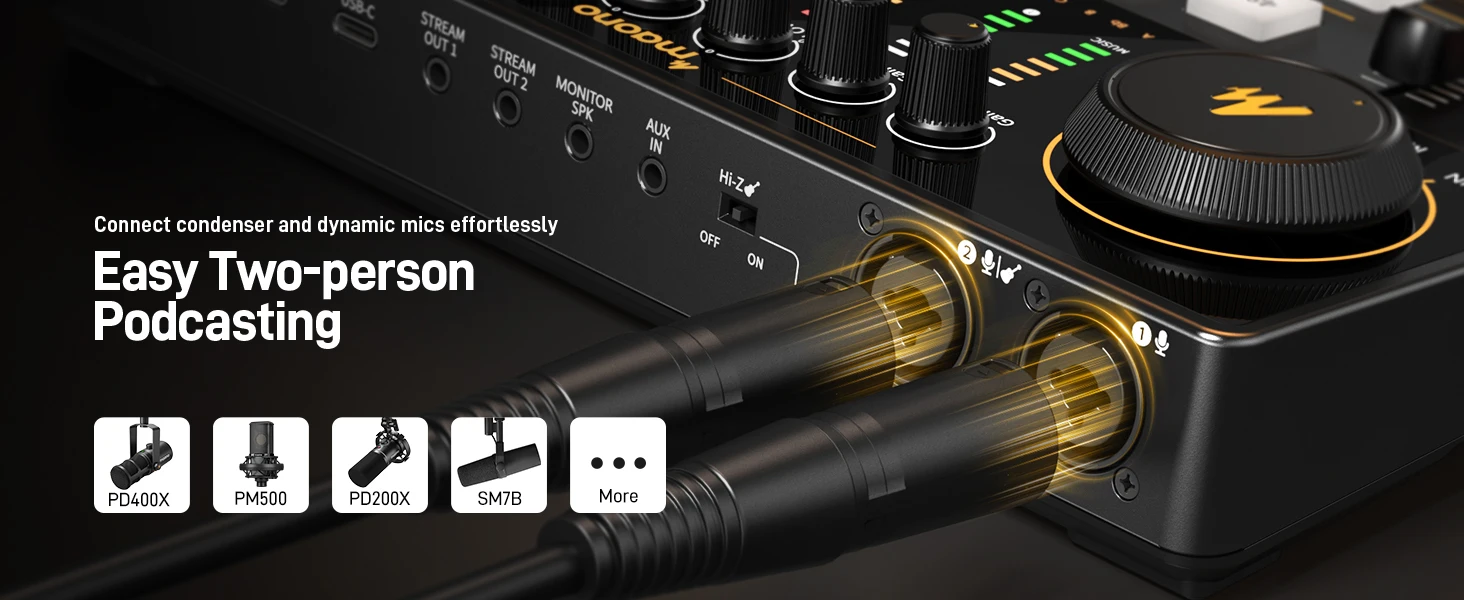
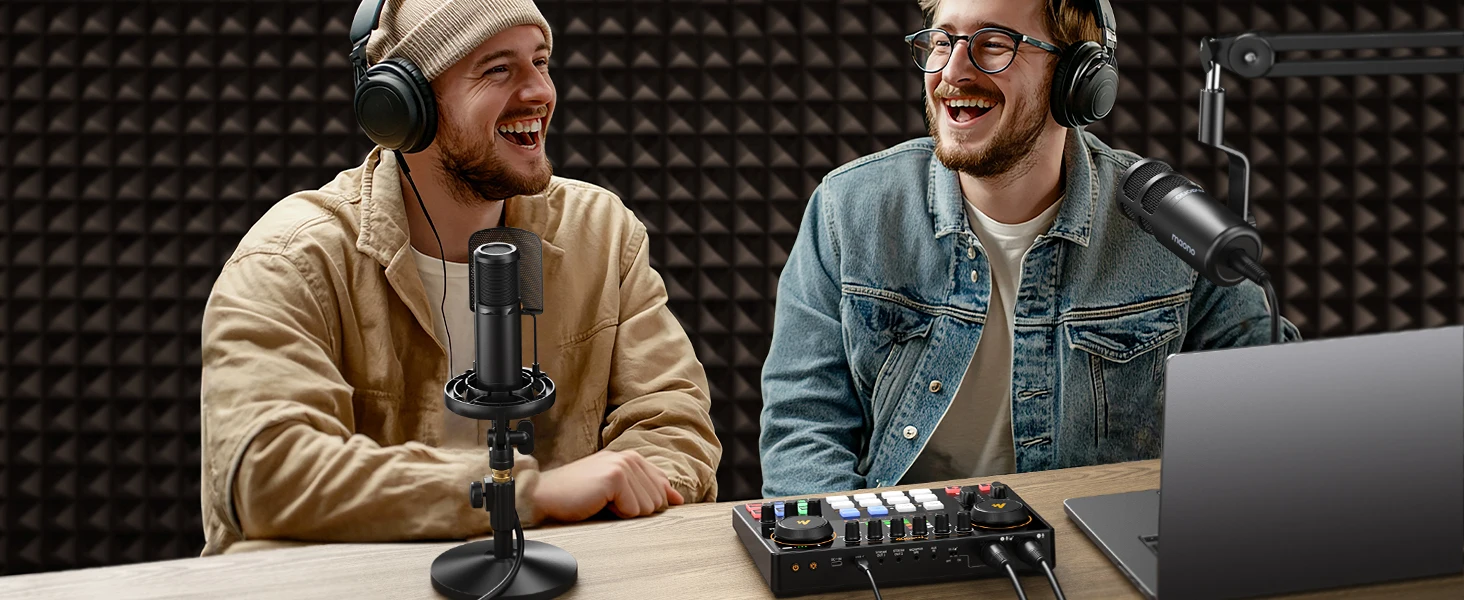
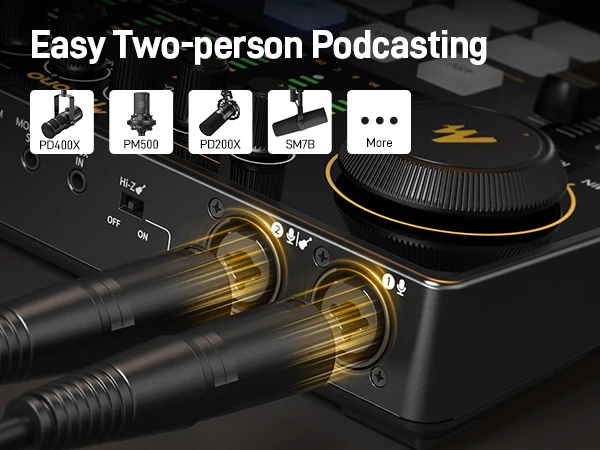
Dual XLR microphone input for two guests
-
Instrument and AUX input to enrich your content
-
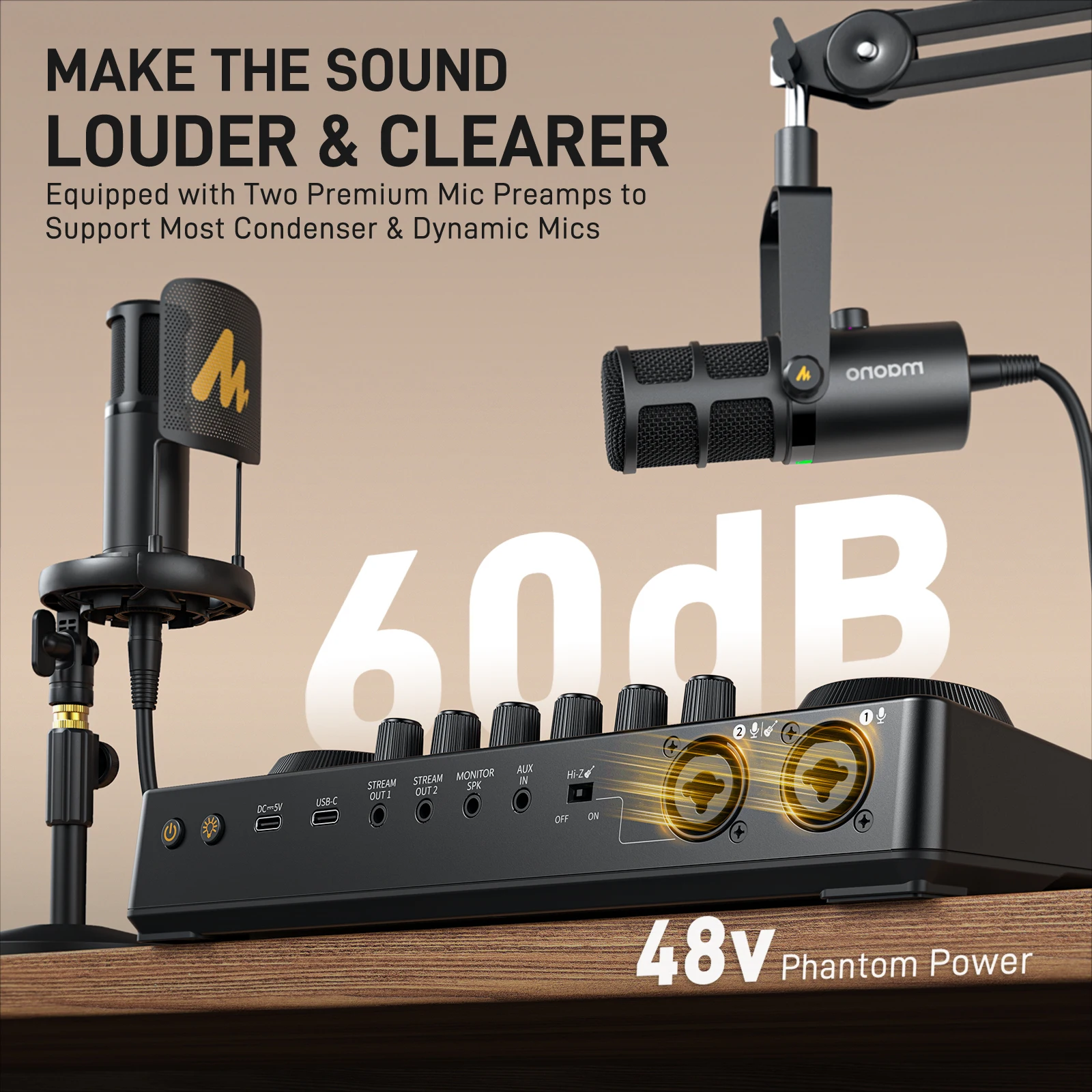
+60dB Powerful microphone preamp
-
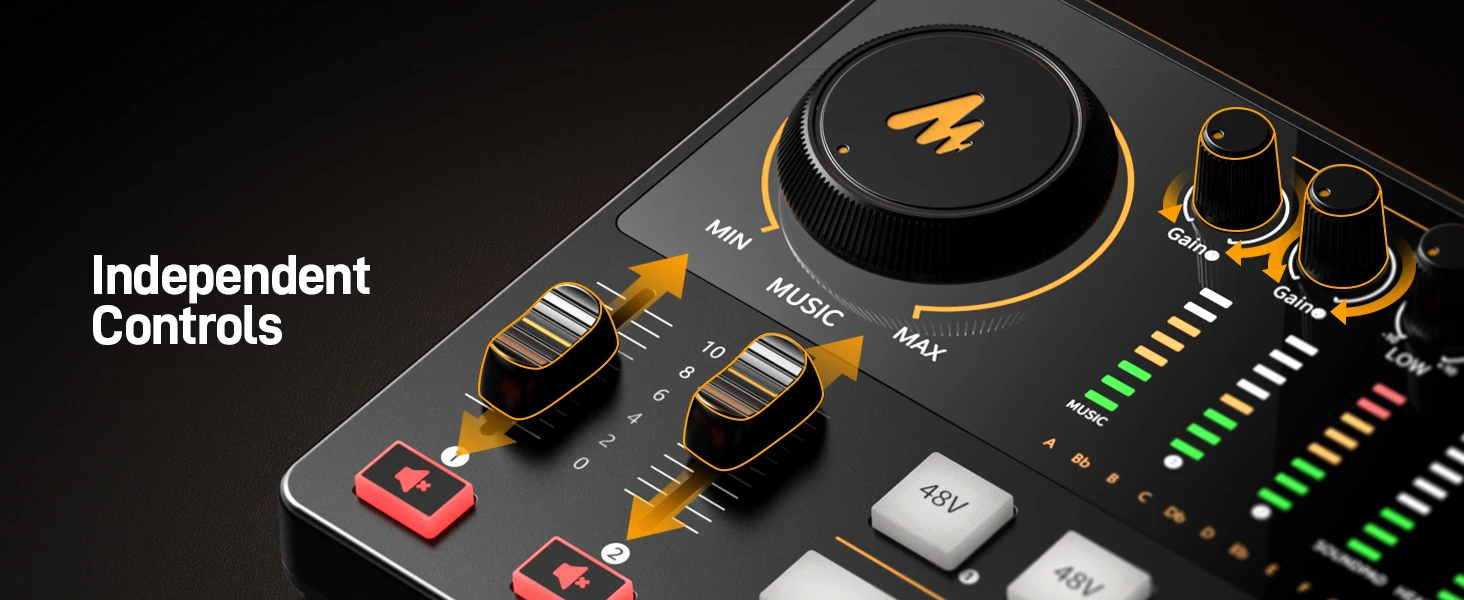
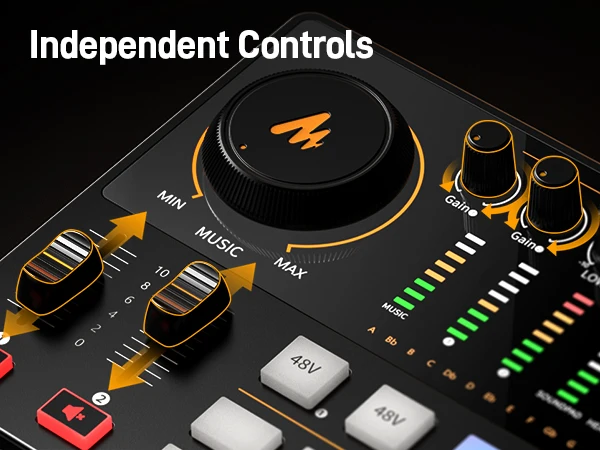
Independent microphone and accompaniment volume control
-
Side chain feature to emphasis vocal
-
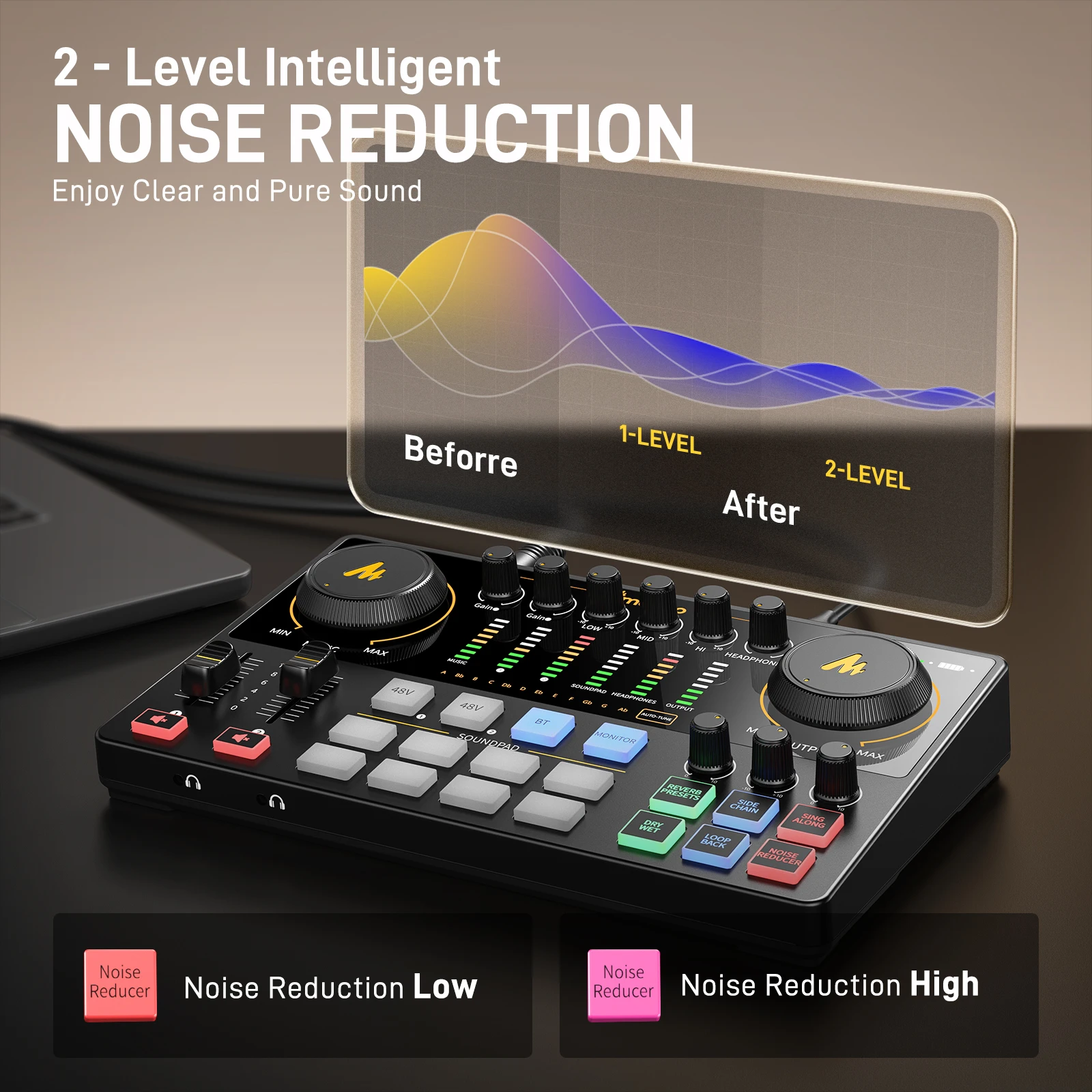
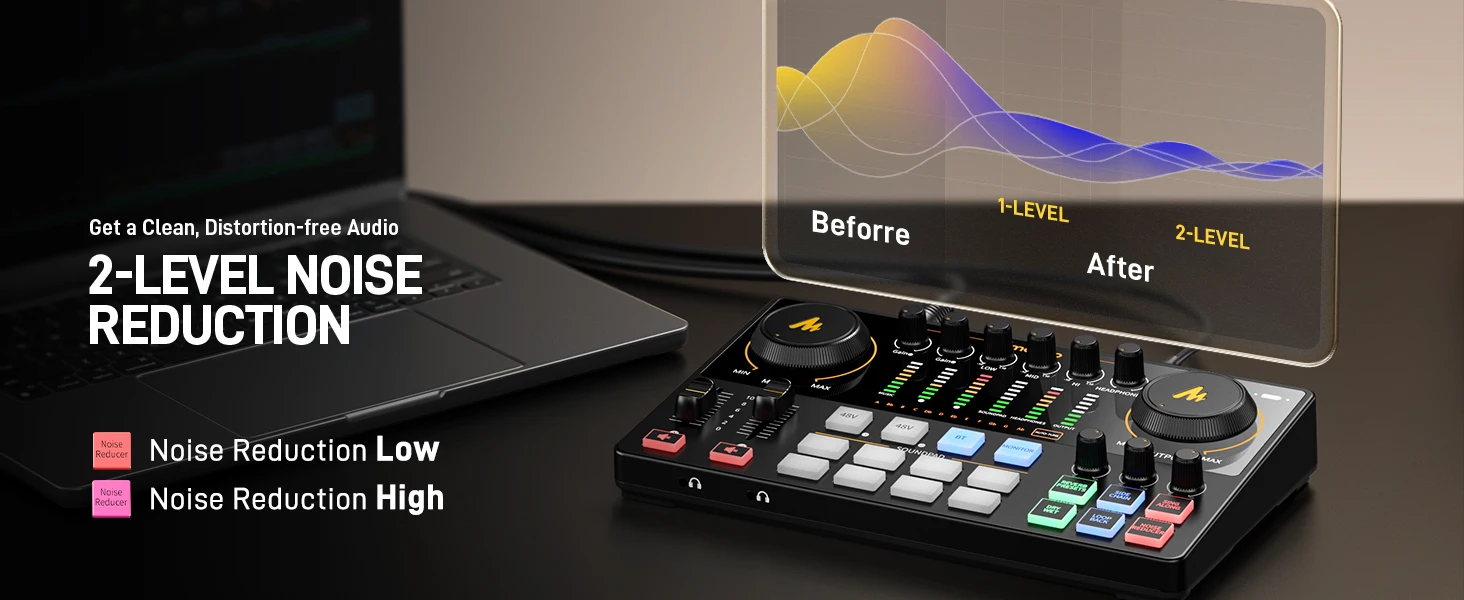
Advanced noise cancelling algorithm to reduce ambient noise
-
Two analog and one USB outputs stream to multiple devices
-
USB-C for easier connection with computer and charging
-
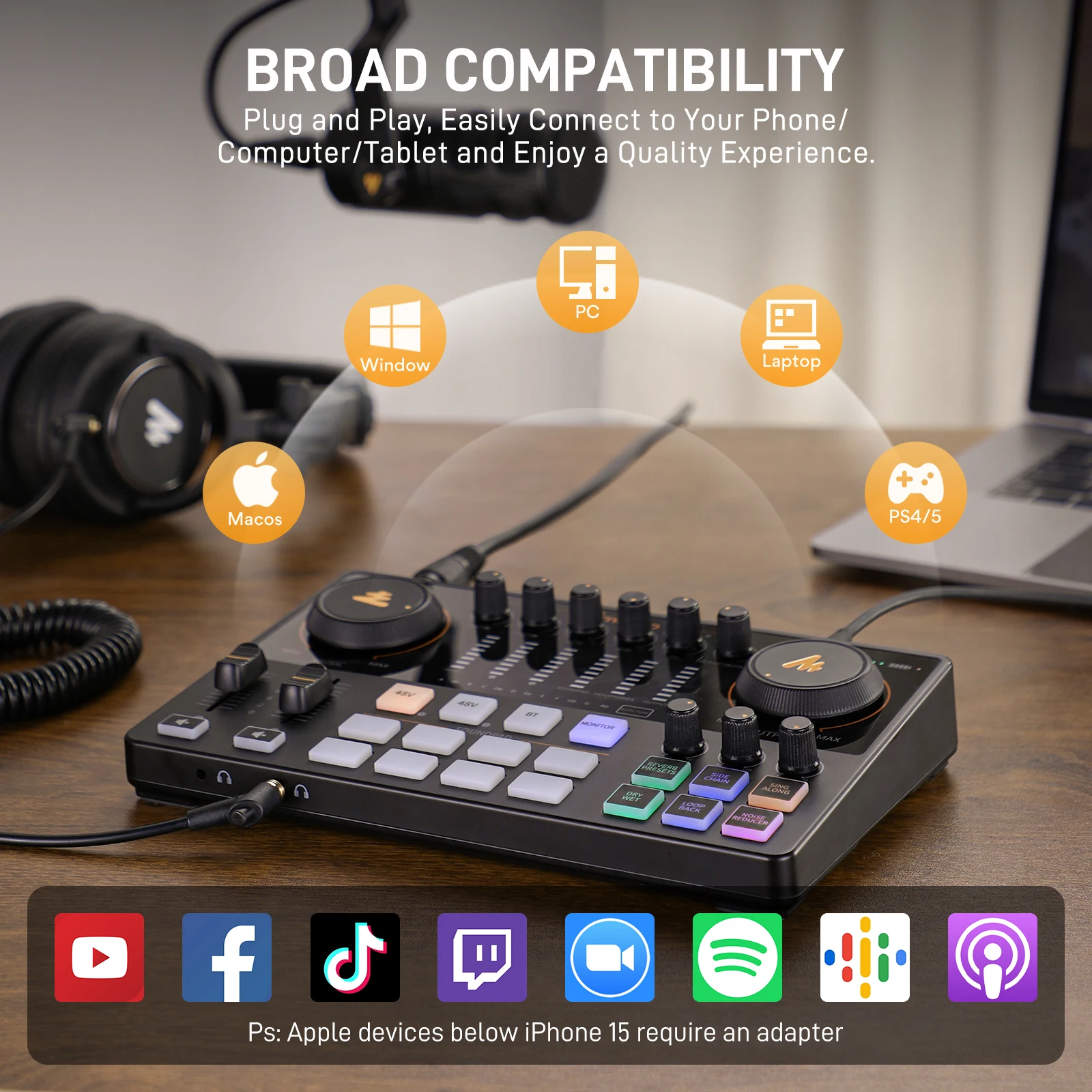
Compatible with Windows and macOS
-
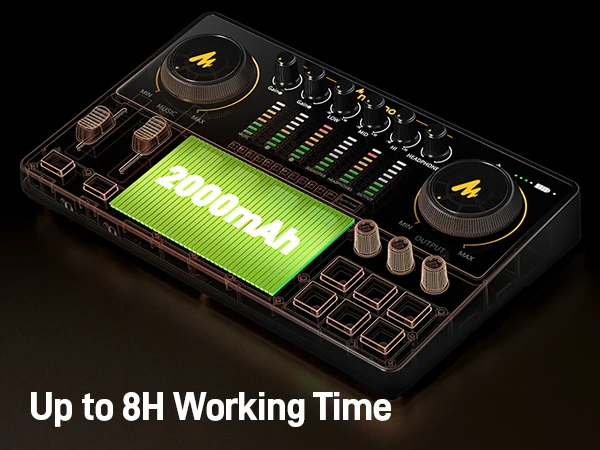
Built-in Battery, up to 8 hours of off-grid operation
-
+48V Phantom power support for XLR condenser Microphone
-
12 levels auto-tone control more accurate vocal
🎙️ Upgraded All-in-One Podcasting Bundle
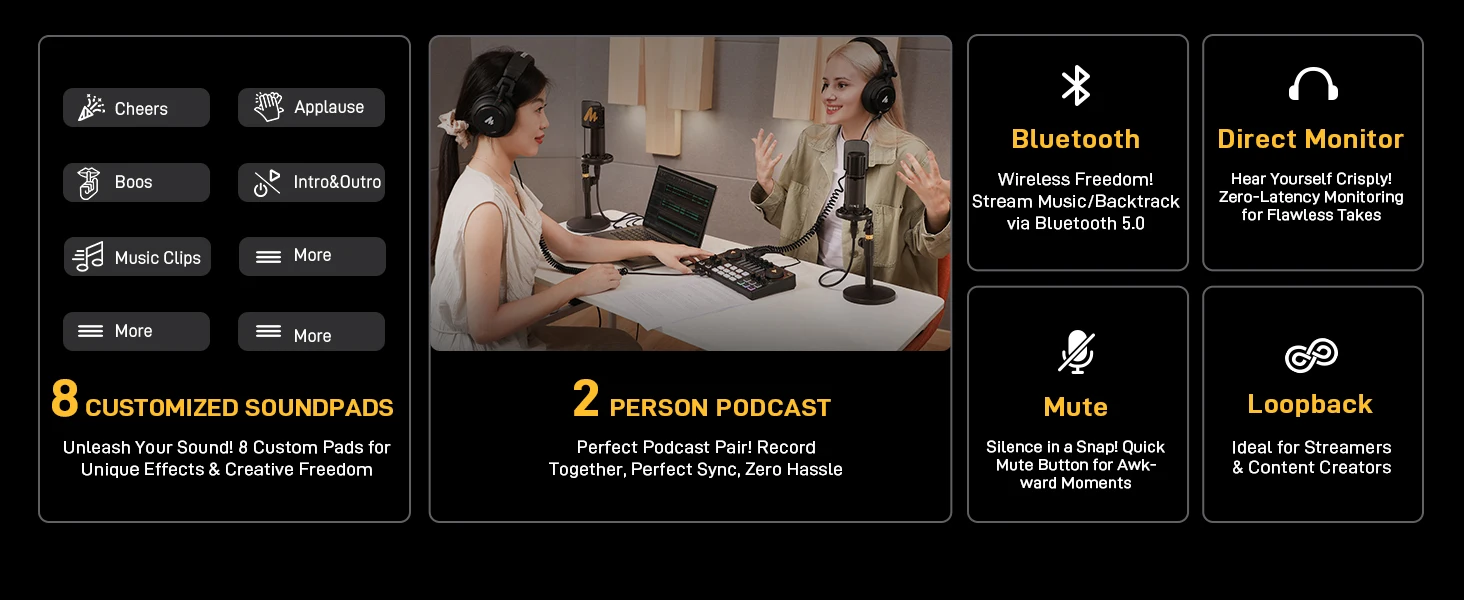
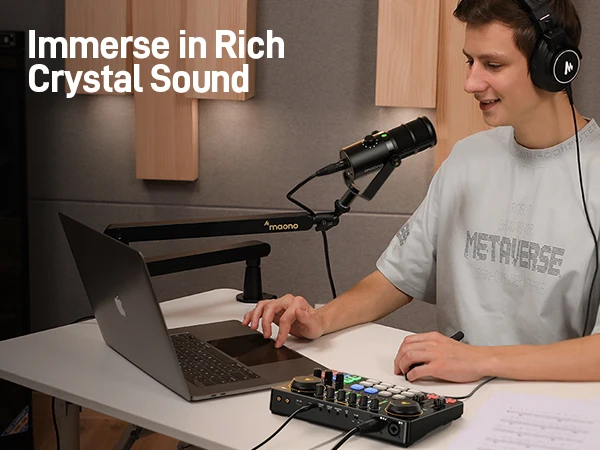
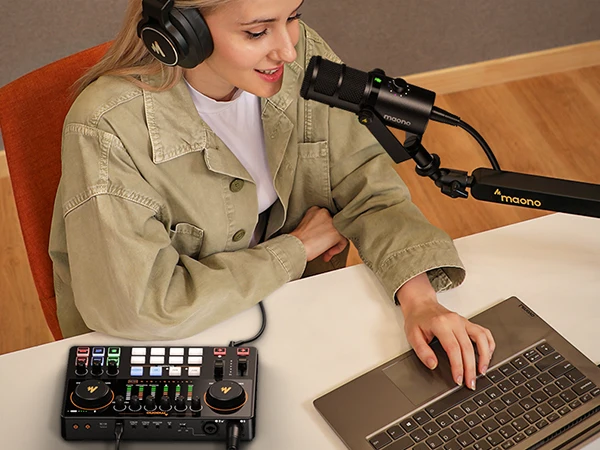
The E2 Gen2 is an upgraded all-in-one podcasting solution with dual XLR combo inputs, high-quality 60dB gain preamps, USB-C, and 3.5mm connectivity for seamless setup with phones and PCs.
🎧 Crystal-Clear Audio with XLR Interface
Equipped with two low-noise preamps delivering up to 60dB gain, the E2 Gen2 ensures rich and clean sound, even with dynamic mics. Ideal for both beginners and pros.
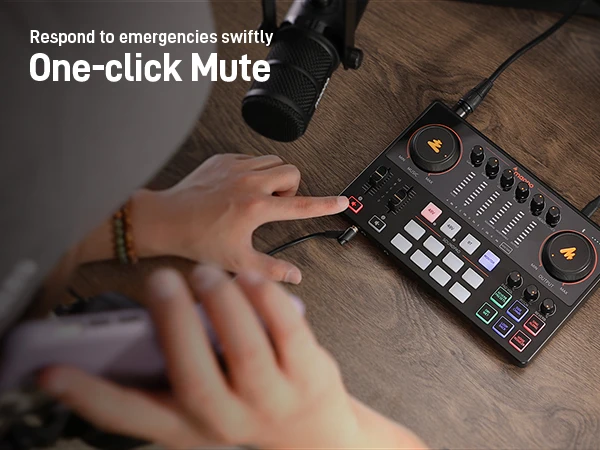
🎤 One-Touch Mute & Monitoring
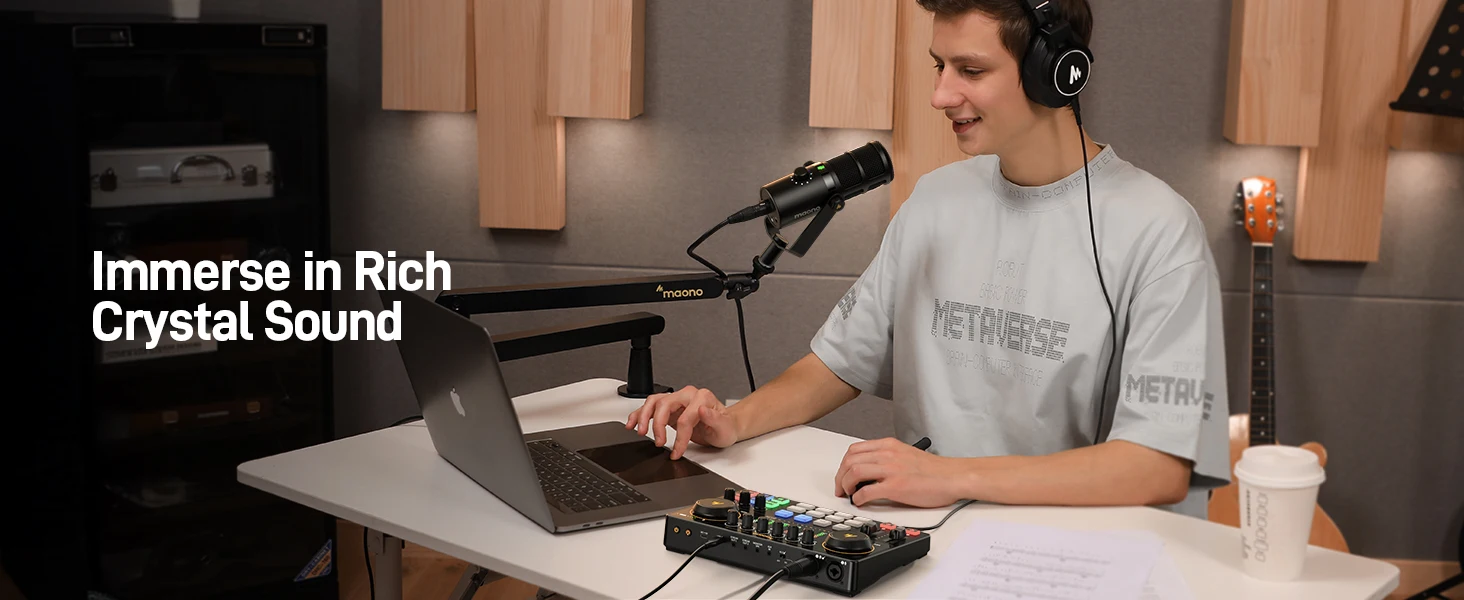
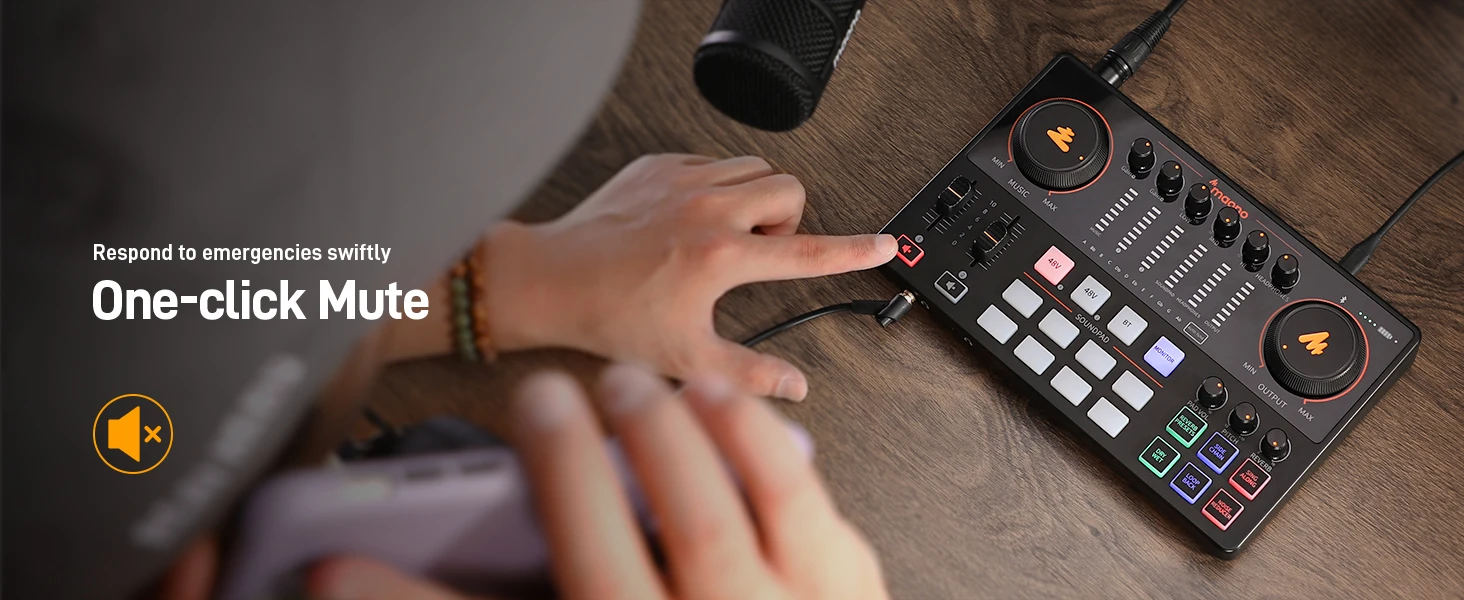
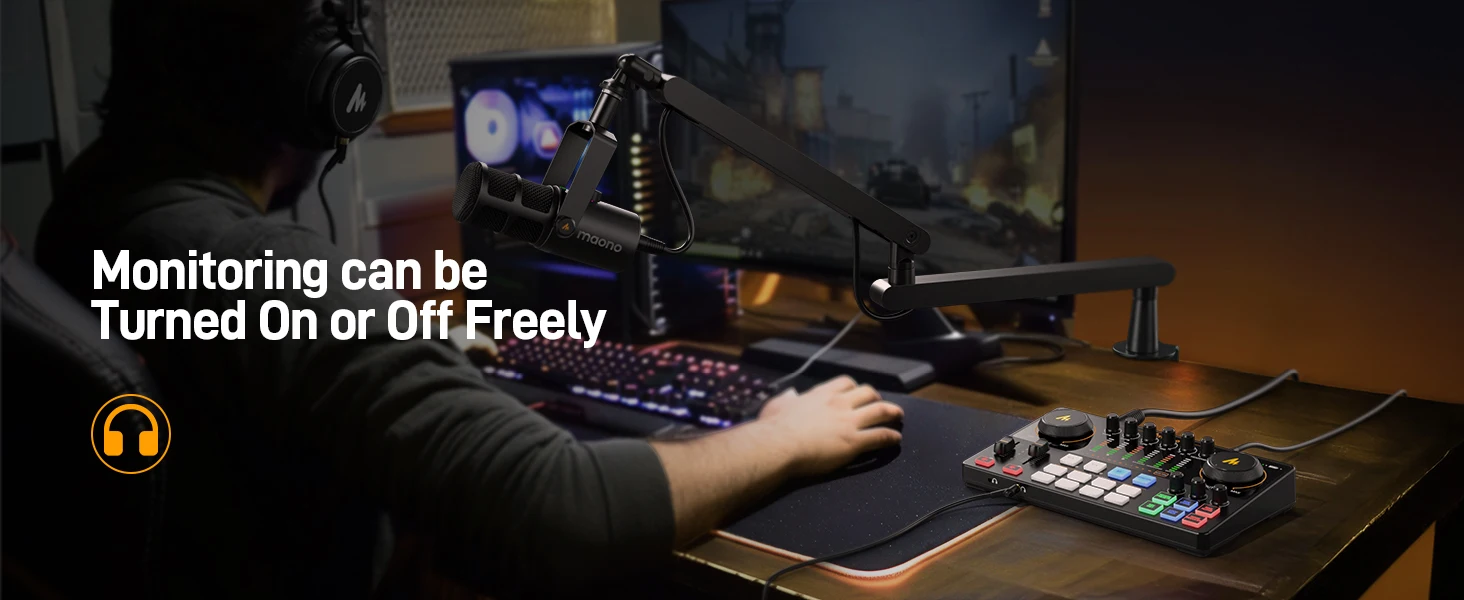
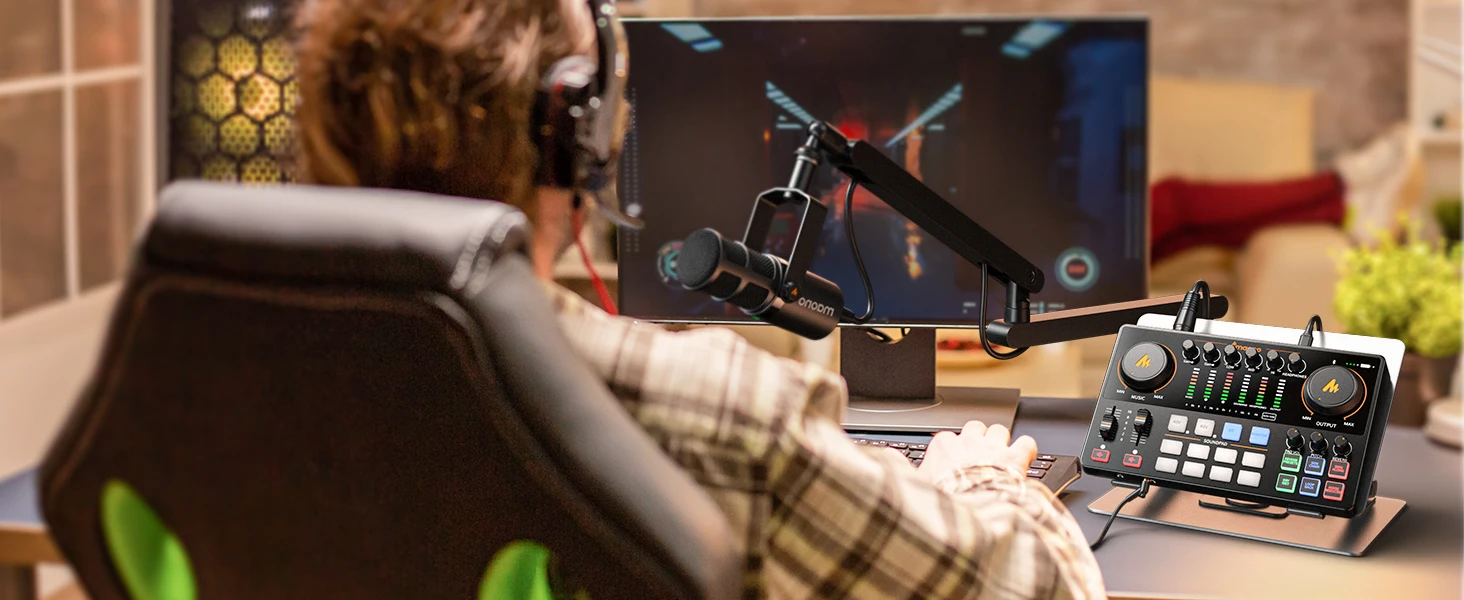
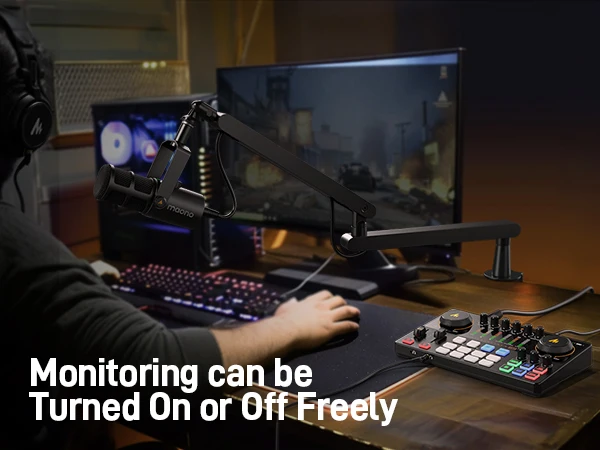
One-touch mute button helps you handle unexpected moments smoothly. The monitoring feature lets you hear your voice while gaming or streaming for better control.
🎸 Instrument & Phantom Power Support
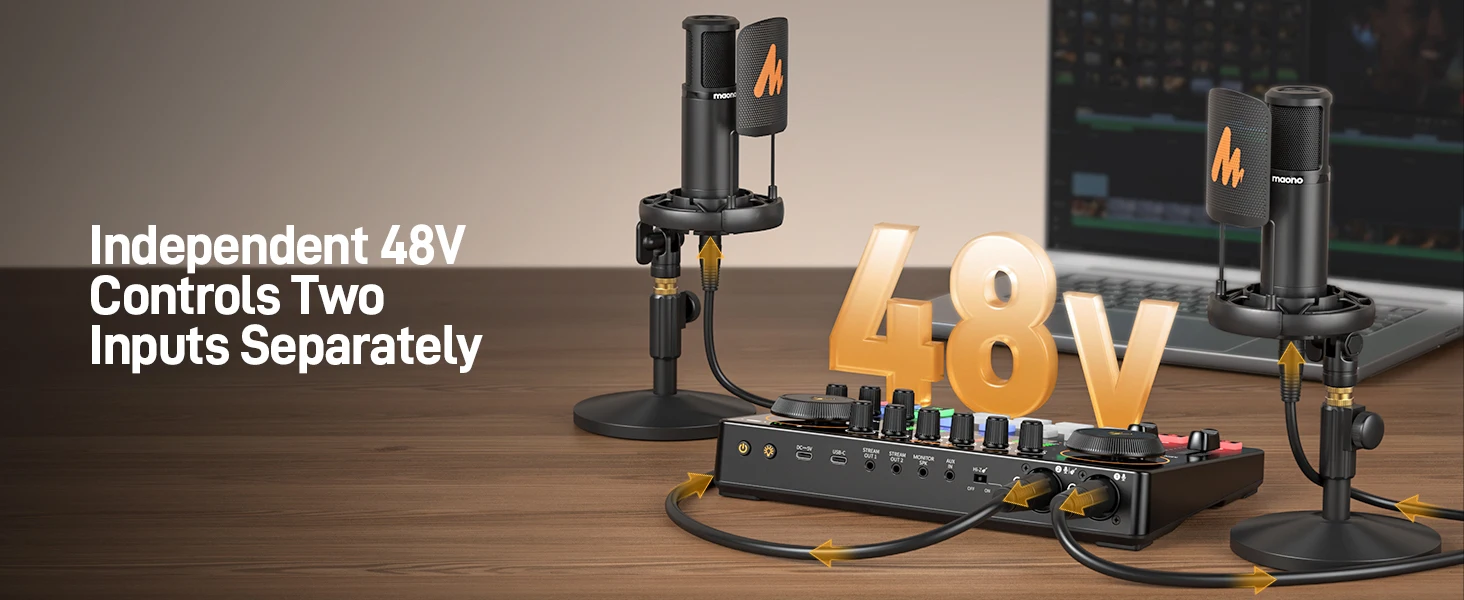
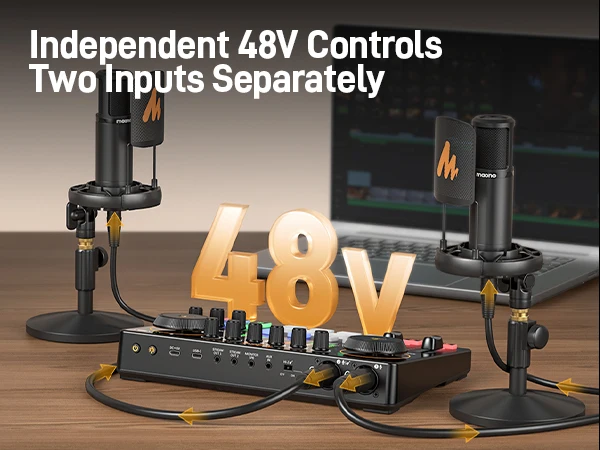
Supports instrument and AUX input for richer content. +48V phantom power enables use of condenser microphones for professional-grade recording.
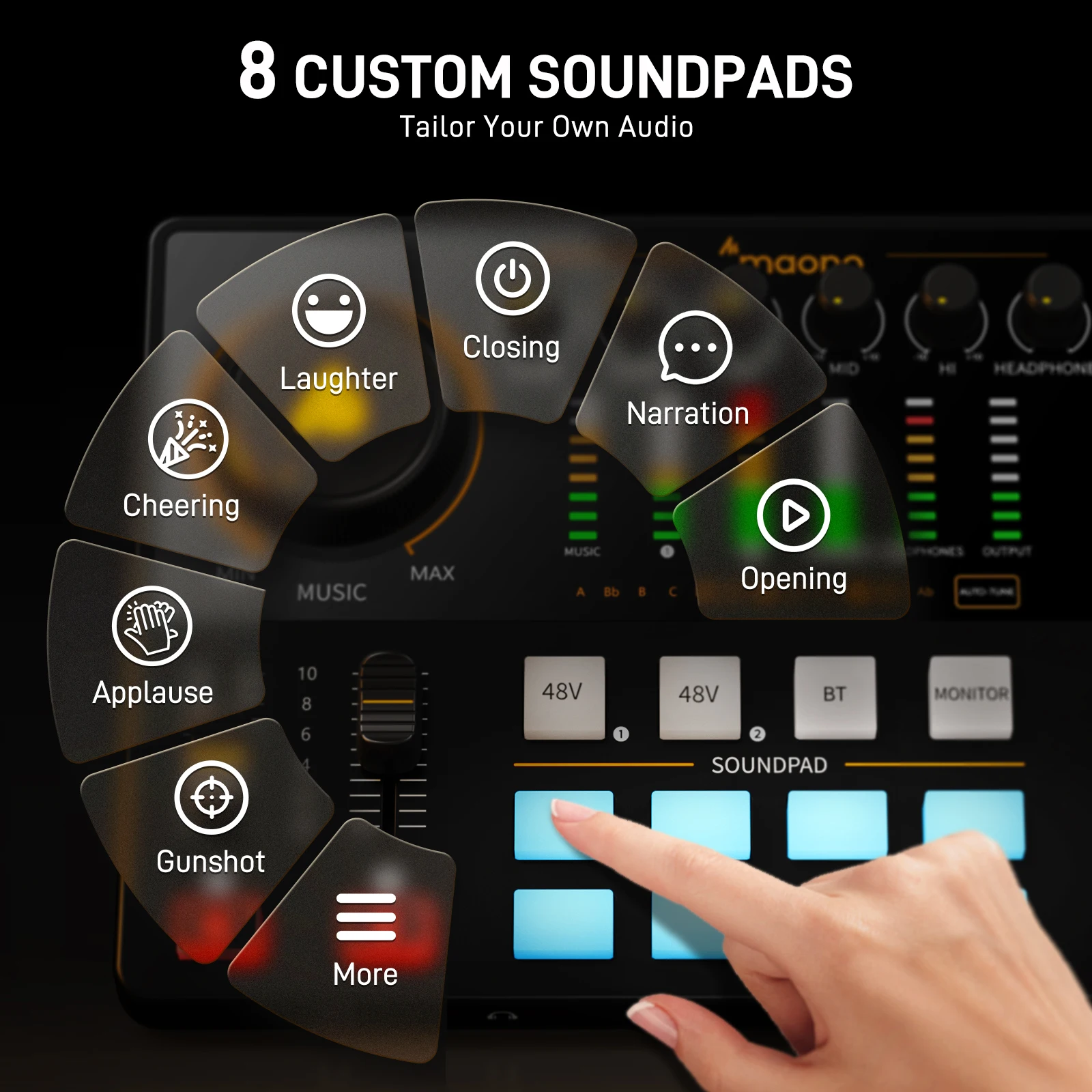
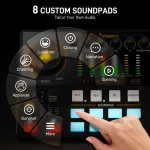
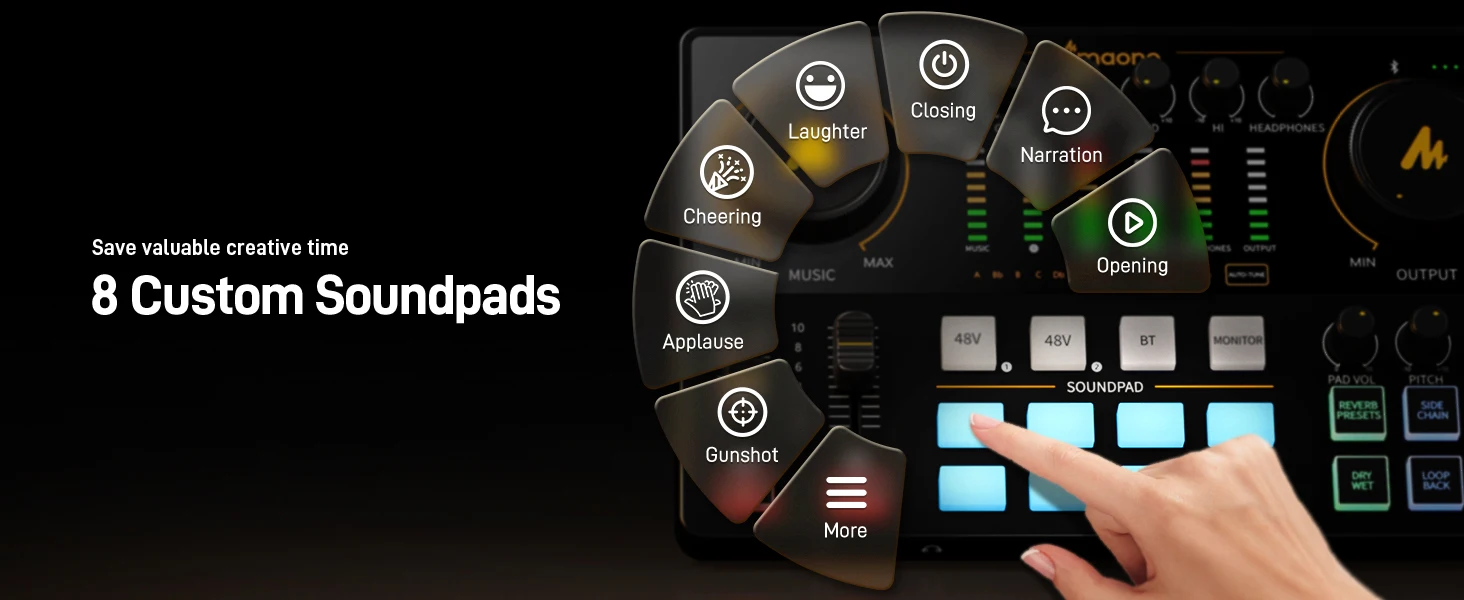
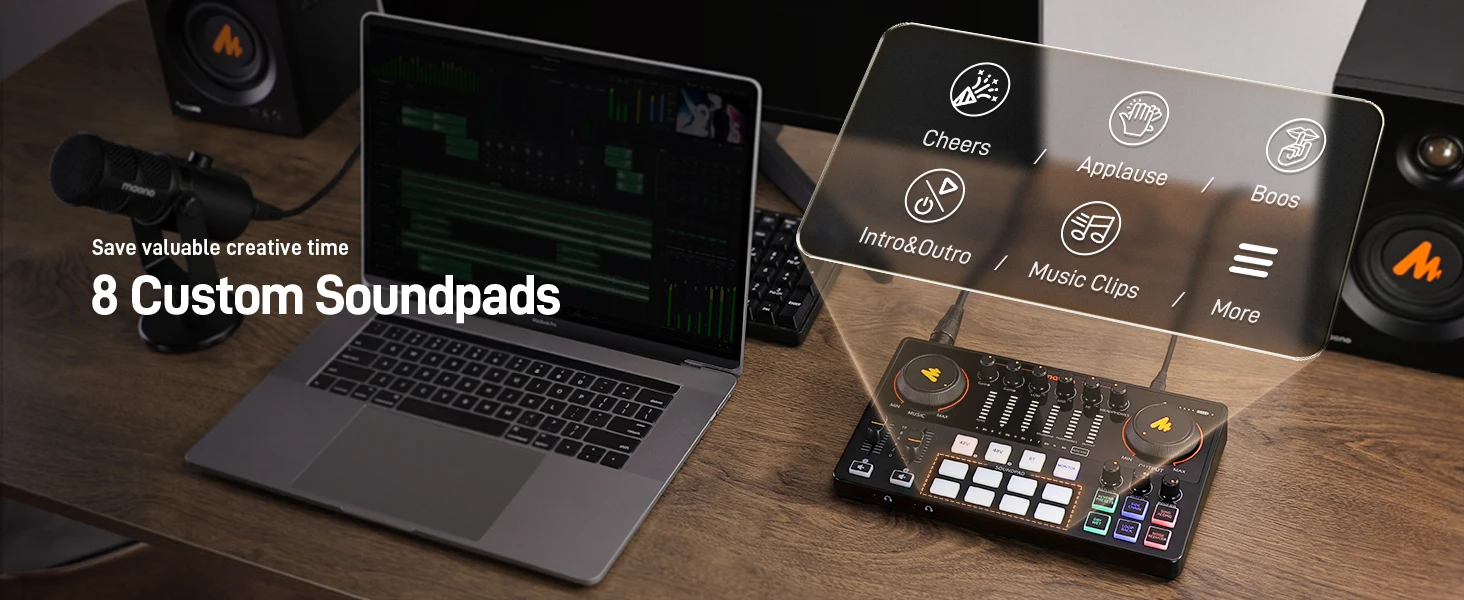
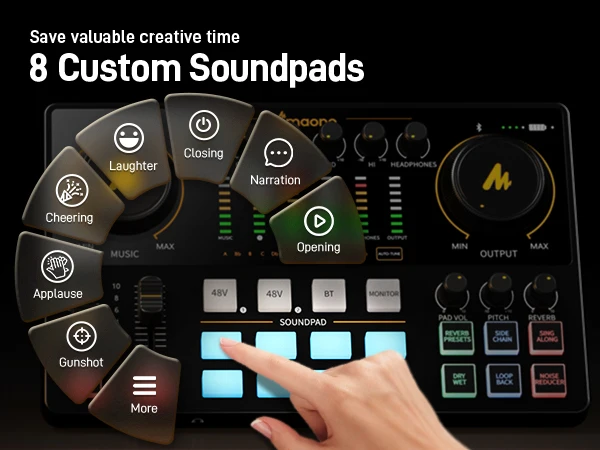
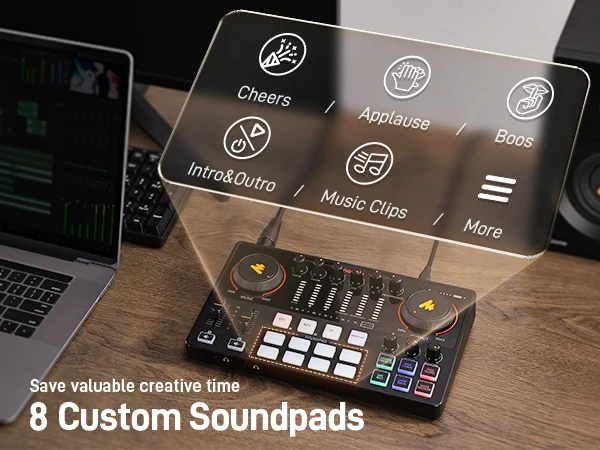
🎛️ 8 Custom Sound Pads
Add personality to your show with 8 programmable sound pads. Each supports up to 20 seconds of recording and adjustable volume—perfect for intros, sound bites, and fun effects.
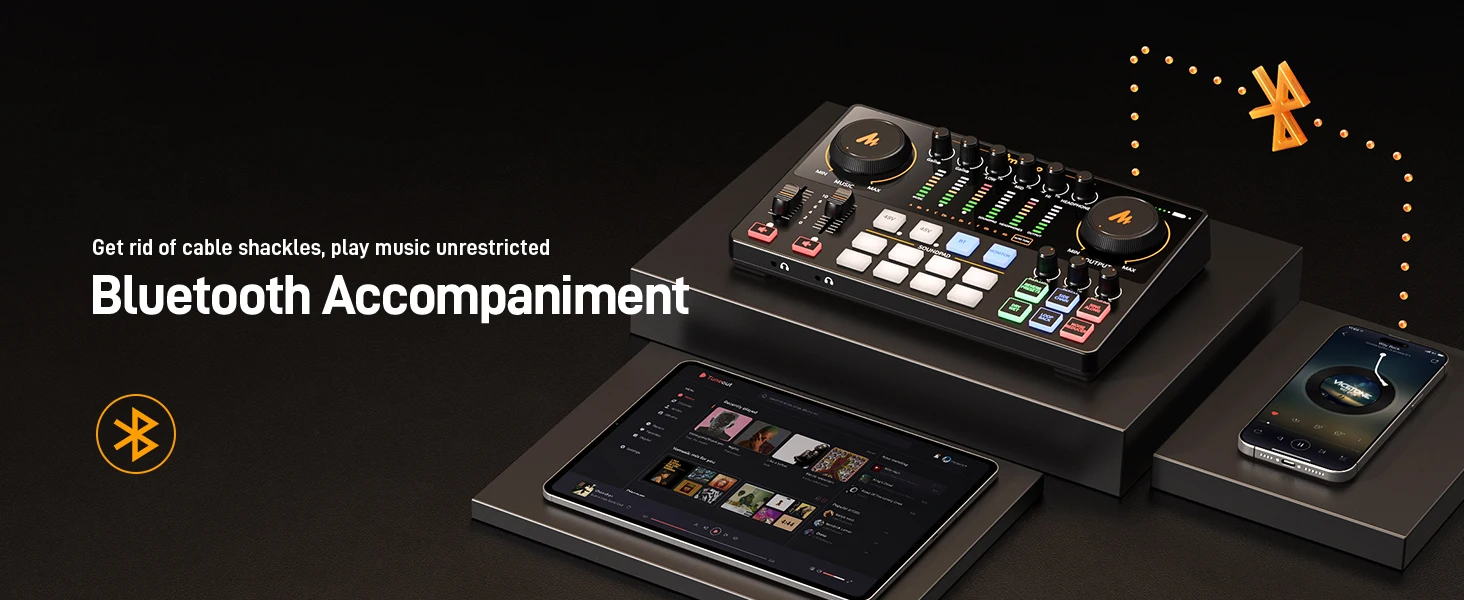
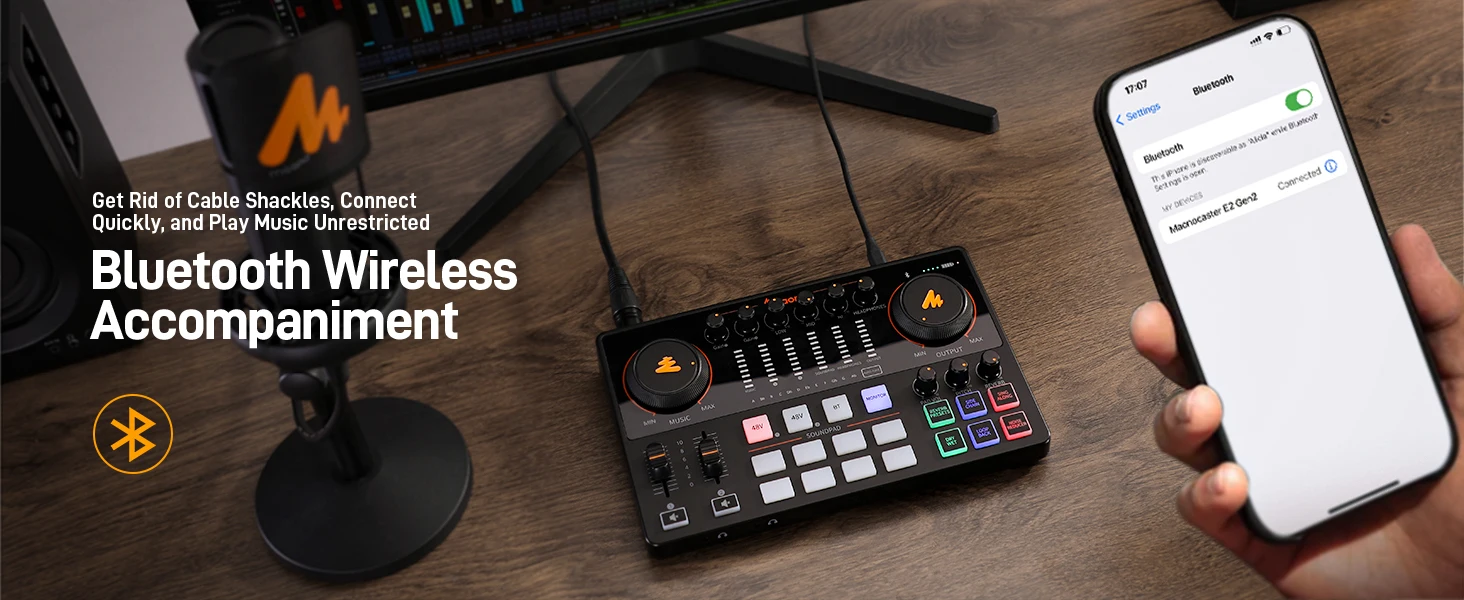
📱 Wireless Bluetooth 4.2 Connectivity
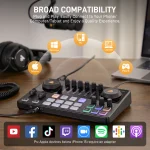
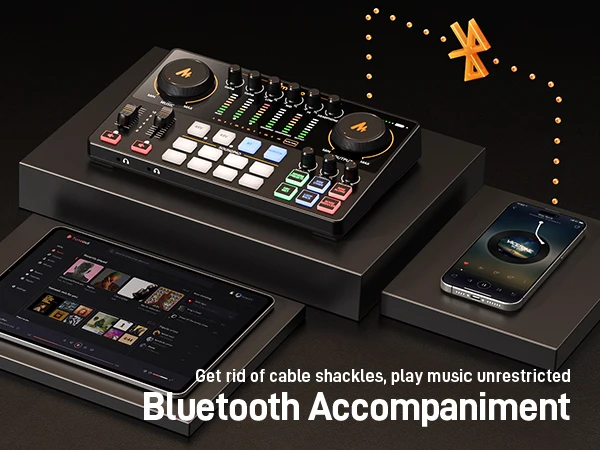
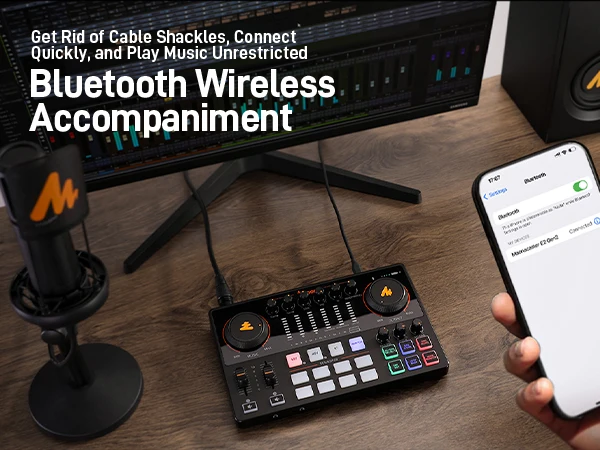
Built-in Bluetooth 4.2 allows you to wirelessly stream background music from your phone or tablet directly into your mix. Perfect for adding music, sound effects, or remote guest audio without extra cables.
🎶 Voice s & Reverb
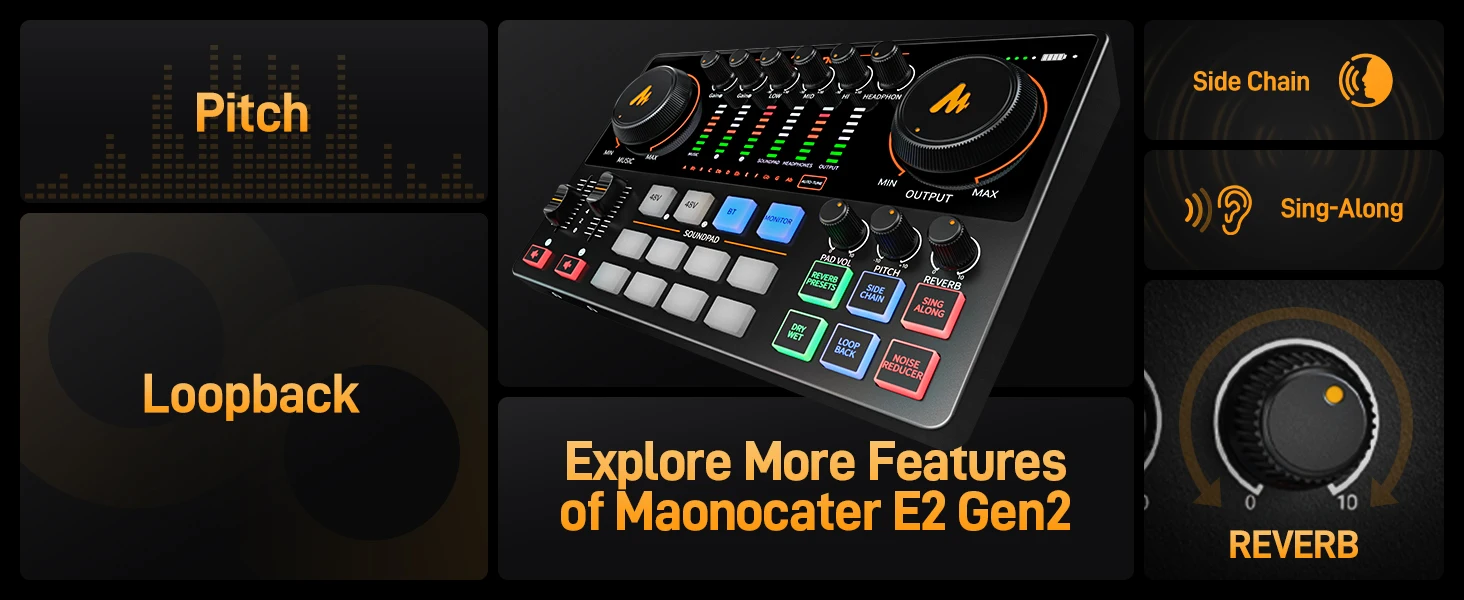
Transform your voice with pitch-changing effects and 6 preset reverbs. SingAlong mode lets you hear yourself singing without broadcasting it—ideal for performers.
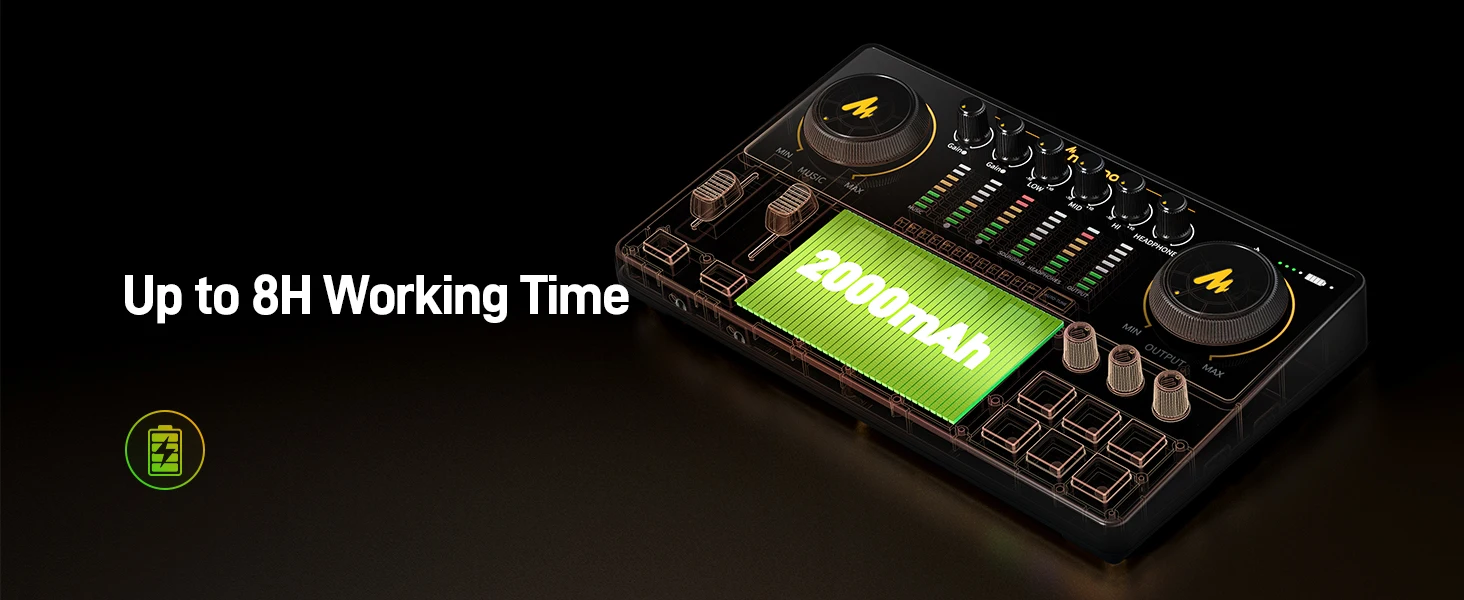
🔋 Long Battery Life & Portability
Built-in 2000mAh battery offers up to 8 hours of use on a single charge. Compact and portable design makes it perfect for creators on the go.
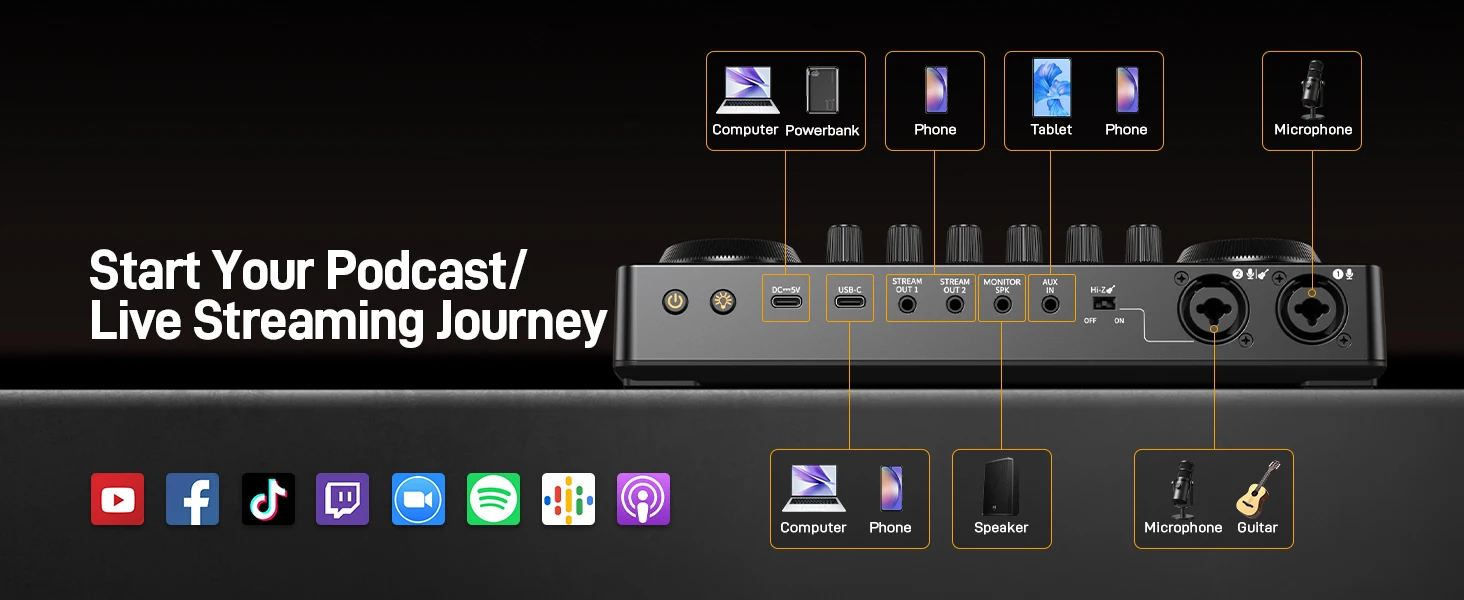
✅ Recording, Podcasting, Streaming, and Gaming on computers, tablets, and smartphones. Compatible with mainstream recording and streaming software.
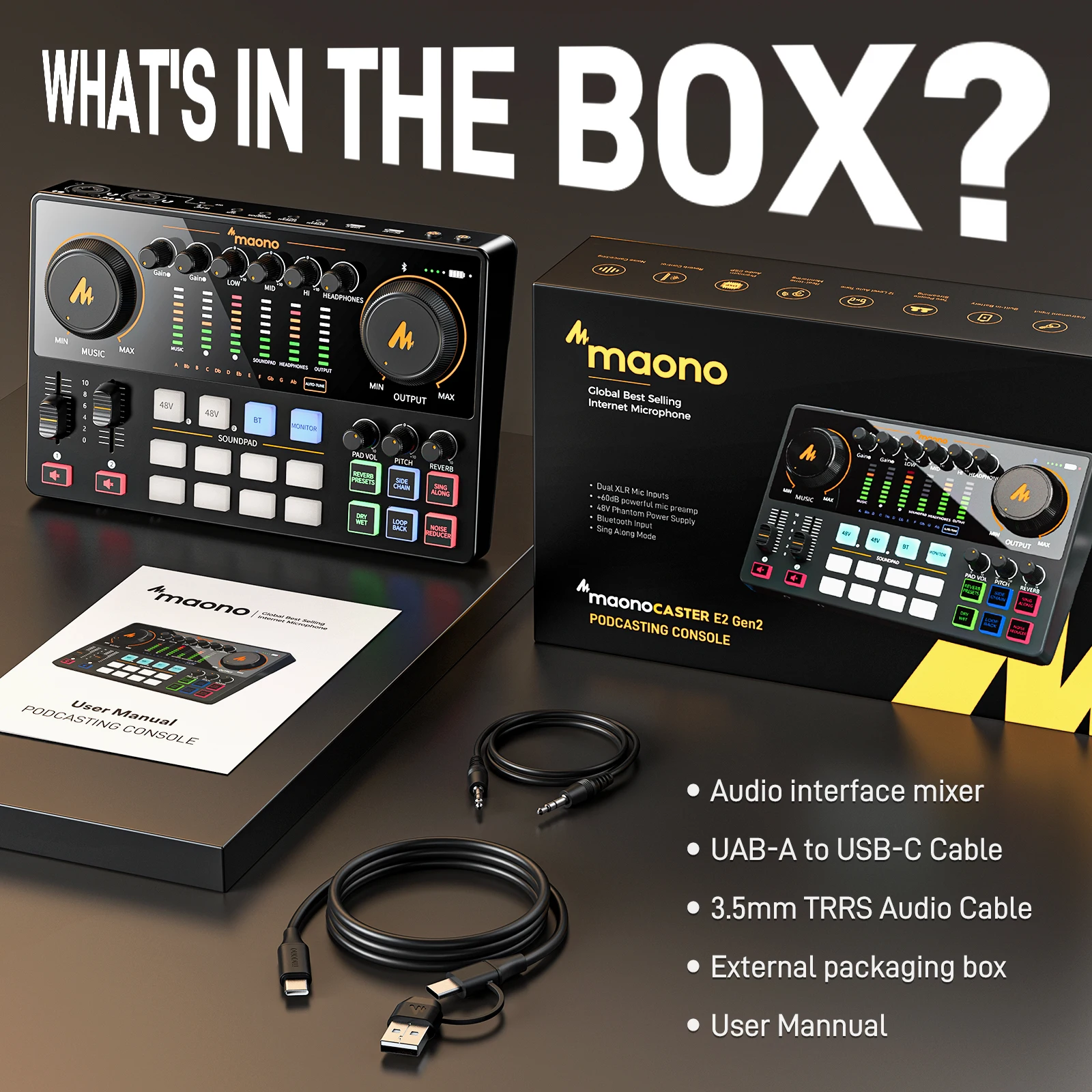
📦 Package Includes
1×E2 Gen2 Console
1×USB-A/USB-C to USB-C Cable
1×3.5mm TRRS Cable
1×User Manual

Setup Guide
1. PC Connection
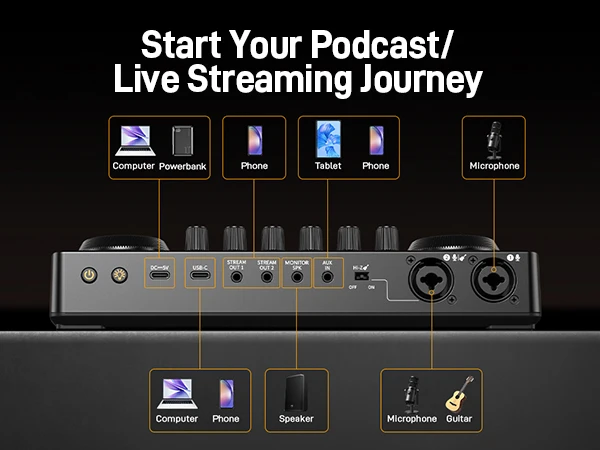
1. Connect your microphones, headphones, and any other required devices as shown in the above diagram.
2. Use the provided USB-C data cable to connect the Maonocaster to your computer. Once connected, the
computer will automatically detect the device and install the necessary driver.
3. Access the sound settings on your Windows or macOS computer. Set the "Maonocaster E2 Gen2" as the default output and input device.
4. Check the settings or preferences of your streaming or recording software. Confirm that "Maonocaster E2 Gen2" is selected as the default audio input and output device.
Tips: Connecting your Gaming PC’s audio output to AUX port with a 3.5mm TRS cable then connecting your Streaming PC with USB-C will allow a Dual PC streaming setup.
2. Smartphone or tablet connection
1. Connect your microphones, headphones, and any other required devices as shown in the above diagram.
2. Use the provided USB-C to USB-C data cable or a 3.5mm TRRS to TRRS cable to connect the Maonocaster to your smartphone or tablet.
3. Connect a external power adapter rated at 5V⎓2A if you need continuous power.
Note:
1. If your phone has no 3.5mm headphone jack, it is essential to use the official USB-C to headphone adapter provided by your phone’s manufacturer.
2. To connect the Maonocaster via USB, your mobile device needs to support the standard UAC (USB Audio Class) protocol. Android phones must support and enable the USB host feature. iPhones with a Lightning connector need Apple’s Lightning to USB Camera Adapter to connect to the Maonocaster.
3. Select smartphone models can be charged when Maonocaster is connected to an external power adapter.
4. You can record or stream to two smartphones if you utilize both USB-C output and 3.5mm TRRS output.
Bluetooth Connection
This Maonocaster supports Bluetooth music playback. Please follow these steps to connect and play music:
1. Turn on the Maonocaster. The background light of the Bluetooth button will start flashing.
2. On your phone, go to the Bluetooth menu and search for devices. Look for the Bluetooth device named "Maonocaster E2 Gen 2" and select it to establish a connection.
3. Once your phone is connected to the Maonocaster, the Bluetooth light will stop flashing.
4. Play your desired music on your phone.
5. Open your favorite app to begin recording or streaming.
Notes:
The Bluetooth feature is solely for music playback and cannot be used for other purposes.
Troubleshooting
1. Cannot boot
① Please check if the podcast console has power, please charge it and then turn it on.
② You need to long press the " " for more than three seconds to turn it on.
2. No sound from accompaniment music
① Please check whether the external audio source is connected to the accompaniment interface of the podcast console.
② Please check whether the accompaniment volume control knob on the right is turned on.
③ Please check the volume of the accompaniment devic.
3. No sound from headphones
① Please check whether the headphone cable is inserted into the correct interface. It should be inserted to the "headset" or "sound" interface.
② Please check whether is the "monitor fader" of the sound card upwards. You can gradually increase the volume by sliding it up.
4. No sound from the microphone
① Please check whether the microphone is correctly connected to the microphone interface. If not,please try again.
② Please check whether the microphone knob on the left is turned on. Turn the knob clockwise to increase the microphone volume slowly.
③ Please check whether is the "monitor fader" of the sound card upwards. You can gradually increase the volume by pushing it up.
④ Please confirm with your microphone dealer whether your microphone can be used with this podcast console, or consult us for the recommended microphone model.
5. No sound in live broadcast
① Please check whether the "recording" knob on the podcast console is turned on, and rotate the "recording knob"clockwise to slowly increase the volume of the live broadcast.
② Please check whether the podcast console "Maonocaster E2 Gen2" has been set as the default playback and recording device of the live broadcast software. If not, please set refer to " Live Streaming on the Computer " part.

| Weight | 0.900 lbs |
|---|---|
| Dimensions | 36 × 20 × 8 in |
| Brand Name | MAONO |
| High-concerned chemical | None |
| Inbox adaptor | No |
| Origin | |
| Voltage range | USB (5-20V DC) |
| Built-in Battery | Yes |
| Power Source | Other |
| Certification | CE, FCC, RoHS, KC, weee |
| Type | Mixers |
| Model Number | AME2 Gen2 |
| Connectivity | XLR, 3.5MMTRRS, 6.35MM, USB typeC |
| Connector Type | XLR to XLR, 1/8inch |
| Supported Software | OBS/Discord/Zoom/Audacity/Youtube/Facebook/TikTok/Twitch |
| Operating System | MAC OS, Windows |
| Applications | Recording, Podcasting, Streaming, and Gaming on computers, tablets, and smartphones. |
| Frequency Response | 20Hz-20kHz |
| Headphone Output | 20mW, 322(1kHz, THD+N=1%) |
| Battery Capacity | 2000mAh |
| Battery Life | Appr. 8h (Highest keypads brightness |
| Sample Rate | 44.1kHz/48kHz, 16bit |
| Charging Current | 5V/2A |
| Charging Time | Appr. 3h |
| Choice | yes |
| semi_Choice | yes |
13 reviews for MaonoCaster E2 Gen2 Audio Interface Mixer with Dual XLR Inputs and 8 Sound Pads


Anonymous –
The maono ame2 exceeded my expectations. I’m truly grateful for the excellent service i received from customer support to shipping, everything was seamless and top-notch.
Color: AME2
m***i –
Very good product. Exceptional quality. Fast delivery
Product intact. I recommend it.
Color: AME2
A***☼ –
Excellent product, just as shown in the photos, works perfectly and meets what is described.
Color: AME2 Gen2
J***s –
The truth is that it’s amazing to be able to do podcasting, interact with instruments and voice, do radio, etc. with this sound card.
Reasonable price for the benefits it provides.
happy with her.
Color: AME2
Anonymous –
Fast Delivery
Box a little damaged but the device shows no defects upon opening.
Tested just now… with some difficulties connecting the phone, OTG essential for Android…
No instructions in French, too bad, but with a little patience we can manage.
Otherwise, the sound is good and the feedback deserves some improvements. You need to get a dynamic microphone.
Color: AME2 Gen2
e***o –
MAONO products are from another planet (Excellent). The customer service resolves all concerns and guarantees… The price is phenomenal for the quality of the product… I believe it is very affordable and the quality is much superior or equal to other more expensive brands… MAONO matches or surpasses the quality of other renowned brands… RECOMMENDED
Color: AME2 Gen2
Anonymous –
Good product, arrived in good condition. In initial tests, it works well although I need to test it more and I will comment later.
Color: AME2 Gen2
a***r –
This is aa dope ass module. Nice and clear sound. 2 new maono mics hooked up to it. Both sound killer. The overall system is great and comparing it to similar priced modules this one blows them away. Always go brand. Im new to this brand but so far very satisfied
Color: AME2 Gen2
Anonymous –
Great device and work perfectly with the mic 🔥
Color: AME2
П***ч –
Very good audio interface… no complaints about the quality. The only thing that was a bit disappointing is the very limited functionality of the mixer. You can’t separate outgoing sound to speakers and headphones, you can’t separate sound by outgoing sources. And you can’t adjust the incoming stream sound (if you have sound coming from both the computer and the player via AUX, you can’t mute them separately). But for its price of 8k, it’s certainly excellent!
Color: AME2 Gen2
P***B –
Maono ame2 gen2 is well built and provides ample gain for microphones that require more gain. I have a shure sm58 and it works well with this mixer.
Color: AME2 Gen2
Anonymous –
It’s beautiful, everything arrived well packaged and in perfect condition. The product is original and compatible with Android and iOS.
Color: AME2 Gen2
К***ч –
Arrived quite quickly, the box was undamaged. Tested it with G-MARK GM 1.1 microphones (connected via balanced cables) and an mp3 player (connected via a cable with mini jack connectors). The sound is good. I recommend the product and the seller!
Color: AME2 Gen2