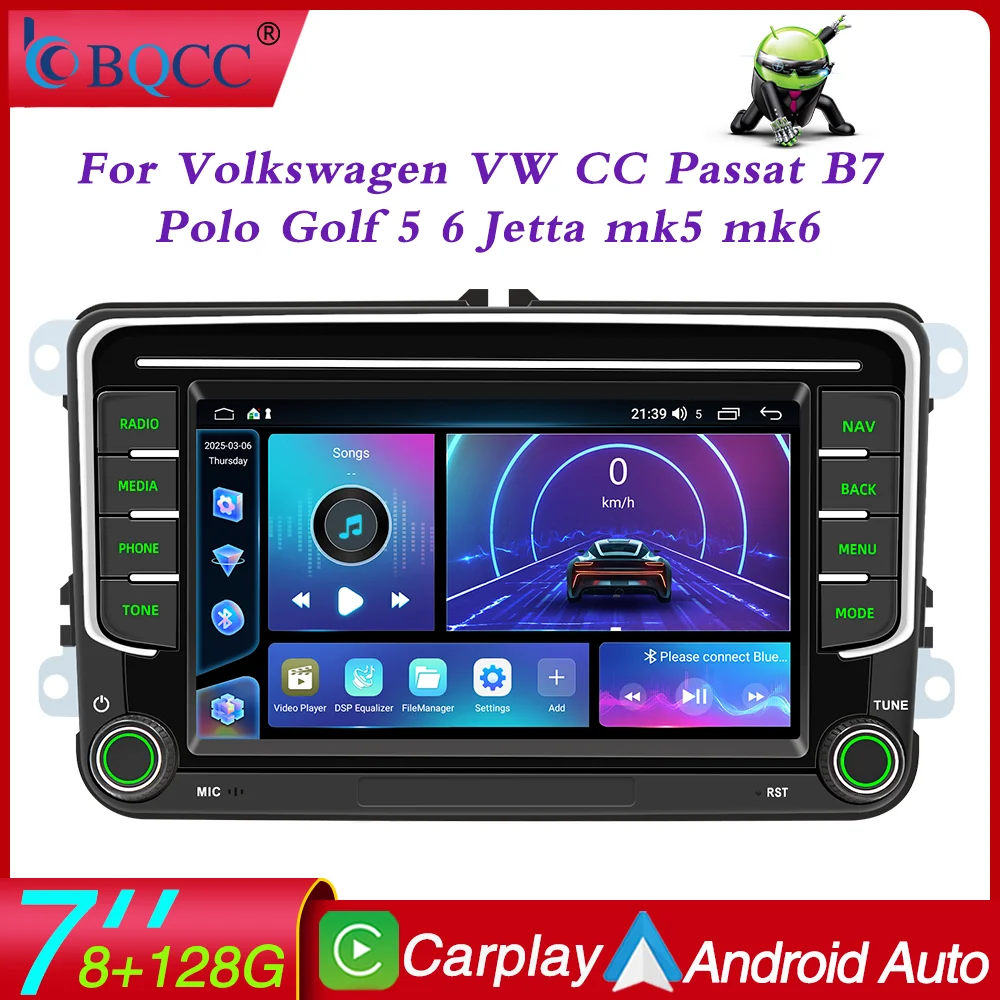
BQCC 7” Android 13 Octa Core Car Player For Volkswagen VW CC Passat B7 Polo Golf 5
6 Jetta uy5 uy6 Carplay Mirrorlink WIFI GPS
Loving life, loving shopping.
100% brand new and high qualit
☆ Why choose BQCC?
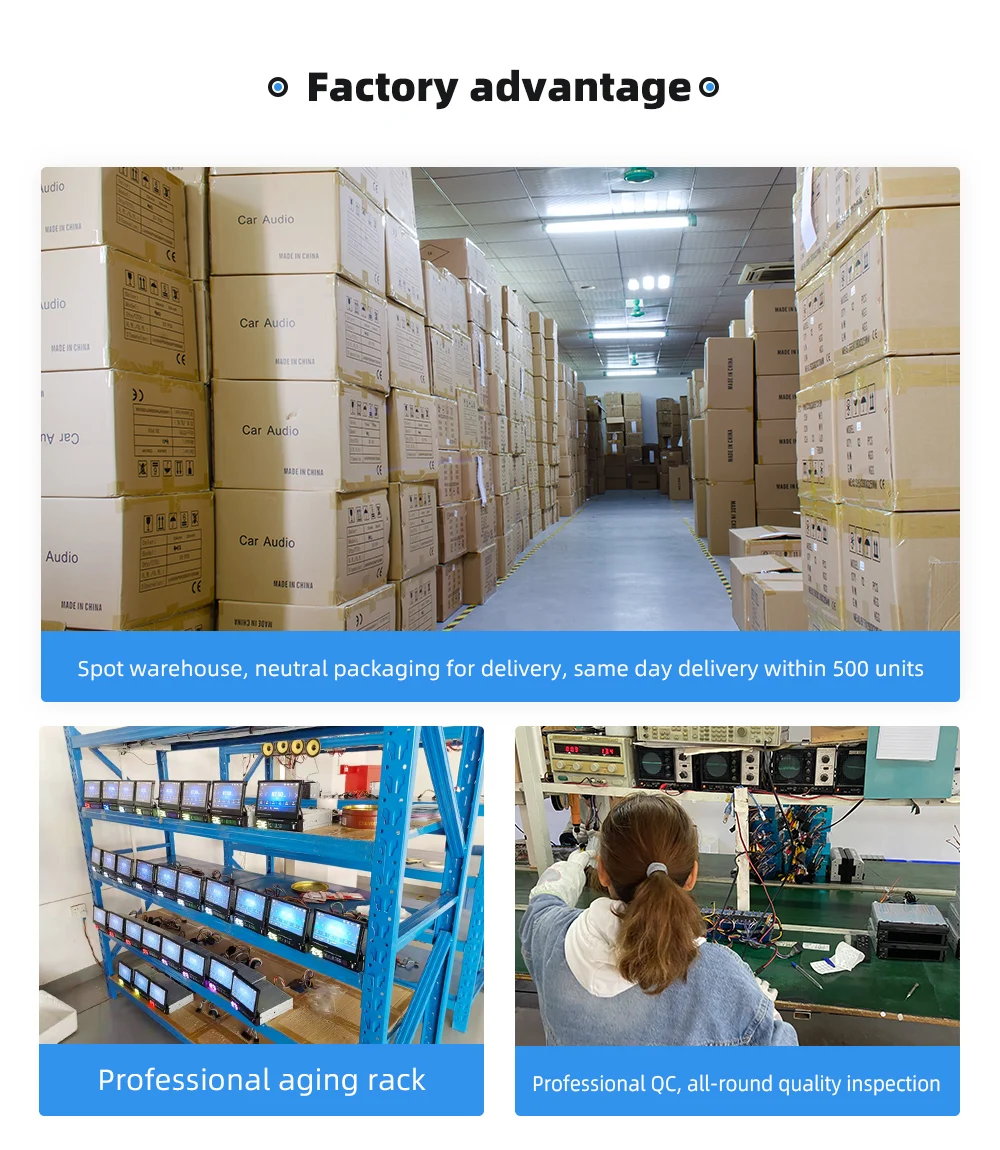
1. Fast Delivery
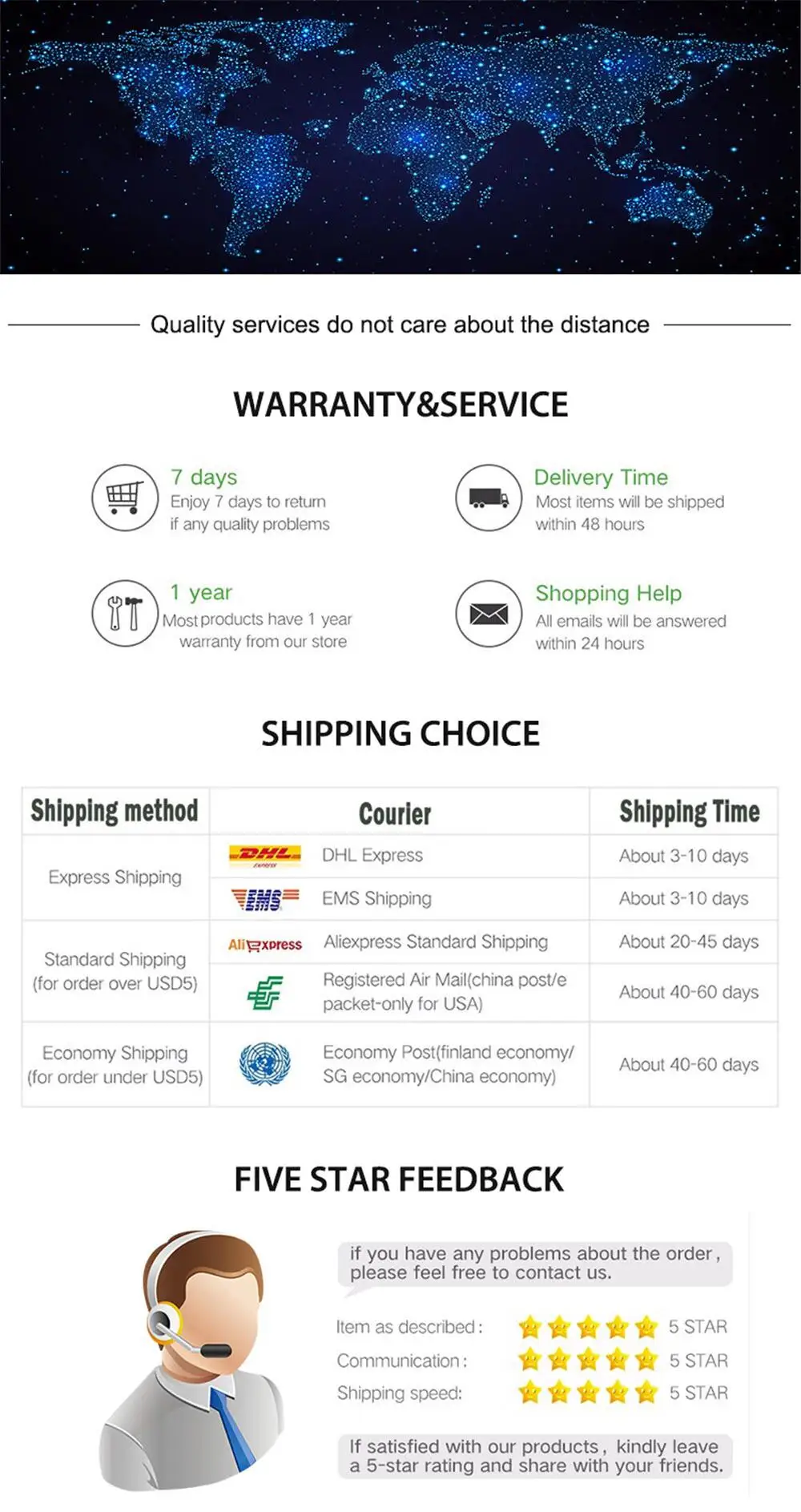
After your payment is verified, our local European and American stores will ship from our local warehouses in the EU and the US within 24 hours. Whether you are in Europe or the US, our delivery service can meet your needs!
2. Quality Assurance
All our products go through strict quality checks before shipping. You can rest assured that the quality is top – notch!
3. Caring After – sales Service
If your product malfunctions within one year of receipt, don’t worry. Just reach out to our 24 – hour customer service team first. Once verified, we’ll send you a replacement right away!
4. BQCC Brand Introduction: BQCC is one of the top ten brands with more than 2 million fans. In the past ten years, we have served more than 5 million users worldwide and are deeply loved by customers. We are constantly committed to the innovation of car multimedia player radio hardware and software, aiming to bring you a unique and personalized experience. We also continue to update firmware, software, user interface and navigation map. If you encounter any product quality issues, please feel free to send an email to bqcc.cpyu@gmail.com. We will respond promptly and help you!

1. Radio
2. Read USB disk (audio/video/picture)
3. Bluetooth function
4. Rear view function (camera optional)
5. Original car steering wheel learning function
6. Android recorder can be installed (recorder optional)
7. WIFI Internet access
8. GPS navigation
9. APP can be installed
10. External microphone (external microphone optional)
11. Recorder function
12. RDS function, can receive traffic radio in real time
13. Power supply positive and negative pole reverse connection protection function (the power line positive and negative poles are connected incorrectly, which will not cause the circuit board to burn)
Our products are constantly being optimized and upgraded, so each batch of UI interfaces may be different, but you will get the latest, don’t worry!
Applicable installation models
Amarok(2010-2013)
Caddy(2003-2013)
Golf V(2003-2008)/Golf VI(2008-2013)/Golf Plus(2003-2013)/Golf Cabriolet(2011-2013)
Golf Cabriolet(2011-2013)/Golf Wagon(2010-2013)/Golf GTI (2010-2012)
Golf R (2010-2013)/Golf Estate(2009-2012)
Passat(2005-2013)/Passat Estate(2005-2013)/Passat cC(2008-2013)/Passat cC(2008-2013)
Jetta(2005,2007-2013)/Jetta GLI(2006-2013)
Touran(2003-2013)/Tiguan(2007-2013)
Sharan(2010-2013)/Scirocco(2008-2013)
EOS(2006-2013)
WT5 Transporter (2010-2014)
Polo(2009-2013)/Polo Sedan(2012-2013)/Polo V 6R(2009-2013)
New Beetle 2(2011-2013)
Rabbit(2007-2013)
T5 Transporter(2010-2013)
WT5 Caravelle 2010 Multivan T5(2010-2013)
Beetle(2011-2013)
Skoda
Octavia Limousine(2004-2006)/Octavia(2009-2012)
Roomster(2006-2010)
Fabia Limousine(2004-2008)
Octavia Il lll (to 2010)
Yeti(2009-2015)
Patrick(2004-2008)
Octavia Combi(2004-2006)
Superb(2008-2013)
Fabia(2011-2013)
Seat
Altea(2004,2005,2007-2012)
Altea XL(2007-2013)
Leon(2006-2013)
Toledo(2004-2015)
Alhambra(2010-2016)


Suitable for Volkswagen car navigation Amdroid Car Plaver

Android
Android 13 version has powerful performance and quad-core processor, giving you a smoother experience
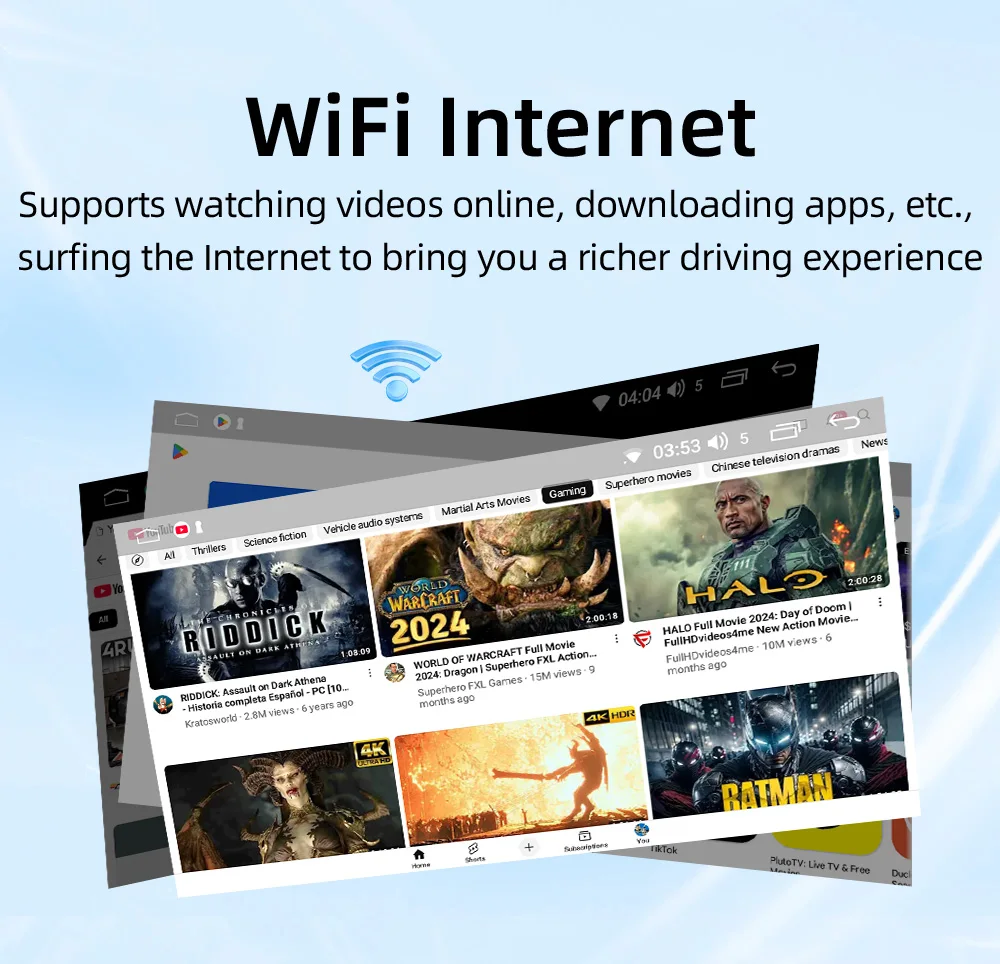
WiFilnternet
Supports watching videos online, downloading apps, etc.,surfing the Internet to bring you a richer driving experience
GPS Navigation
Real-time traffic conditions, route planning Beidou/GPS/GLONASS
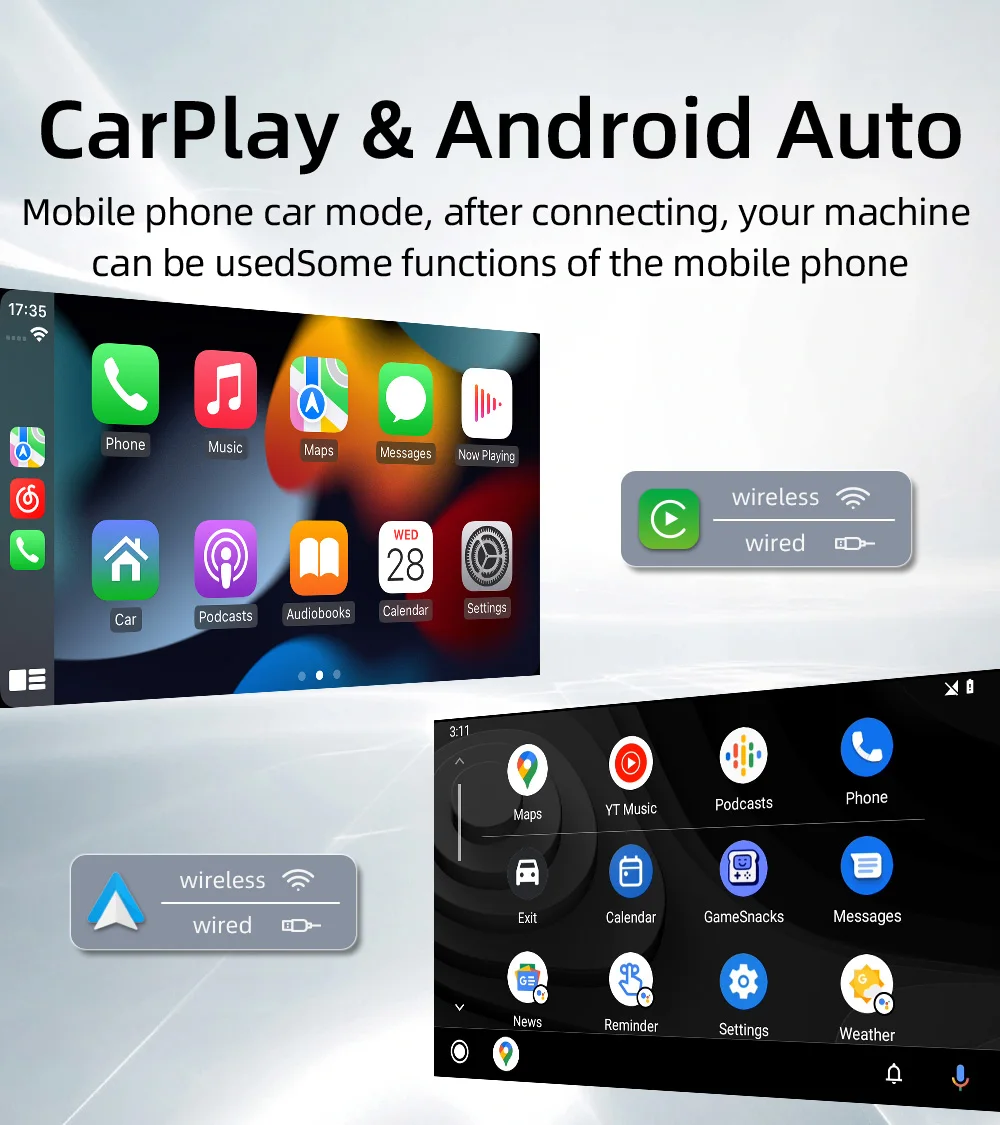
CarPlay & Android Auto
Mobile phone car mode, after connecting, your machinecan be usedsome functions of the mobile phone
Mirrorlink
Mobile phone screen projection, compatible with Apple mobilephone wireless/Android mobile phone wireless + wired screen projection
Wiring protection
This function effectively helps cross-border customersreduce at least 20% of customer complaint refund losses
Reversing video Optional camera required
When the reverse gear is engaged, the reversing image modeis automatically switched, and the reversing auxiliary lineprovides you with better parking planning
Driving Recorder Optional camera required
Real-time recording, driving trip is more secure no need to worry about fraud
Steering wheel controls
Set the buttons on the steering wheel as function keysof the machine for more convenient operation
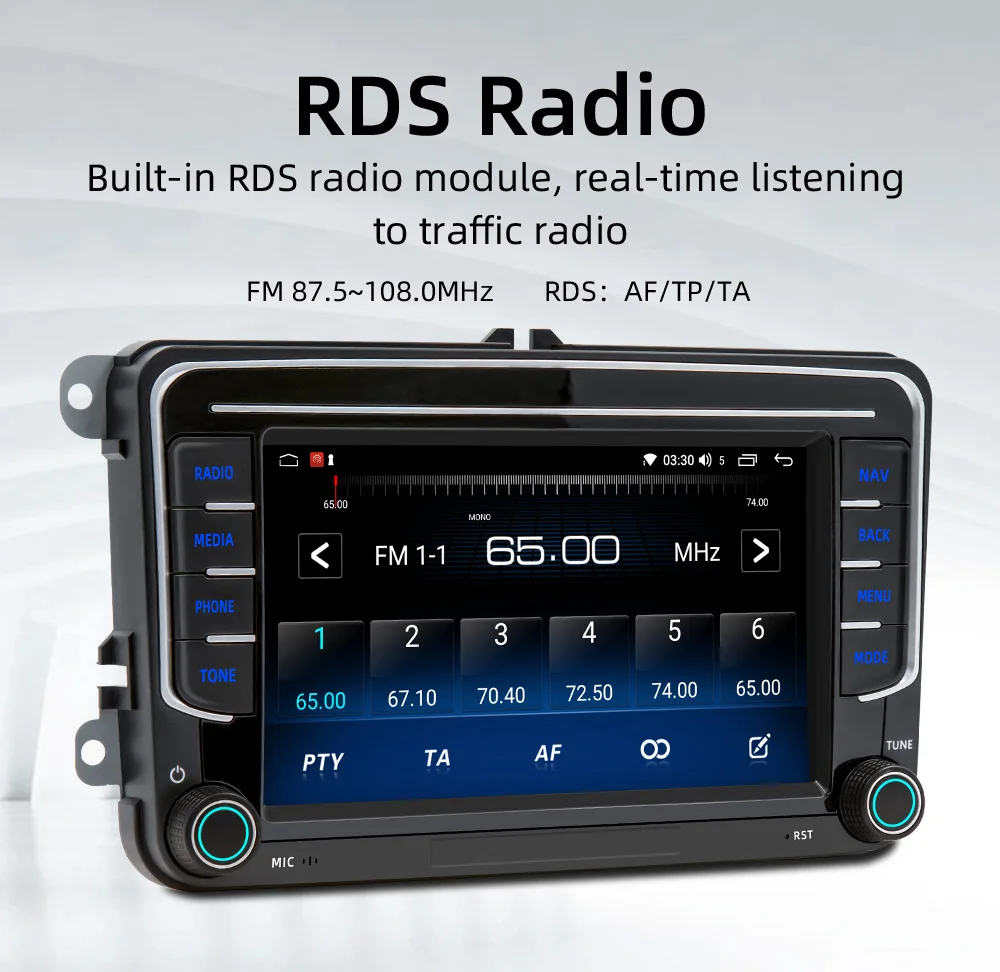
RDS Radio
Built-in RDS radio module, real-time listening to traffic radio FM 87.5~108.0MHzRDS:AF/TP/TA
Multimedia playback
Support USB flash drive, AuX input, lossless soundquality,high-definition picture/video playback
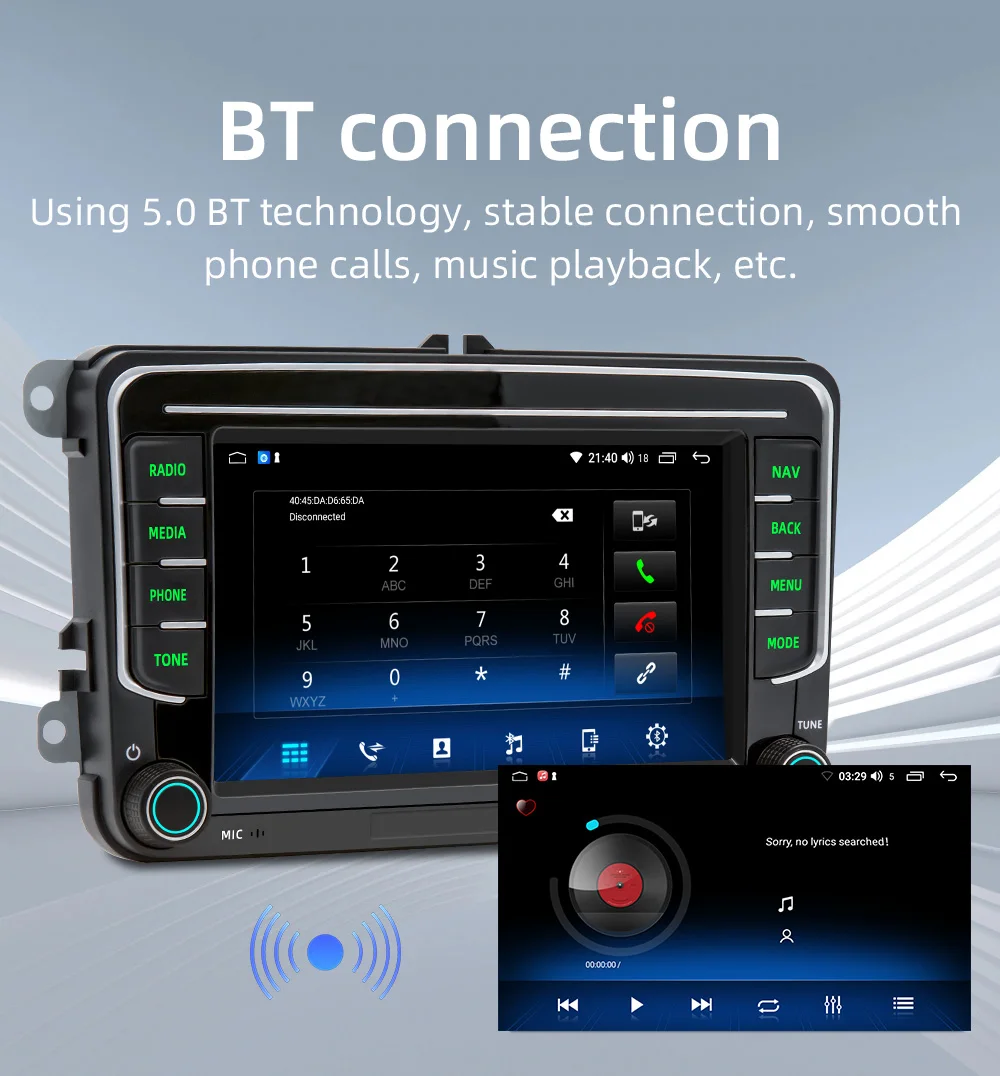
BT connection
Using 5.0 BT technology, stable connection, smooth phone calls, music playback, etc.


Q&A:
Q1:How do I connect carplay and Android Auto?
A: Search for the Bluetooth device ”carplay” on your mobile phone. When you connect it for the first time, the mobile phone will pop up a prompt, please click to use or trust the device.
Q2.:How do I connect a mirror link?
A: Before the phone is connected, click on phone Link function of the device, change the automatic connection option under the corresponding phone type to mirror, then connect the phone data cable, and click the corresponding authorization on the phone end to connect.
Q3:How do you get the sound through the car horn?
A: There are three points about the sound problem:
2. Transmit the sound to the original car radio through the FM transmission function of the device (for example, select 86.3MHZ on the device, and then play the U disk music, then search 86.3MHZ on the car radio);
Q4:The Bluetooth connection fails, or some functions are abnormal after connection?
A: Please use your mobile phone to search for Bluetooth of the machine, and the name is ”carplay”; Delete the devices that have been paired with but are not connected to the phone. Some Bluetooth devices that have been paired with each other may cause the phone’s Bluetooth cannot be paired with other devices or its function is abnormal.
Q5:Will Bluetooth connection not automatically connect to car paly or Android auto?
A: Some connected Bluetooth devices will cause our device to fail to jump automatically. Please clear all paired Bluetooth devices on the mobile phone, restart the Bluetooth of the mobile phone and the vehicle device, and re-establish the Bluetooth connection.
Q6: Playing music and talking on the phone too quietly?
A: Hold down the top of the screen with your finger and slide down. You can adjust the playing volume after pulling down the status bar; When you return to the home screen during a call, you can adjust the call volume in the status bar.
Q7: Can’t read or play SD, USB music and videos?
A: Please use 16G or 32G storage card or USB flash drive. Some large-capacity storage devices may not support it. Format the storage device to ensure that the storage device’s file system is the default value; Partially encoded video or music may not be recognized by the machine, please use common format media files.

Basic parameters
Model: 9072-J
Type: Android car player
System: Android 13
Software solution: Jinganchi 8227
Radio frequency: FM 87.5~108.0MHz (switchable Europe, Eastern Europe, North America, South America, Africa, Australia, Japan regional radio frequency))
Radio chip: 6625
Amplifier chip: 7388
Output power: 60Wx4
Working voltage: 9~16V
Working temperature: -10~60℃
Bluetooth version: 5.0
wifi frequency: support 2.4GHz
GPS signal: Beidou/GPS/GLONASS
Panel light: colorful lights
Performance parameters
CPU: AC8227L Cortex-A7 quad-core processor main frequency 1.1GHz
Running memory: 1G optional: 2G
Storage memory: 32G optional: 64G
Display resolution :Supported resolution: 1024×600
Screen size: 7 inches
Dimension parameters
Installation size: Special size for special cars (cannot be installed on non-corresponding models)
Color box size: 295x185x100mm (cowhide box)
Full box size: 595x390x325mm
Full box number: 12 units
Weight parameters
Single unit weight: 1.1KG
Full box net weight: 13.2KG
Full box gross weight: 14.4KG
Function parameters
Mobile phone interconnection: “Support: √, not supported: ×
Apple CarPlay: wired √, wireless √;
Android Auto: wired √, wireless √;
iPhone screen projection: wired ×, wireless √;
Android screen projection: wired √, wireless √.”
Video playback warning: Support
Steering wheel control: Support button learning
USB interface: USB1(4P), USB2(6P) (CarPlay connection can only use 4P port, Android auto connection can be used)
Dash Cam: Support (USB signal input, optional for DVR)
Reset button: Support
RCA port parameters
RCA output: 1. Left channel output; 2. Right channel output; 3. Subwoofer output; 4. Video output
RCA input: 1. Left channel input; 2. Right channel input; 3. Video input; 4. Reverse video input;
AUX port: MIC input jack 3.5mm
Format parameters
Audio format: MP3/WMA/WAV/APE/FLAC/AAC/OGG/RM
Video format: MPEG/AVI/RM/FLV/ASF/WMV/MP4/MKV/OGM/TS/DivX/RMVB/VOB
Image format: JPG/BMP/PNG/JPEG/GIF
Language parameters
Chinese/Traditional/Chinese/English/Russian/Greek/Polish/Turkish/Arabic/Persian/Romanian/French/Hungarian/Italian/Thai/German/Ukrainian/Spanish/Portuguese/Czech/Vietnamese/Japanese/Malaysian/Dutch/Indonesian/Korean
Other parameters
Factory password “3368” “8888” “1234” “000000”
(*The passwords for each configuration are different. Please try them one by one)






Reviews
There are no reviews yet