

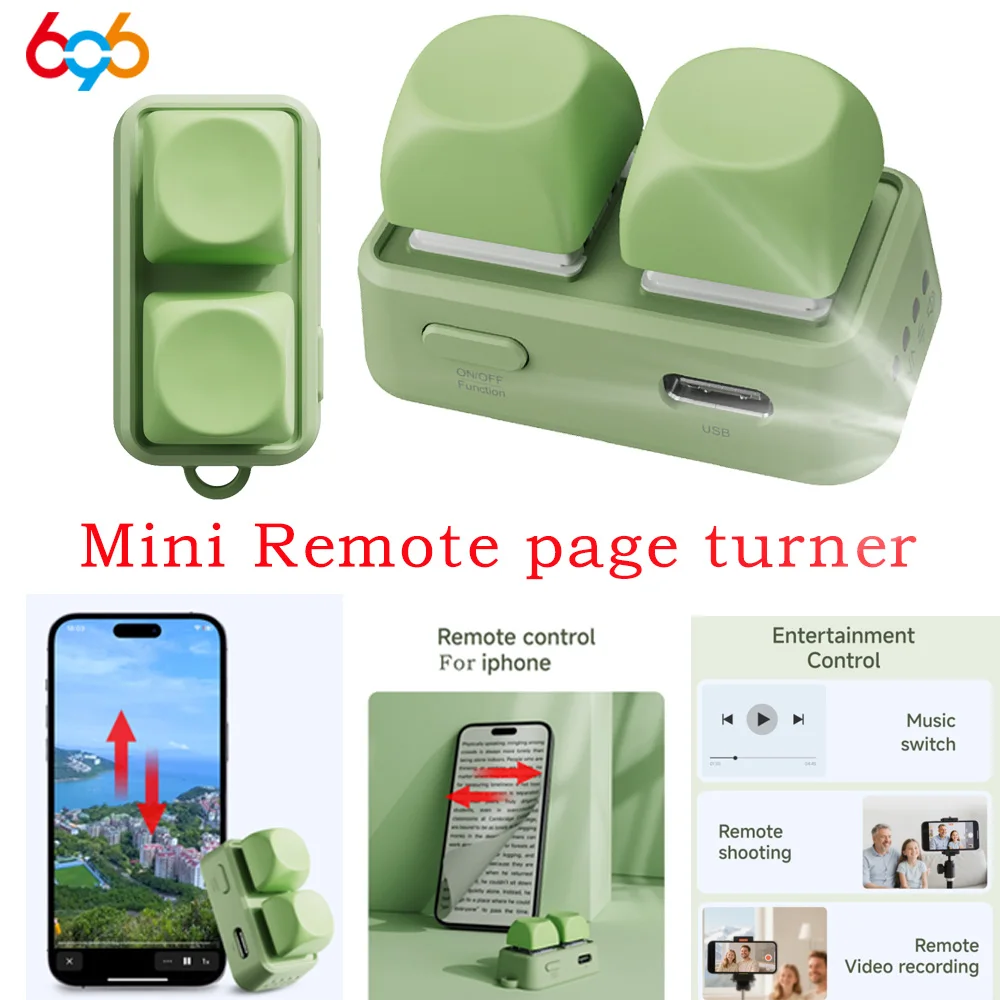

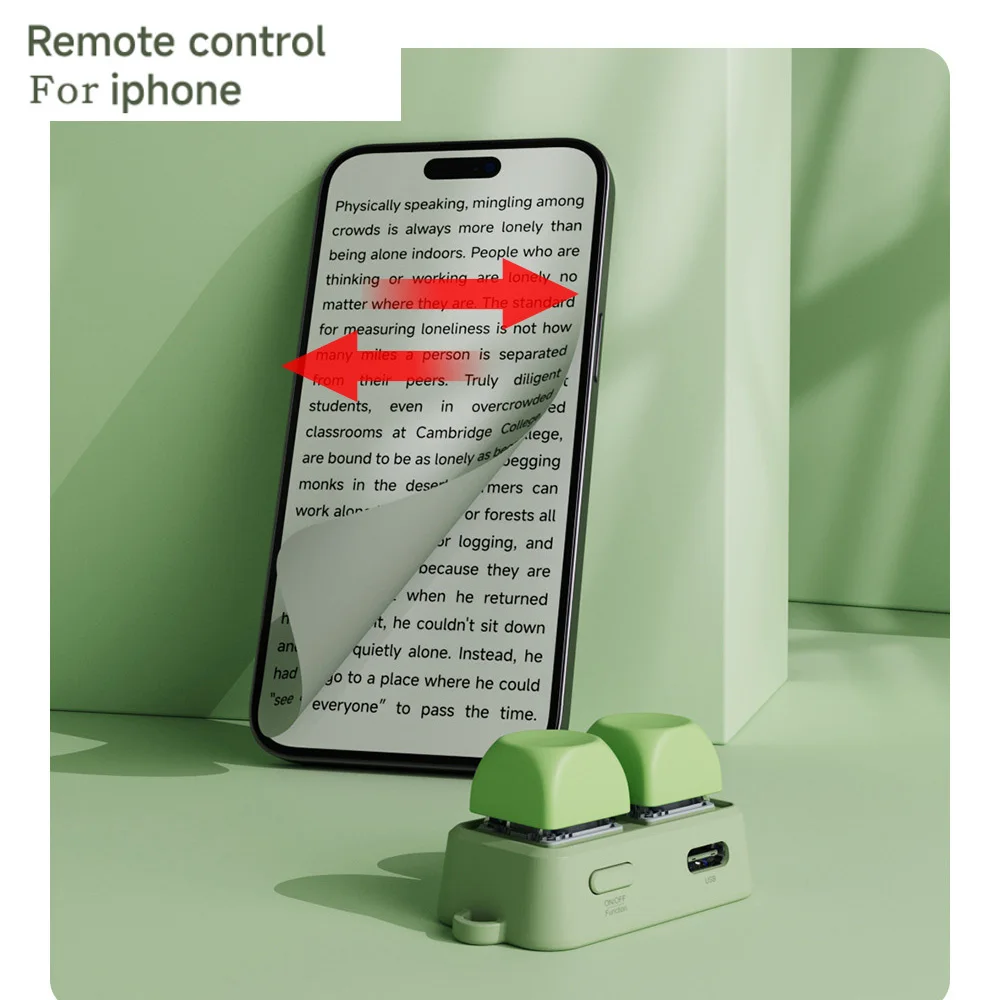
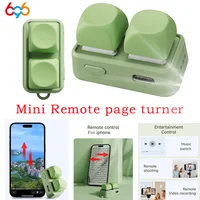

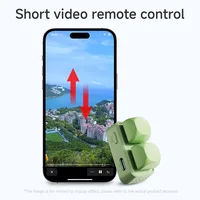
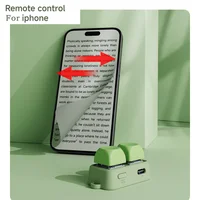
Newest Lightweight Wireless Blue Tooth Remote Control Keypad Dual Button Page Turner For Kobo E-Book Readers Lazy Artifact
$13.99 $14.99Price range: $13.99 through $14.99
Description
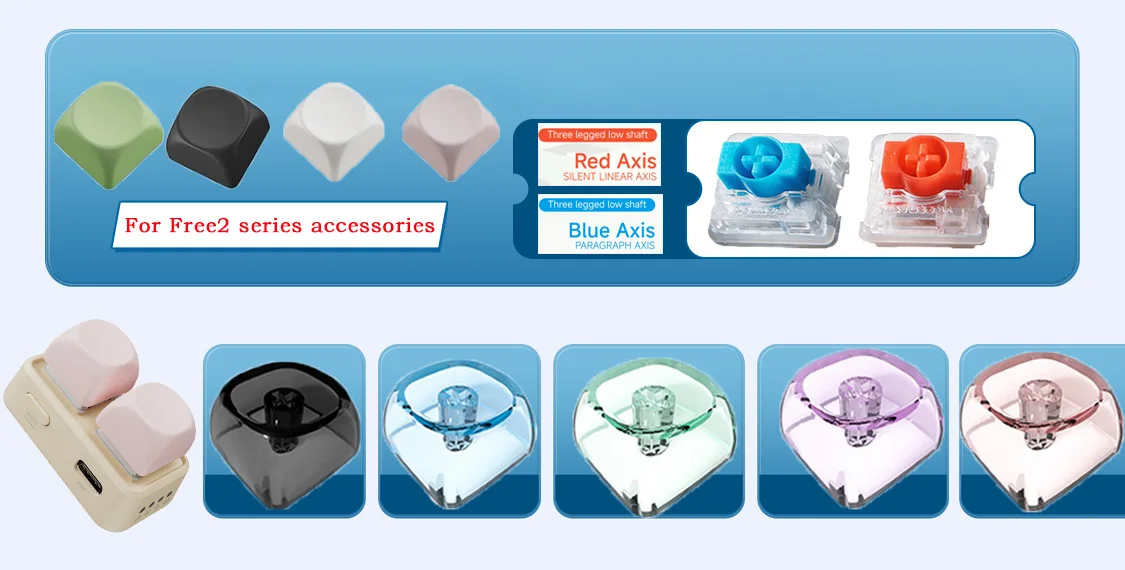
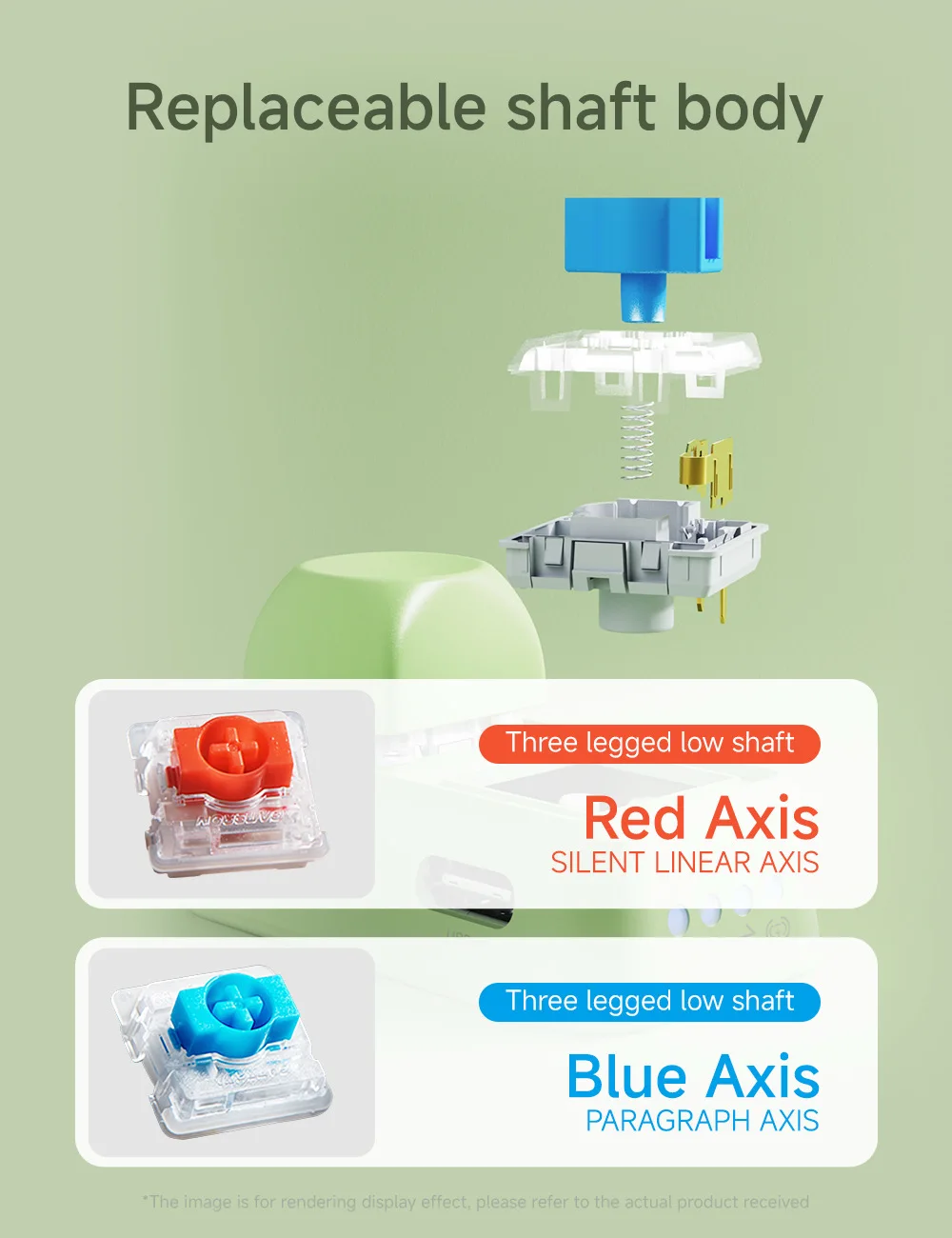
Friend, if you need additional keycaps or low axes, you can click on the image link below to purchase, Thank you.
Note:
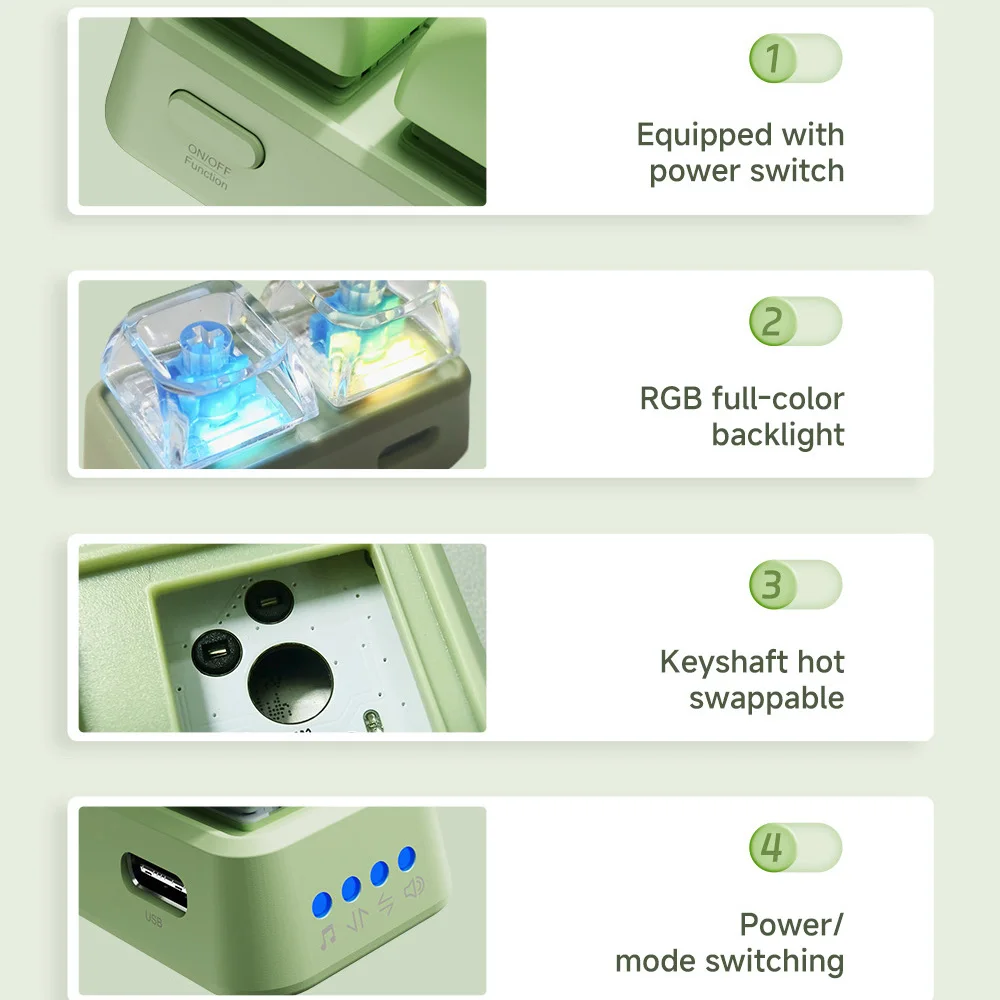
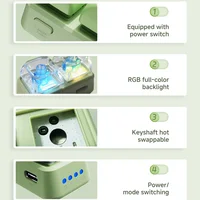
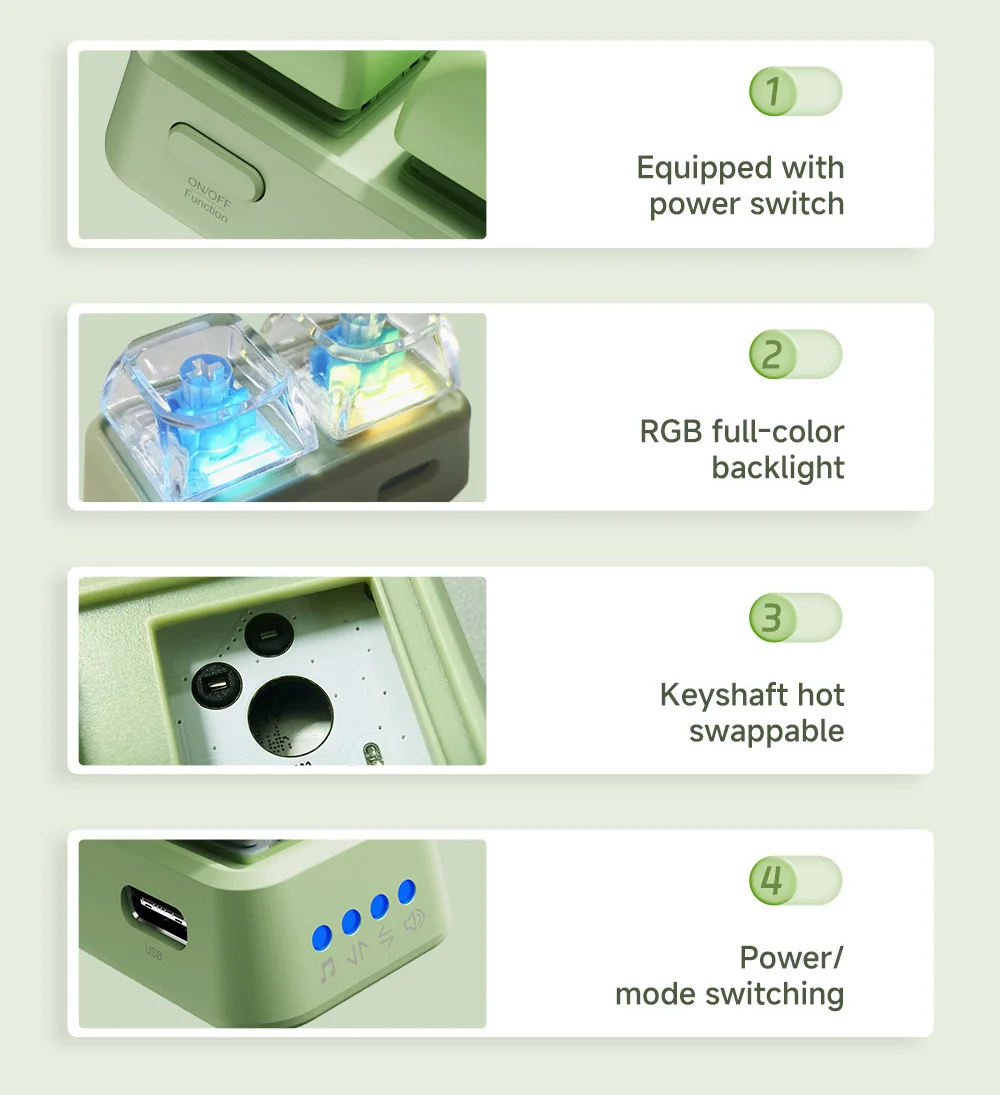
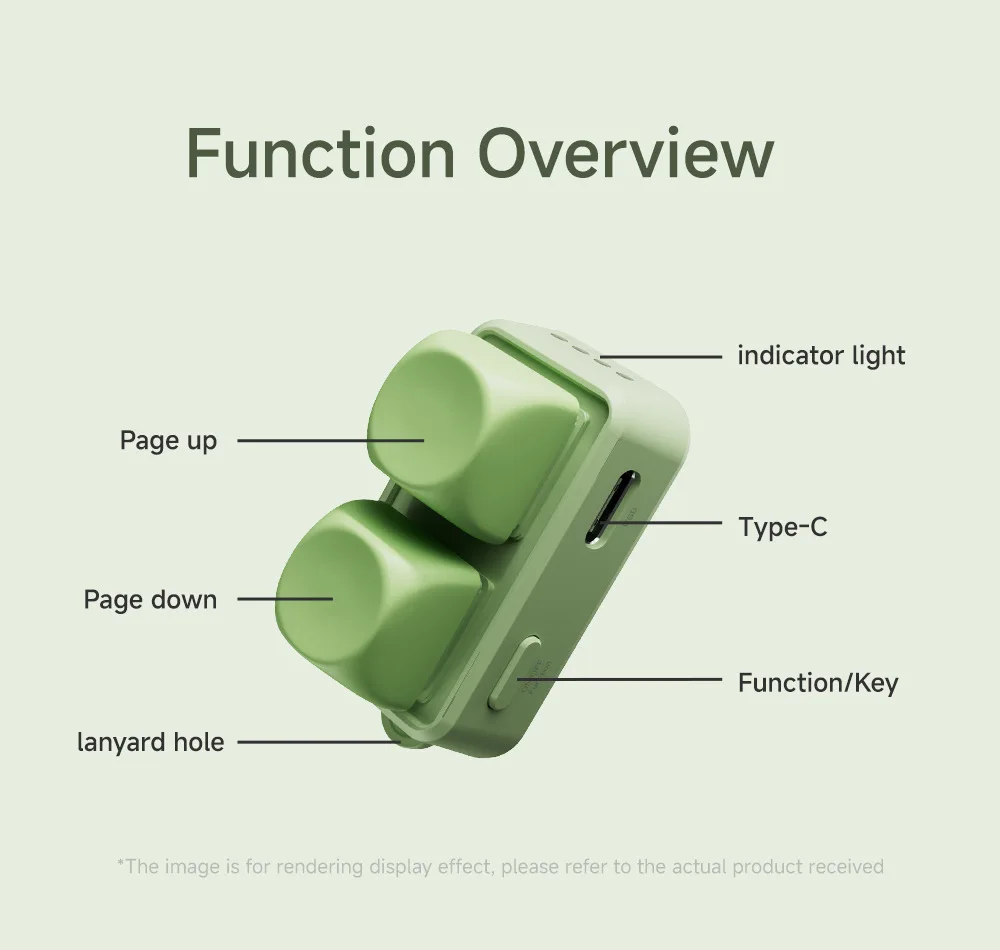
Regarding the lighting issue of the page turner, each button can be individually set to turn the light on or off. Long press for 15 seconds to turn the light on or off. Please follow the instructions in the manual. Thank you.

Additional information
| Weight | 0.086 lbs |
|---|---|
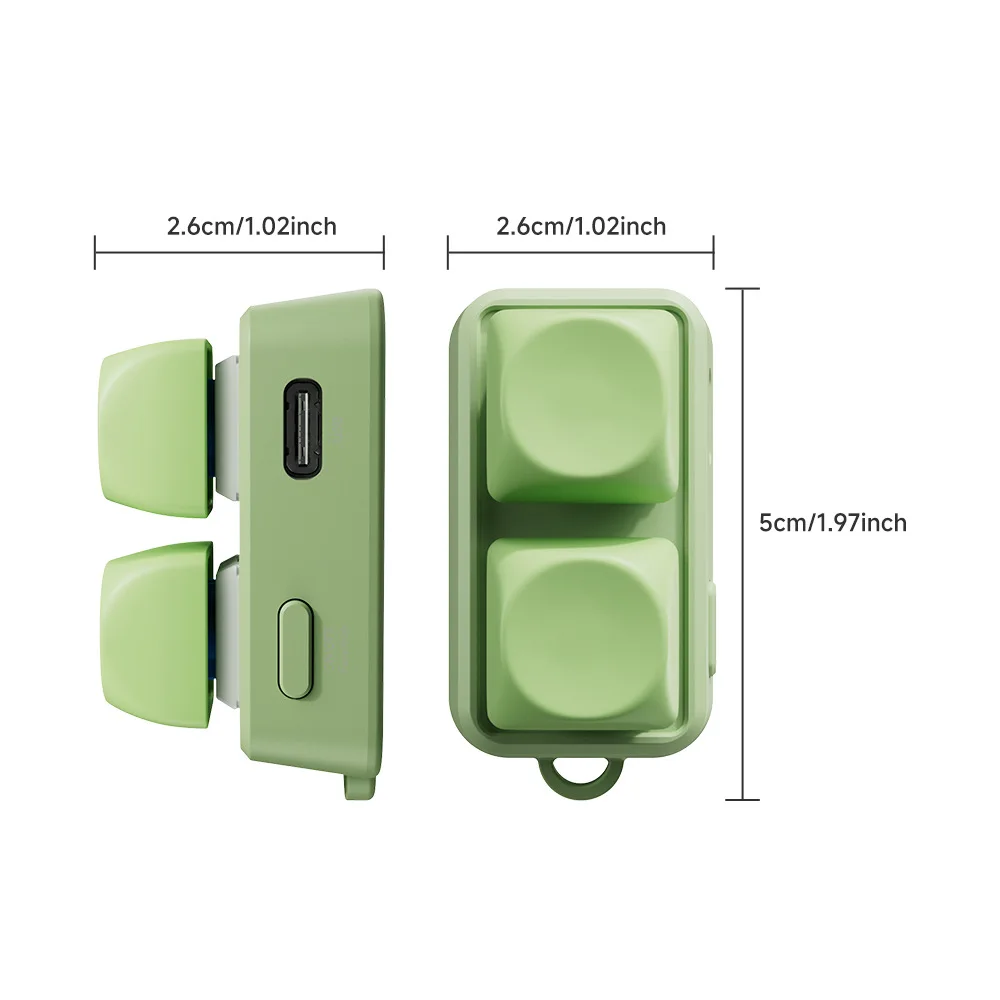
| Dimensions | 20 × 17 × 3 in |
| Brand Name | 696 |
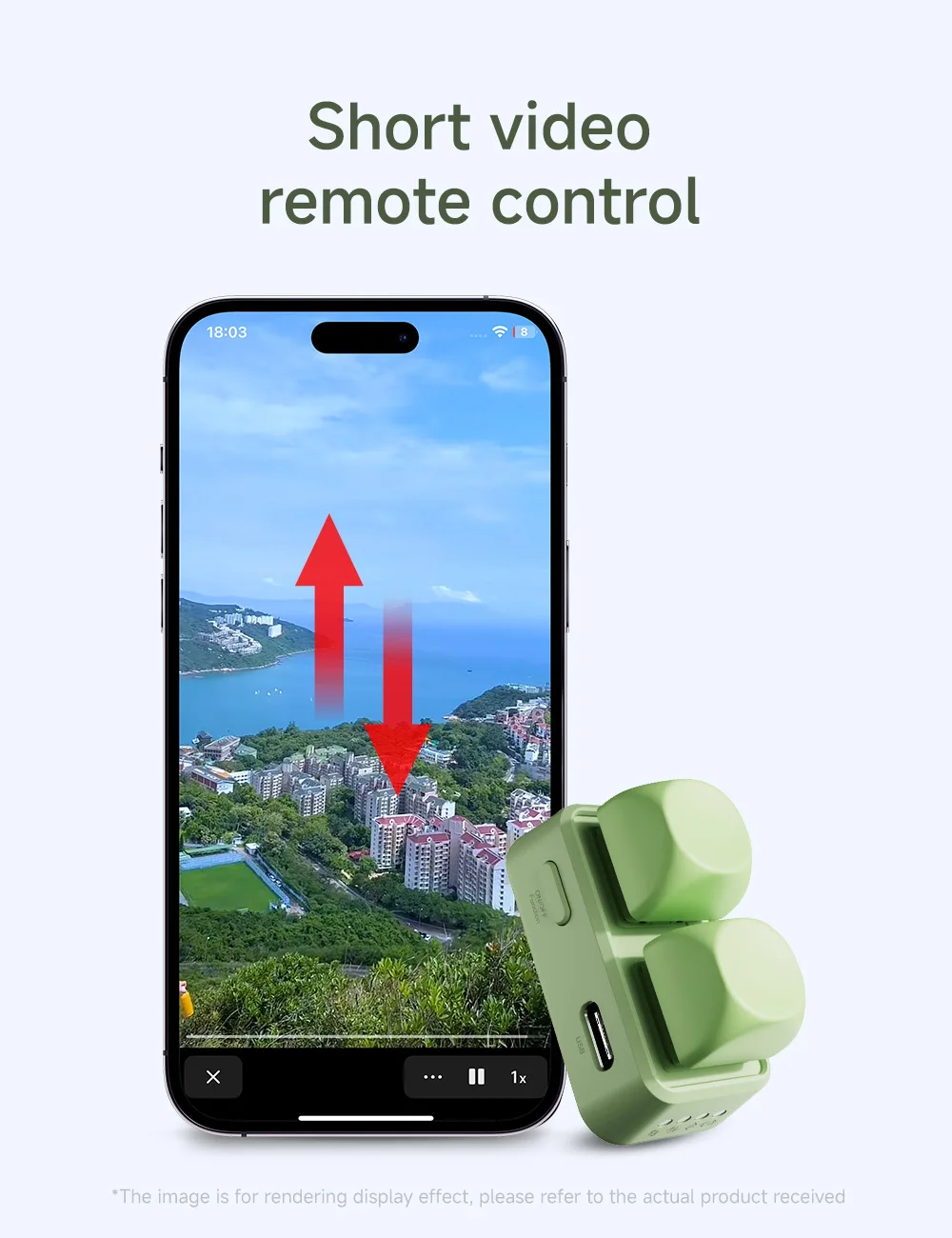
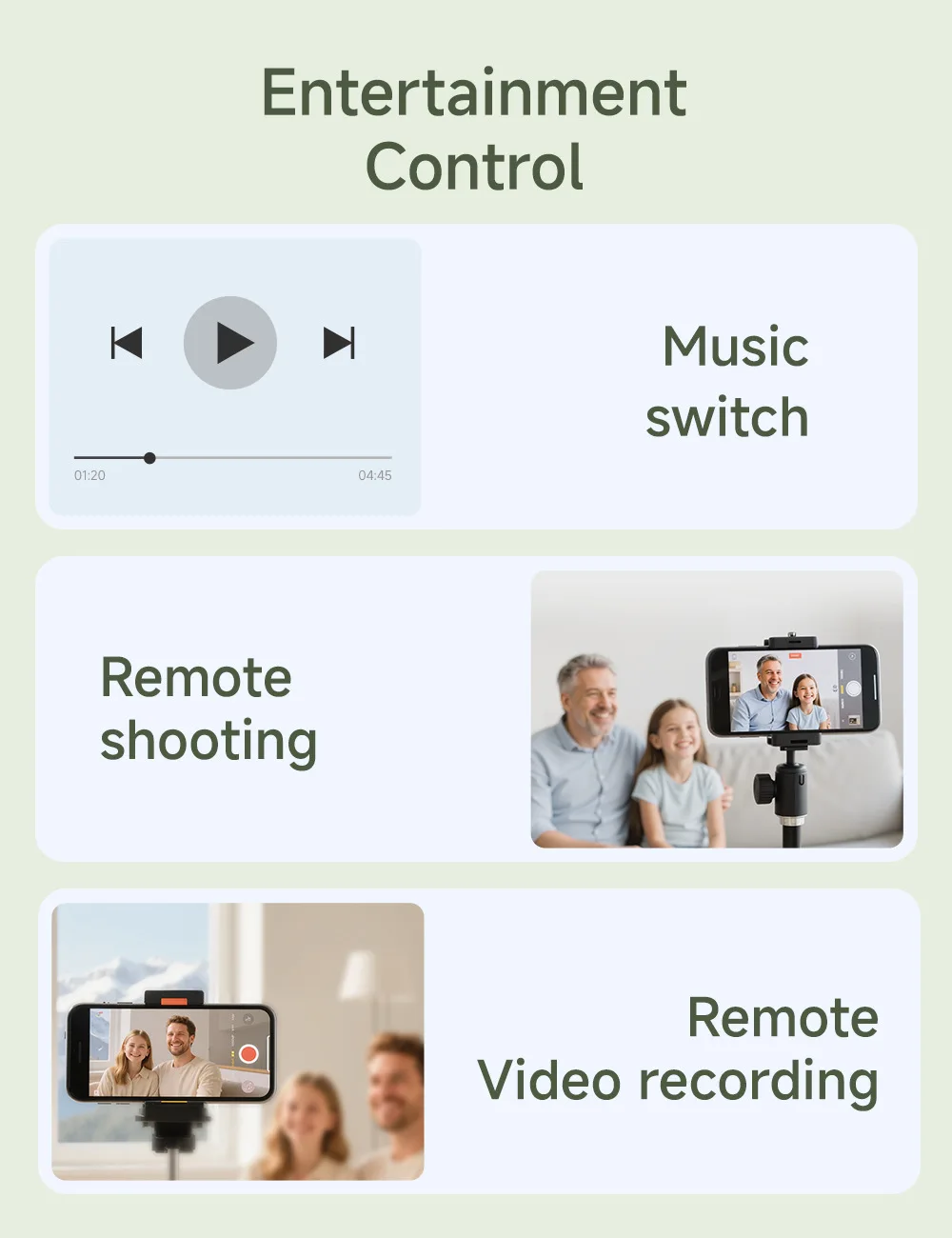
| Use | Audio / Video Players, Camera / Video Camera |
| Origin | |
| High-concerned chemical | None |
| Wireless Communication | Bluetooth |
| Support APP | No |
| Certification | CE |
| Package | Yes |
| Choice | yes |
Reviews (19)
19 reviews for Newest Lightweight Wireless Blue Tooth Remote Control Keypad Dual Button Page Turner For Kobo E-Book Readers Lazy Artifact
Shipping and Delivery


Related products

$2.99 $4.99Price range: $2.99 through $4.99

$2.99 $4.99Price range: $2.99 through $4.99

$2.99 $4.99Price range: $2.99 through $4.99

$18.99 $27.99Price range: $18.99 through $27.99


$2.99 $3.99Price range: $2.99 through $3.99

$18.99 $48.99Price range: $18.99 through $48.99

M***l –
It’s cool and it works!! I love it! I managed to connect it to my kobo libra 2. I’ll explain how i did it in case it helps someone: you’ll need a windows pc. I downloaded the software and firmware from the website, although i’m not sure if that was very useful. What did work for me was the software from “step 3: map keys / customize app functions.” here you have to program one button to be the left arrow key on the keyboard and the other to be the right arrow key. You can do it from the menu on the left. In the first section, on the right there’s a list, and one of the options is “keyword: left and right.” in the second section of the menu you can choose which function you want for each button: assign “arrow right” to one and “arrow left” to the other. It’s in chinese, so if you don’t understand it, use google translate to help you. That alone worked for me. Also make sure your kobo is up to date.
P.s. To run the .exe from “step 1” you need to have the page turner connected to the pc.
Color: WH
C***z –
I love it, I have a Kobo Clara Color and the setup was very easy. I set it to yellow mode and paired it normally with the device. It works great as it allows you to move the blade back and forth (something that cannot be done with the clip system), very convenient and it arrived in just 8 days, super fast. The only thing to keep in mind is that having Bluetooth on drains the device’s battery more, but it’s totally worth it as it improves the reading experience since sometimes with the clip I don’t know why the device would lock or skip pages with the Free2 it didn’t happen to me (I already read a complete book). Recommended
Color: GN
Anonymous –
Works perfectly. Easy to pair with Kobo. Switches to previous page and next page. Great!
Color: WH
M***o –
I loved it, it looks of good quality and works perfectly. It has specific instructions for the Kobo, so I connected it without any problem to my Kobo Libra Color. Nothing bad to mention as a first impression. If I have any issues, I will mention them. For now, 10/10!
Color: WH
Anonymous –
Fast delivery. Works perfectly on the Kobo Clara Color. Pairs quickly and the buttons don’t make noise, and it’s also possible to turn off the button lights.
Color: PI
F***o –
Very cute, packaged well, good instructions in chinese and english and a qr code to scan for video instructions, which i did not need. Connection is easy to set up and works with kobo libra colour, paired very quickly. Love that the key caps are swappable, and there are stickers and a strap. Charged quickly with usb-c before setting up and was delighted to see it comes with led colours when pressing keys (can be turned off individually as well). Very good price for a nifty gadget to help turn pages on my kobo ereader while i’m on the treadmill.
Color: GN
C***o –
Color: PI
Anonymous –
Works perfectly on the Kobo Libra.
It’s easy to connect.
It is quite sensitive to touch; any touch on the button changes the page.
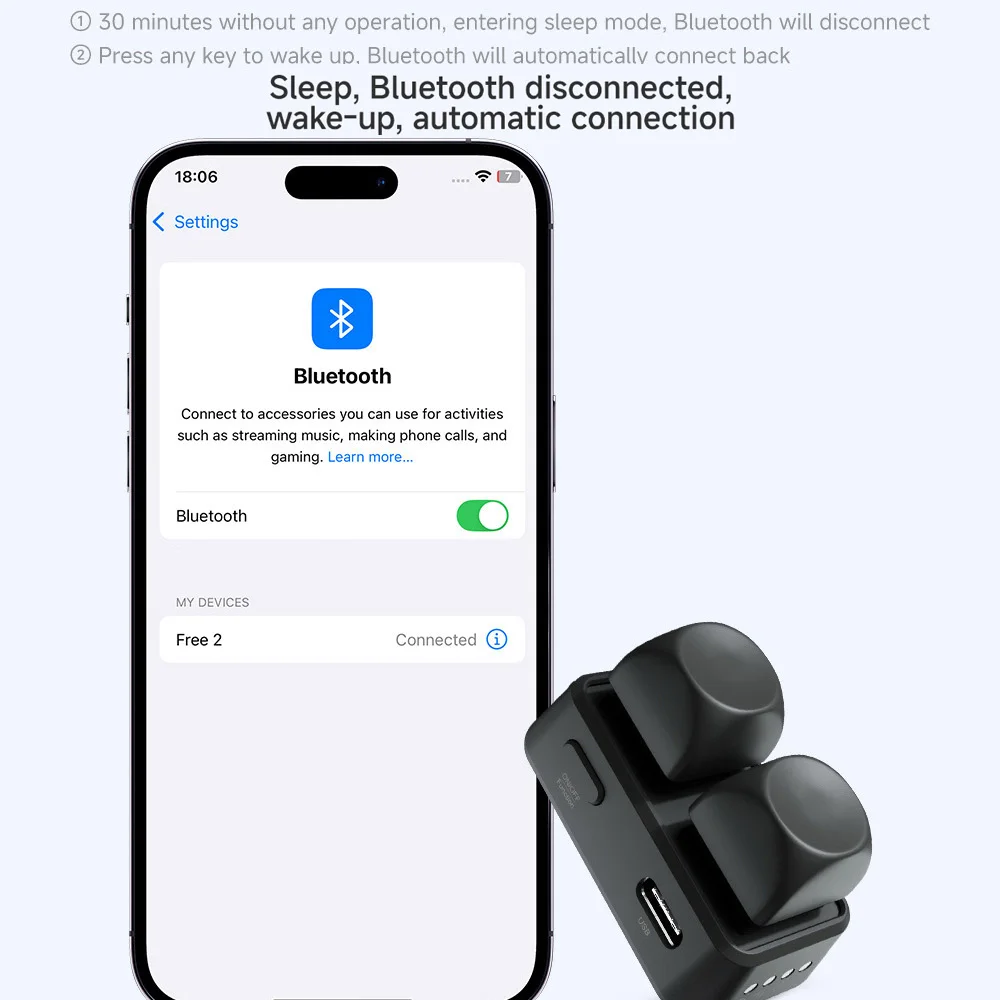
It’s a shame that we have to connect every time we turn it on; it doesn’t do it automatically.
Color: WH
C***a –
Color: WH
J***n –
Color: WH
C***o –
Very good!
Color: WH
G***s –
Very easy to use! I didn’t need to configure it on the computer; once you connect it to the Kobo via Bluetooth, click the power button on the keyboard until it’s in the mode you need. I use mode 3 (left-right). It’s just like the picture and comes with a USB-C cable for charging. Every time you press the little button, it lights up in different colors.
Color: GN
A***a –
The device is great because it allows you to turn pages without covering the screen at all. The only thing is that the keys are very sensitive and sometimes you turn more pages than you intend, but it’s just a matter of getting used to it. I have a Kobo Libra Colour and just connecting the Bluetooth wasn’t enough for me. Since the instructions didn’t clarify anything for me either, I asked ChatGPT for help, which told me exactly which plugin to install to make that page turner work, and that’s how I managed to do it. I asked him to explain it to me step by step, and it turned out to be easier than I expected.
Color: GN
g***a –
Color: WH
Anonymous –
Color: WH
s***o –
Color: WH
Anonymous –
Works very well with the Kobo Clara Color. No need for special settings, once paired, it works immediately.
Color: PI
H***e –
Color: WH
S***g –
Good product, instructions unclear for changing modes
Color: PI