
NOTE:
The product is equipped with a European standard adapter.

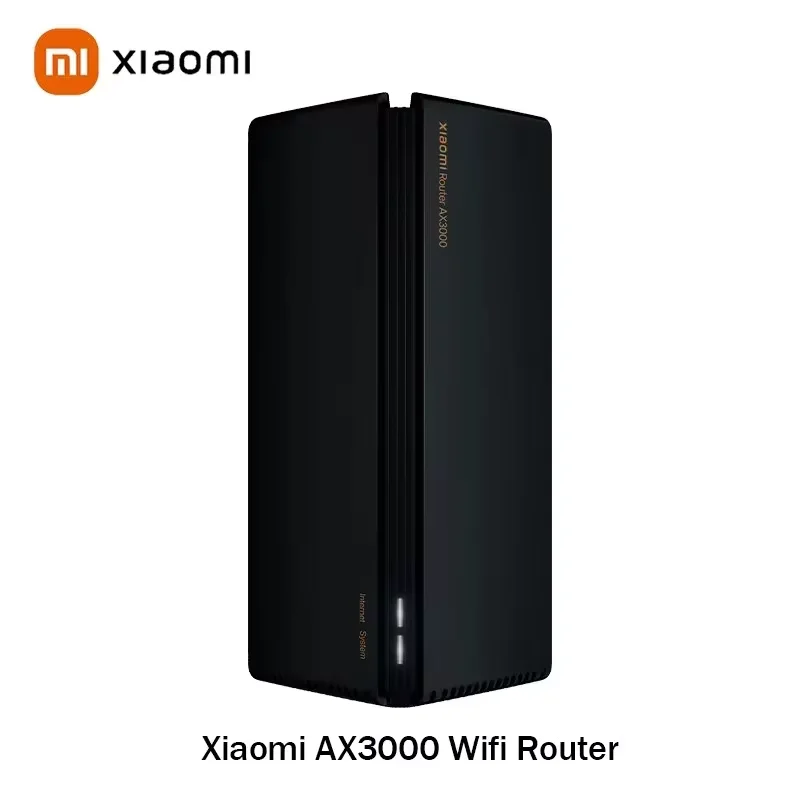
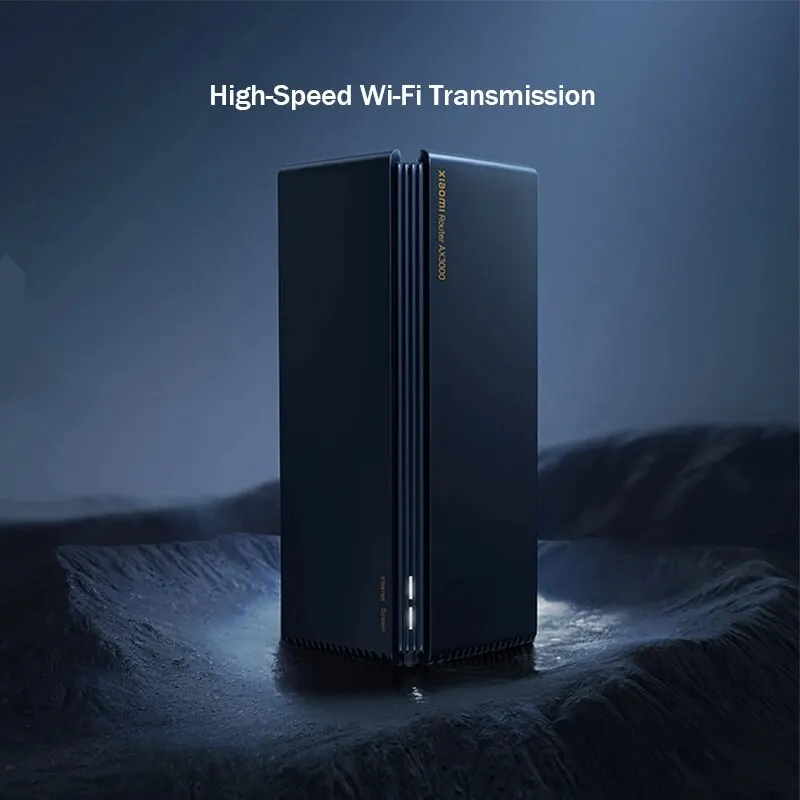
• High-Speed Wi-Fi :Experience seamless internet connectivity with the XIAOMI Ax3000 WiFi Router, boasting a transmission rate of 2167Mbps. Ideal for high-speed internet access.
• Dual-Band Connectivity :This Wi-Fi router supports two frequency bands – 2.4G and 5G, ensuring stable and reliable internet connection at all times.
• WIFI 6 Support :Future-ready with WIFI 6 support, this router ensures faster data transfer and improved network efficiency.
• 48V Power Supply :The XIAOMI Ax3000 WiFi Router comes with a 48V power supply, ensuring stable and reliable performance even during heavy usage.
• Versatile Ports :Equipped with 1 x10/100/1000Mbps WAN ports, this router provides ample connectivity options for all your devices.
• Easy Management :Manage your network easily with the Mijia app, allowing you to control and monitor your internet connectivity from anywhere.
Note: This version is the Chinese version of Xiaomi Ecology
Features
-
Full-power WiFi 6 for an exhilarating and seamless gaming experience
-
OFDMA enables efficient transmission for multiple devices, ensuring smooth surfing even with multiple devices connected simultaneously
-
Powerful WiFi 6, stable and reliable performance
-
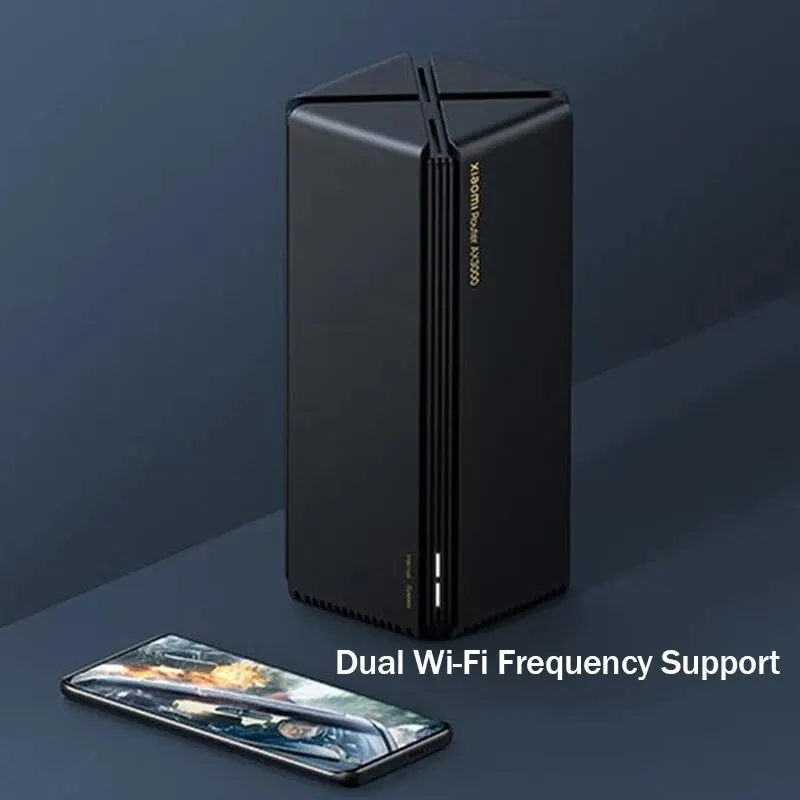
Keep performance excellent with the cool black magic cube design
-
Mesh networking for seamless whole-home coverage and uninterrupted roaming, for a more liberated internet experience.
Note:
-
Off: Indicates the router is either powered off or not connected to power. (If the router has been bound to an app, this status may also occur if the indicator light status is turned off in the app). In this case, please check if the router is powered on normally (ensure it’s plugged into a working socket or try connecting the router to a different socket to observe the indicator light’s response); if the product has a power button on the body, make sure it’s pressed (Xiaomi routers such as AX9000/2/HD/Pro have a power button).
-
Solid white/blue: Indicates normal operation. In this case, proceed to step 2 below.
-
Orange:
-
Blinking: Indicates system upgrade in progress. Please wait for the system upgrade to complete.
-
Solid (turns white after about one minute): Indicates system startup. Please wait for the system to start up.
Product Parameters
Product Name: Xiaomi AX3000 Frequency Band: Dual Band
Product Code: 100024987122 Management Method: Other
Product Gross Weight: 0.75kg Antenna: Built-in Antennas
Product Origin: Mainland China WAN Port Type: Electric Port
Heat Dissipation Method: Natural Heat Dissipation Total Bandwidth: 101-150
Firewall: Supports Firewall Terminal LAN Port Type: Electric Port
LAN Output Ports: Gigabit Ethernet Ports, Independent Number of FEM (Front-End Modules): 4
Supports IPv6: Yes Wireless Rate: 3000Mbps
Applicable Area: 61-120 square meters Body Material: Plastic
With USB: No USB Interface Wireless Protocol: Wi-Fi 6
WAN Access Port: Gigabit Ethernet Port Other Ports: Other
App Control: Supported
Packaging List:
-
Host *1
-
Adapter * 1
-
Instruction Manual *1
-
Ethernet Cable *1
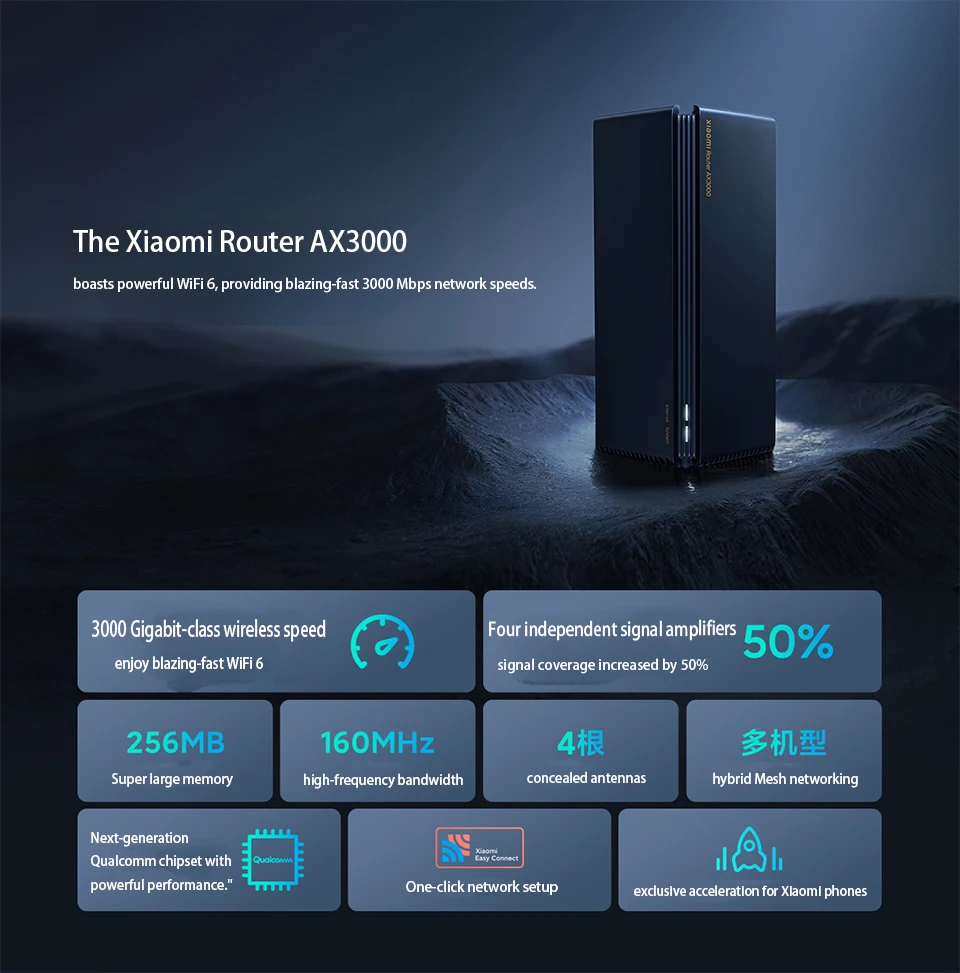 The Xiaomi Router AX3000
 The Xiaomi Router AX3000
 boasts powerful WiFi 6, providing blazing-fast 3000 Mbps network speeds.
3000 Gigabit-class wireless speed, enjoy blazing-fast WiFi 6.
Four independent signal amplifiers, signal coverage increased by 50%.
Super large memory, high-frequency bandwidth, concealed antennas, hybrid Mesh networking.
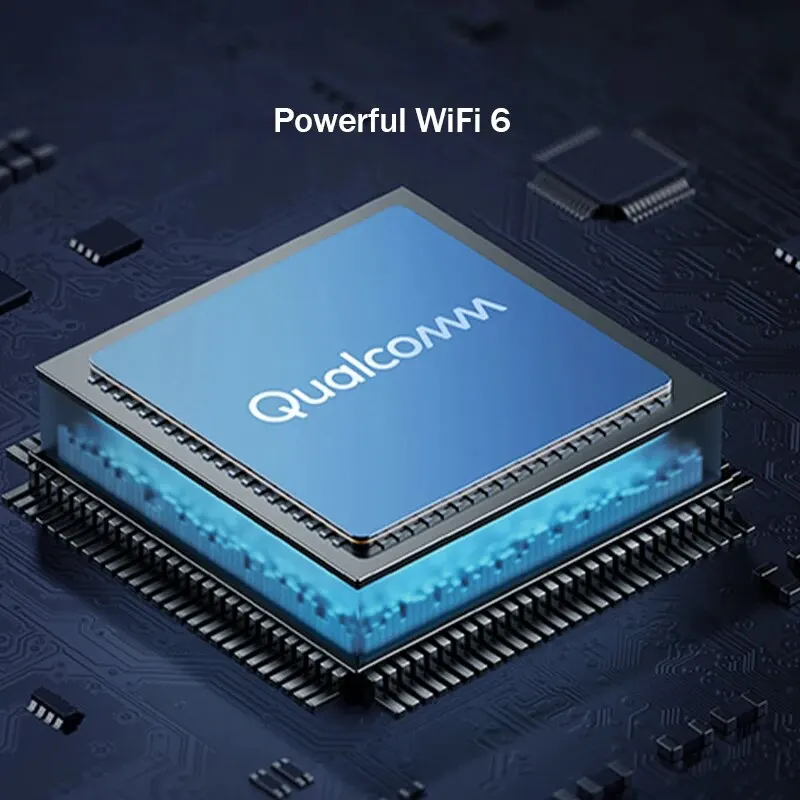
Next-generation Qualcomm chipset with powerful performance.
One-click network setup, exclusive acceleration for Xiaomi phones.
 Full-power WiFi 6 for an exhilarating and seamless gaming experience
Smooth live streaming and binge-watching without buffering, now in higher definition.
3000 Gigabit-level wireless speed for smooth live streaming and uninterrupted binge-watching in higher definition.
Adopting the new generation WiFi 6 technology, with dual-band concurrent wireless speed up to 2976Mbps*, which is 155% faster than mainstream AC1200. Surfing the internet speed can be even faster.
*Theoretical maximum wireless speed of 2976Mbps for both 2.4GHz and 5GHz dual-band concurrent connections. Actual speeds may vary due to environmental factors.
 OFDMA enables efficient transmission for multiple devices, ensuring smooth surfing even with multiple devices connected simultaneously
OFDMA technology allows for the simultaneous transmission of data for multiple devices, enabling efficient data transfer even when multiple devices are accessing the network simultaneously. This results in lower network latency, providing a smoother gaming experience.
WiFi 6 routers supporting OFDMA can transmit data for multiple users simultaneously, while traditional WiFi 5 routers can only transmit data for one user at a time.
*This feature requires terminal devices to support OFDMA.

Powerful WiFi 6, stable and reliable performance
The new generation Qualcomm chipset ensures stable operation without dropping connections.
The newly designed Qualcomm router chipset, with seamless coordination between NPU and CPU, significantly enhances data processing capability and operational efficiency, ensuring stable operation without dropping connections.
Unleash uninterrupted performance with the independent network acceleration engine.
The NPU network acceleration engine effectively alleviates CPU load by independently handling network data traffic, ensuring stability when multiple applications are online.
The conclusion of reduced CPU load is compared before and after enabling/disabling NPU on the Xiaomi Router AX3000.

Keep performance excellent with the cool black magic cube design
Excellent heat conduction design, with large channels for airflow and oversized heat sinks effectively reducing chip temperature, ensuring the system remains in a stable operational state at all times.

Hardcore WiFi 6
Even large households can easily handle it.
4 concealed antennas provide 360-degree ultra-wide coverage.
Built-in four omnidirectional high-gain antennas avoid signal degradation due to improper antenna placement. Supports LDPC error correction algorithm for wider signal coverage and stronger transmission performance.
Four independent signal amplifiers effortlessly penetrate walls.
Both 2.4GHz and 5GHz bands are equipped with independent signal amplifiers (PA+LNA), boosting signal strength by 4dB. Theoretical coverage range strength increases by 50%.
*Theoretical coverage range enhancement data compared to Xiaomi Router 4A Gigabit Edition.
 Mesh networking for seamless whole-home coverage and uninterrupted roaming, for a more liberated internet experience.
Xiaomi’s Mesh technology enables multiple routers to form a powerful Mesh network, ensuring comprehensive coverage of strong network signals whether in large homes or multi-story buildings. Devices seamlessly connect across multiple routers, allowing for uninterrupted gaming and browsing on the go.
Supports Xiaomi Mesh solution.
*Compatible with the latest software versions of Xiaomi routers AX9000/AX6000/AX3600/AX1800, Redmi routers AX5/AX6/AX3000 for hybrid networking.
*Terminals need to support 802.11k/v protocols. Actual experience depends on user terminal capabilities and home environment.

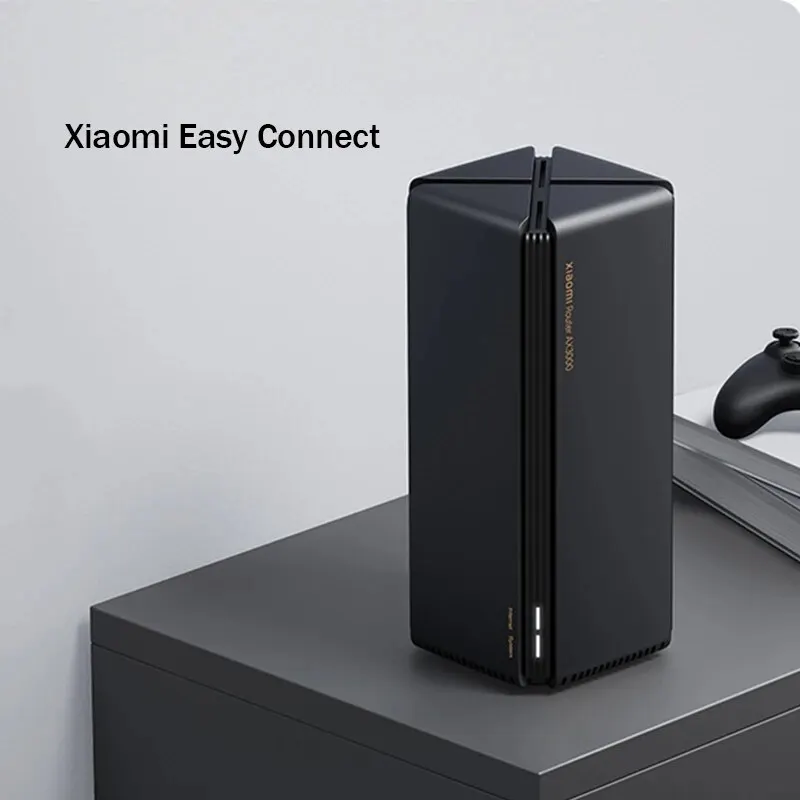
Xiaomi Easy Connect allows smart devices to connect with a single click.
The Mi Home app automatically detects nearby Xiaomi smart devices that haven’t been networked. No need to input passwords, no cumbersome setup – even the elderly and children can easily join the network.
Please refer to the respective user manuals for the compatibility of smart devices with the ‘Smooth Connect’ feature.
256MB of large memory ensures stable connections for up to 128 devices.
With its expansive memory, it’s designed for multi-user scenarios like multimedia entertainment and gaming gatherings. Whether it’s smartphones, tablets, laptops, or entire home smart devices, all can connect simultaneously with stability and responsive performance.
*The 128 device limit applies to combined access across 2.4GHz, 5GHz, and LAN under laboratory conditions.

Unleash the full power of WiFi 6 with dedicated gaming acceleration for an exhilarating gaming experience
Whether it’s domestic or international gaming, enjoy seamless battles.
In-depth collaboration with NetEase UU Accelerator ensures global dedicated connections, supporting platforms like PS, Xbox, Switch, PC, smartphones, and more, providing esports-grade low-latency networks.

Exclusive acceleration for Xiaomi phones, enjoy low-latency gaming and level up your combat power.
The Xiaomi Router AX3000 intelligently recognizes your Xiaomi/Redmi phone in gaming scenarios, creating a dedicated acceleration channel to reduce game latency and stuttering, conquering even broader gaming battlefields.
*This feature requires upgrading the Phone Manager in the MIUI system to version 4.2.3 or above.

Support for 6 major technologies:
1. Beamforming: Directional signal enhancement for wider coverage.
2. Security Center: Wireless access control to prevent malicious device connections.
3. BSS Coloring: Optimized algorithms to reduce interference between different Wi-Fi networks.
4. WPA3: Next-generation security encryption protocols safeguarding home network security.
5. Dual-band integration: Automatic selection of the appropriate frequency band for connection, eliminating the hassle of choosing.
6. IPv6: Larger address space, higher forwarding efficiency, and enhanced security.
*This feature requires all devices in the network environment to support BSS Coloring.

Stringent testing, exceptional Xiaomi quality:
Over 220,000 times: Power stability testing (4 scenarios, accumulated on/off cycles for 20 prototype units)
128 devices: Simultaneous multi-device online testing (comprehensive access value in laboratory environment)
Over 54 times: Hardware structure reliability testing (drop, impact, and vibration testing)
Over 1,000 hours: Testing in harsh environments (6 scenarios, accumulated testing for 4 prototype units)
Over 180,000 times: Memory stress testing (accumulated read/write cycles for 20 prototype units)
Over 100,000 times: Flash storage component reliability testing (continuous read/write testing)
Theoretical coverage range improvement data compared to Xiaomi Router 4A Gigabit Edition, sourced from Xiaomi Laboratory’s ‘Xiaomi Router AX3000 Coverage Performance Test Report’.
*Compatible with the latest software versions of Xiaomi routers AX9000/AX6000/AX3600/AX1800, Redmi routers AX5/AX6/AX3000 for hybrid networking.
*Theoretical speed improvement data compared to Xiaomi Router 4A Gigabit Edition, sourced from ‘Xiaomi Router AX3000 Test Report’.
*Conclusion on reduced CPU load compared to Xiaomi Router AX3000 before and after enabling/disabling NPU, sourced from Xiaomi Laboratory’s ‘Xiaomi Router AX3000 NPU Performance Test Report’.
*Stable connection of 128 smart devices data sourced from Xiaomi Laboratory’s ‘Xiaomi Router AX3000 Multi-terminal Test Report’.
*Data for power stability testing, hardware structure reliability testing, memory stress testing, simultaneous multi-device online testing, testing in harsh environments, and flash storage component reliability testing, all sourced from Xiaomi Laboratory’s ‘Router Reliability Test Report’.
*The content and functionality displayed on this page cannot guarantee permanent service and may be adjusted due to changes in copyright, business, or technical conditions. If changes occur, no separate notification will be provided. Please refer to the actual content and functionality of the product.
*Product images on this page are for illustration purposes only. Actual product effects may vary slightly, please refer to the actual product.

Product Name: Xiaomi AX3000
Product Code: 100024987122
Product Gross Weight: 0.75kg
Product Origin: Mainland China
Heat Dissipation Method: Natural Heat Dissipation
Firewall: Supports Firewall
LAN Output Ports: Gigabit Ethernet Ports, Independent
Number of FEM (Front-End Modules): 4
Body Material: Plastic
Antenna: Built-in Antennas
Management Method: Other
Frequency Band: Dual Band
Supports IPv6: Yes
WAN Port Type: Electric Port
Total Bandwidth: 101-150
Terminal LAN Port Type: Electric Port
Applicable Area: 61-120 square meters
Wireless Rate: 3000Mbps
With USB: No USB Interface
Wireless Protocol: Wi-Fi 6
Other Ports: Other
WAN Access Port: Gigabit Ethernet Port
App Control: Supported
NOTE:
Router Troubleshooting Guide
When the router is configured but all terminals cannot access the Internet, please refer to the status of the router’s System indicator light and Network (Internet) indicator light and troubleshoot according to the following steps.
Note: The following statuses are based on dual indicator light series products (System indicator light and Network indicator light). For single indicator light products, please refer to the manual for accurate information.
Check if the router’s System indicator light is normal.
When the router’s system is working properly, the System indicator light will be solid white or blue (the specific color may vary depending on the product). Below are common states of the System indicator light (refer to the product manual for more states):
Off: Indicates the router is either powered off or not connected to power. (If the router has been bound to an app, this status may also occur if the indicator light status is turned off in the app). In this case, please check if the router is powered on normally (ensure it’s plugged into a working socket or try connecting the router to a different socket to observe the indicator light’s response); if the product has a power button on the body, make sure it’s pressed (Xiaomi routers such as AX9000/2/HD/Pro have a power button).
Solid white/blue: Indicates normal operation. In this case, proceed to step 2 below.
Orange:
Blinking: Indicates system upgrade in progress. Please wait for the system upgrade to complete.
Solid (turns white after about one minute): Indicates system startup. Please wait for the system to start up.
Solid (remains orange for more than two minutes): Indicates a system failure. In this case, try restarting the router to see if the system can start up normally. If it still doesn’t work, please contact customer service for assistance. Additionally, for models that support flashing, you can refer to the instructions provided on the miwifi.com official website ROM download page to flash correctly and attempt to resolve the issue.
Note: If “Restart Plan” is set in the Xiaomi WiFi App or Mi Home App, the router will restart at the specified time, and different statuses may occur at that time.
If the System indicator light is normal, check if the Network (Internet) indicator light is normal.
When the router’s network is normal, the Network (Internet) indicator light will be solid white or blue (the specific color may vary depending on the product). Below are common states of the Network indicator light (refer to the product manual for more states):
Off: Indicates the WAN port is not connected to a network cable. (If the router has been bound to an app, this status may also occur if the indicator light status is turned off in the app). In this case, please check if the router is connected to the internet via the correct method, referring to the three methods below.
Orange: Solid: Indicates the WAN port is connected to a network cable, but there is a fault in the upstream network. In this case, refer to other steps below for troubleshooting. If you are unsure of the correct method for accessing the Internet, please contact your Internet service provider for confirmation.
Solid white/blue: Indicates the WAN port is connected to a network cable, and the upstream network is normal.






D***a –
the good one!
A***o –
Chinese verse. I got it to set up. But it’s very good.
Customer –
A product of extreme quality and cost benefit!
G***r –
Fast delivery and in good condition
D***a –
Great product. Easy to install and configure even in the Chinese version. The Internet got even better with the mesh network.
M***n –
Works very well
L***a –
Best quality router price
J***o –
Everything OK
a***r –
Works as intended, WiFi is strong, 1 floor and 3 walls and still strong enough. Using it in repeater mode and works really well with original Router. When connecting to the web app its all in chinese so need to translate everything, only downside
a***d –
Works excellent as sun or Cellcom
Customer –
good. it’s done well.
Customer –
Great product. Worked perfectly
e***r –
It’s a great device, easy to operate although the Chinese is exactly 2 steps to set the router, excellent transmitter. I’ll recommend this device to my friends for sure
J***z –
Met my expectations. Arrived well packed. Wifi 6 correct. Good coverage. I recommend the product and the seller.
Customer –
Very good product
L***L –
It’s very good The signal is strong and the connection is good
D***a –
Fast delivery. Simple setup. Good quality