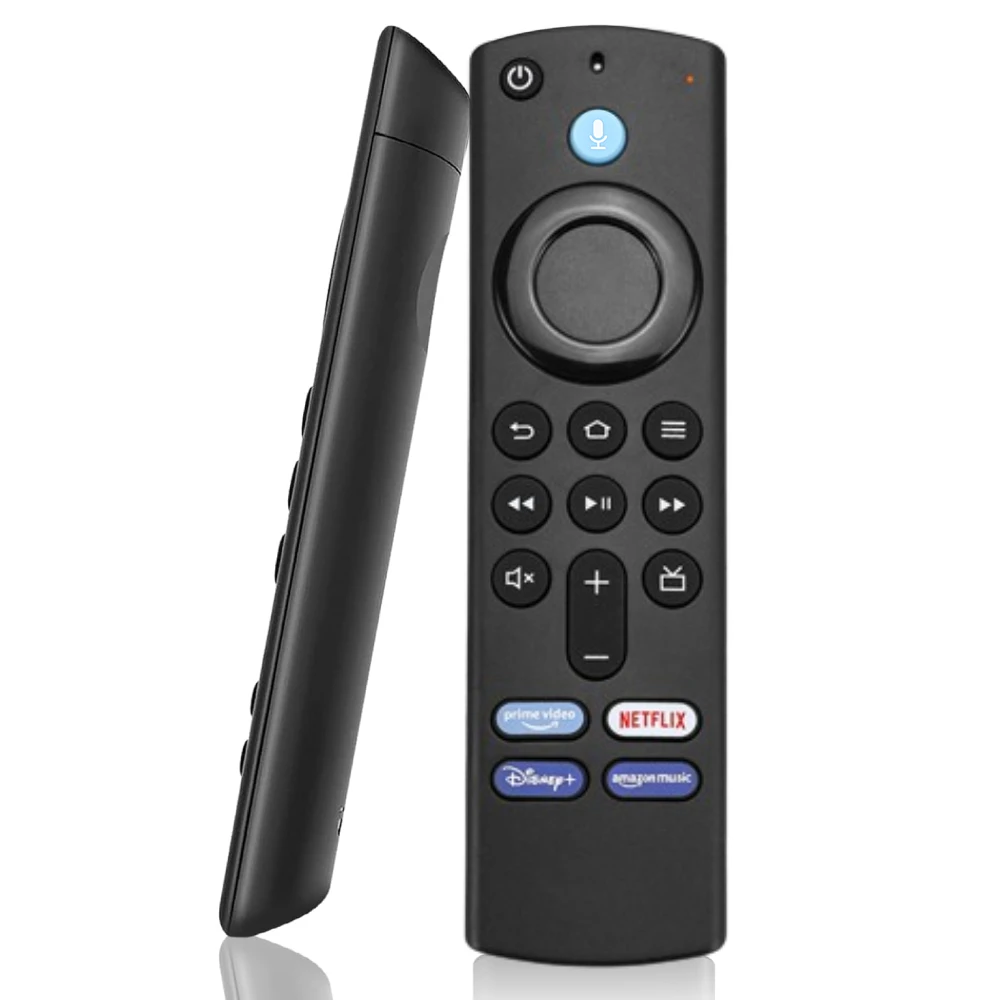
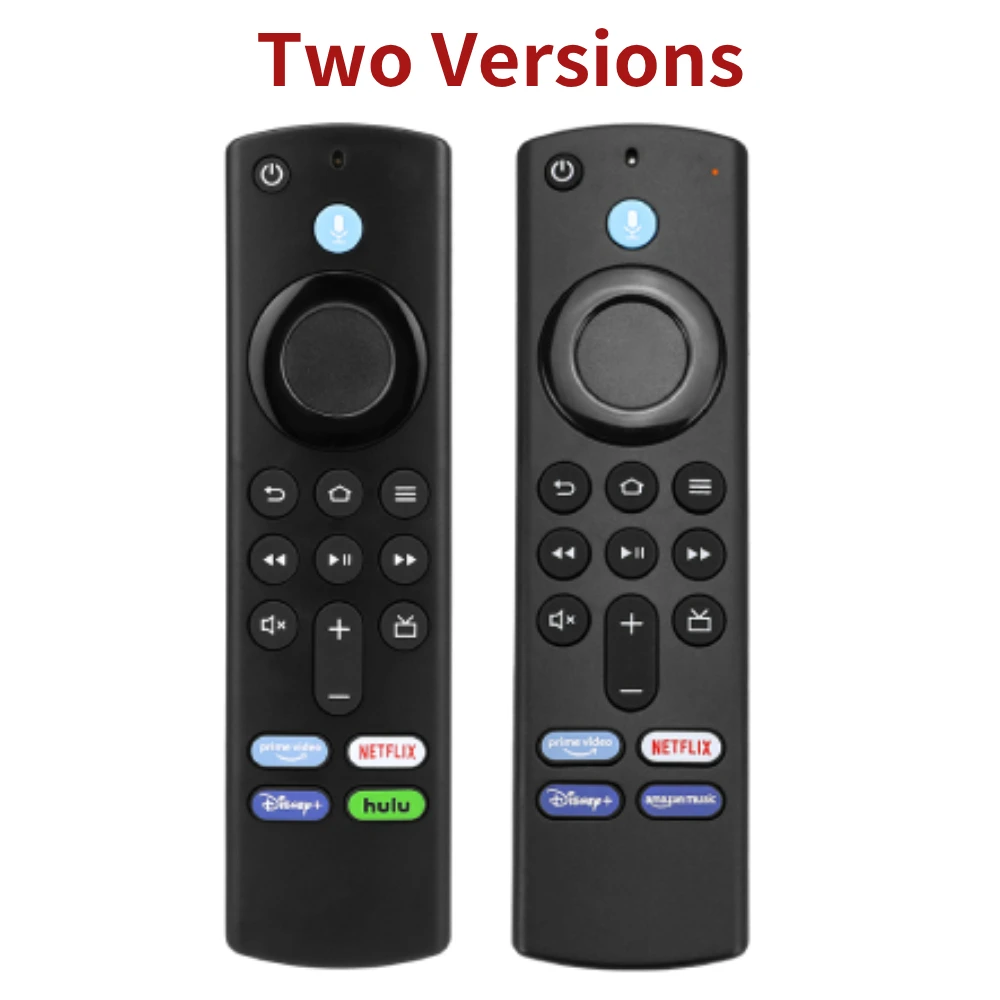

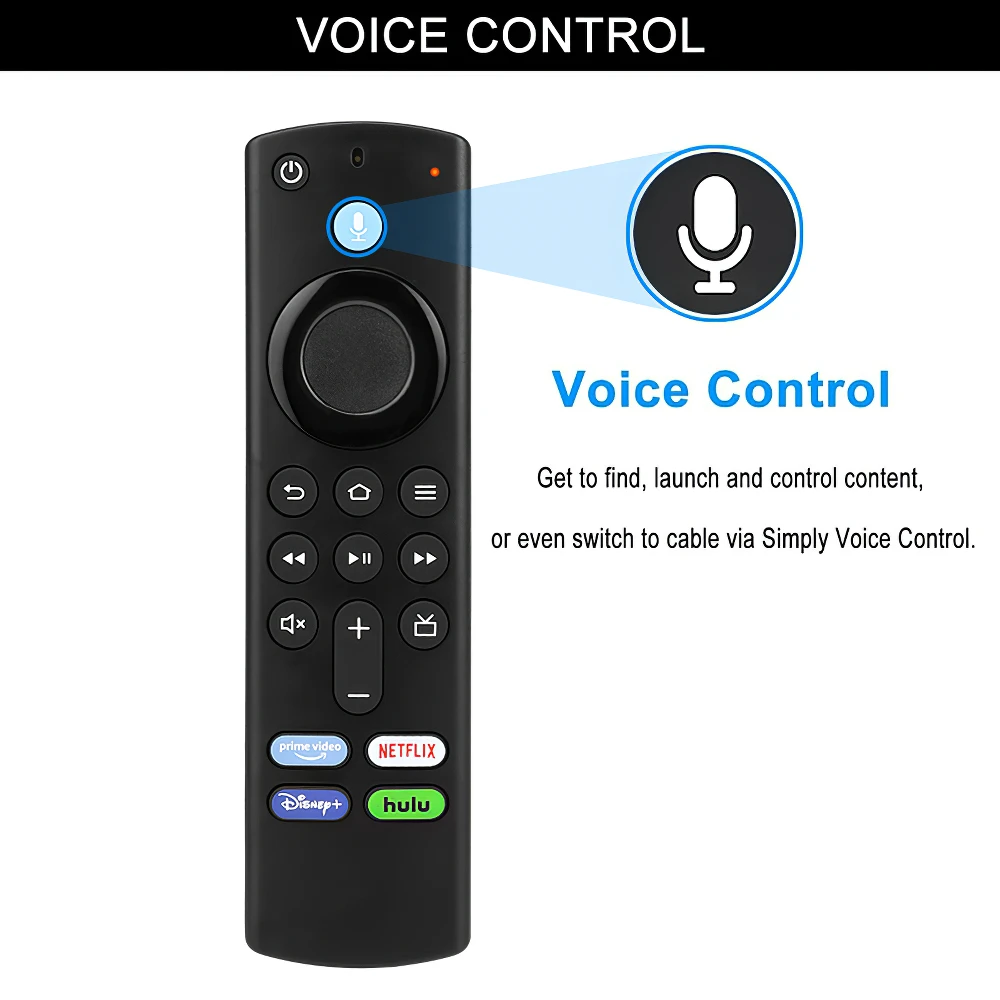
Features:Voice Remote : Press and hold voice button and ask Voice Assistant to find, control content. Easily search and enjoy thousands of movies, TV shows, apps, and games.Find content fast: Streaming on TV is simple and intuitive. It all starts with Main Menus, where you can quickly your favorite content.
Easy to use: No programing or pairing needed, put new 2 * AAA batteries and it can work well.(Batteries not included). Search across hundreds of channels and apps to find what you want to watch.
About Remote Reseting:Having trouble with your remote, first remove and reinsert the new alkaline batteries in your remote. then Reset your remote as below:
Place your remote within 10 feet of your Fire TV device.
Press the Left, Menus, and Back buttons simultaneously, and hold for 10 seconds.Wait for 60 seconds.
Remove the batteries from your remote, unplug your Fire TV device, and wait 60 seconds.
Plug your Fire TV device back in, and wait for the Home Screen to display.Press the Home button and Hold about 10-15 seconds, Until the LED starts to rapidly flash then release, waiting about 30-60 seconds(Entering Pair mode, LED Flash), then the remote should automatically pair with your device. Szkoston
IF still not Pair success, please repeat the above steps again.Product Name: Voice Smart Remote
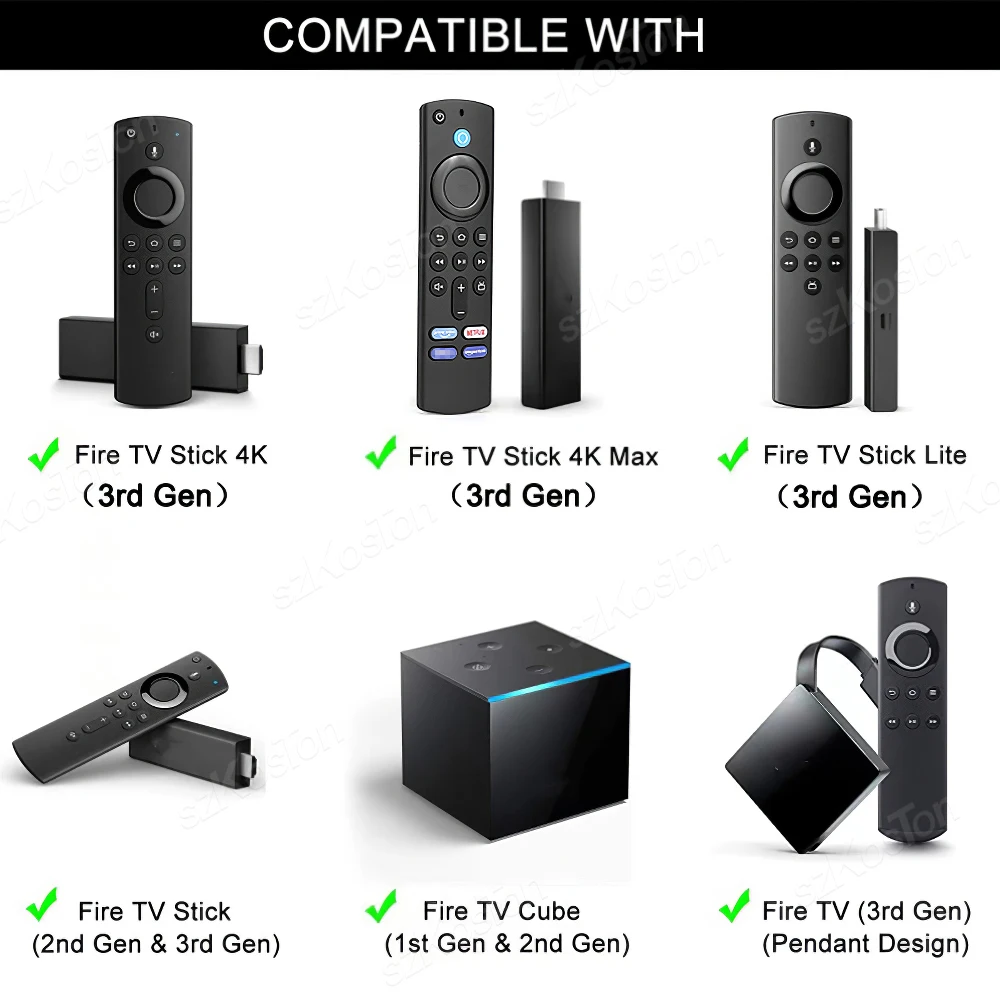
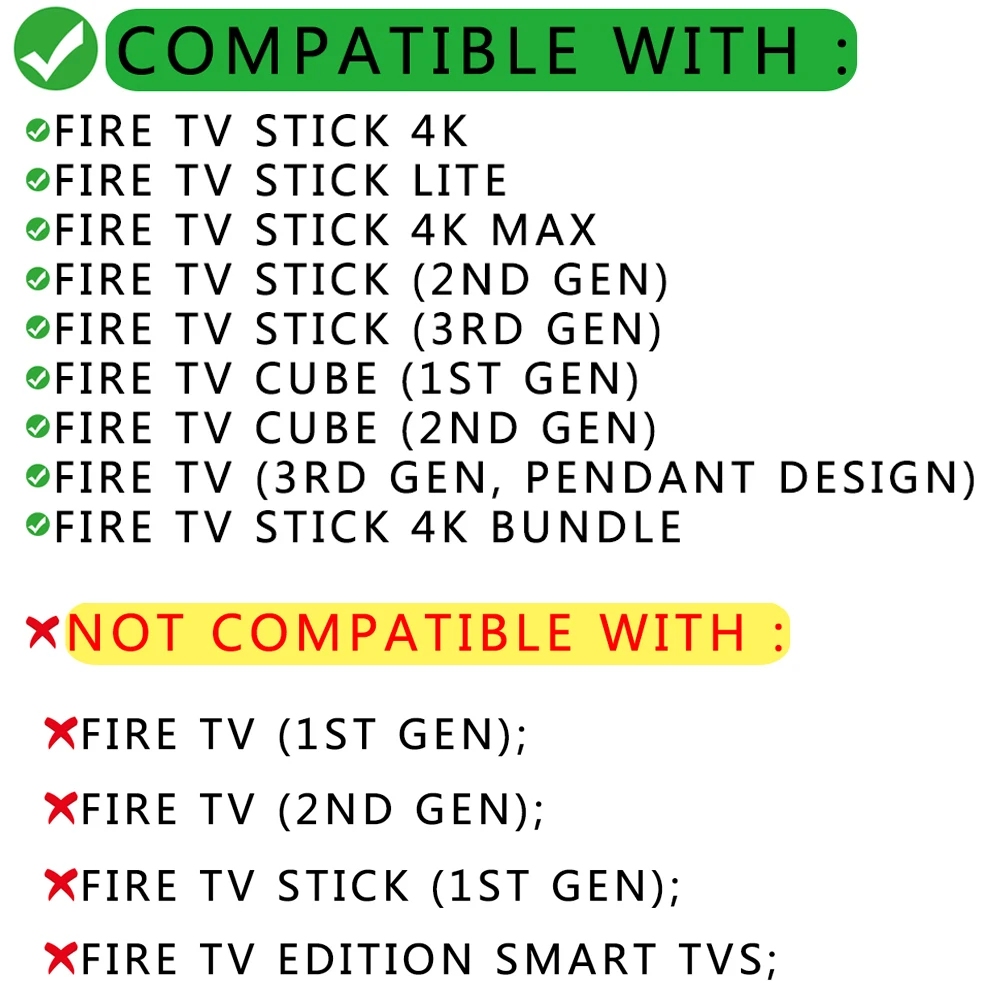
Compatible models:For AMZ TV Stick 4K, Lite, 4K Max;
For AMZ TV Stick (2nd Gen, 3rd Gen);
For AMZ TV Cube (1st Gen, 2nd Gen);
For AMZ TV (3rd Gen, Pendant Design).
For AMZ TV Stick 4K Bundle.
NO Compatible:Fire TV (1st Gen, 2nd Gen);
TV Stick (1st Gen);
Fire TV Edition smart TVs (Such as To shiba/ In signia/ Westinghouse/ ).
Reasons why the remote controller can’t work properly after pairing: (1) if the remote controller can’t work after pairing, it may be caused by too many devices paired with the device. (2)The battery of the old remote controller is not taken out. If the battery of the old remote controller is not removed, the old remote controller will still be paired with the device, so the new remote controller will not work properly.
What should you do if you don’t have the original remote control?
You can use your smartphone to access your Fire TV application and choose to use your phone as the remote control for that specific Fire Stick. Once you’re done, you can go to Settings, add a remote control, and then press the Home button on the new remote control until it starts flashing. Then, as you can see in the picture, it tells you to press the middle button on the original remote control




J***h –
Works great. Good price
J***a –
very nice item
J***t –
These are just like the original. Very easy to add as a new or second remote to a 4K smart fire stick.
A***r –
The quality is not very good but it works!.
a***l –
Served me very well
V***n –
Great! I would buy more. It’s better than the original Amazon remote because the battery cover stays on.
Customer –
very good quality
N***s –
Works perfectly buy without fear.
C***n –
amazing works perfectly
Customer –
All right, works like original
b***m –
top
Customer –
can’t wait to pick this up
Customer –
I haven’t tested it yet but it looks good quality, just need to test, arrived fast, very efficient
B***s –
works like original
J***s –
It arrived in perfect condition everything well and 100 percent functional is already the fourth time I have bought it.
t***r –
works with my amazon firestick model S3L46N. great value for the price.
k***r –
it’s a nice remote but didn’t work for my insignia tv
J***t –
Excellent quality, works very well with the device in the first configuration. Very well packed and with an internal instruction
m***o –
Well manufactured, same as the original, easy to match, has the functions same as the original. Comes without pulas.
t***r –
Came in right on time works great