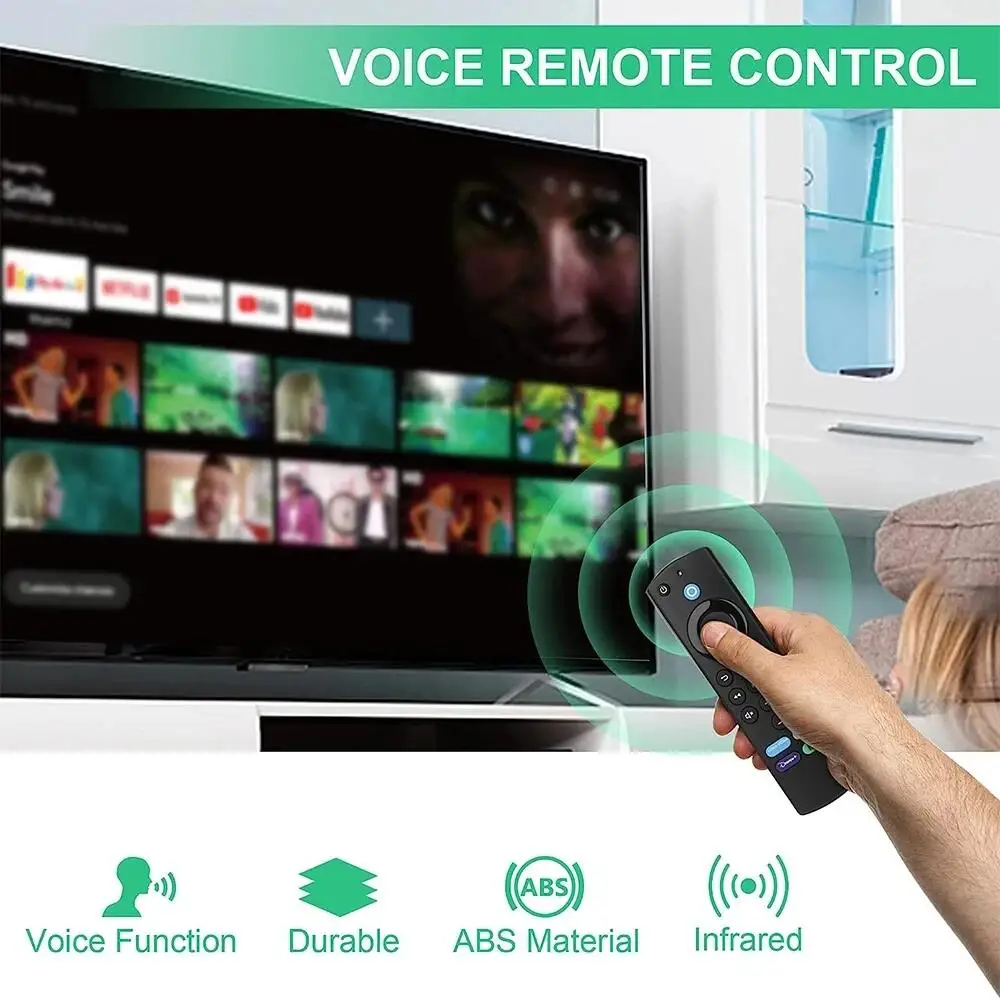
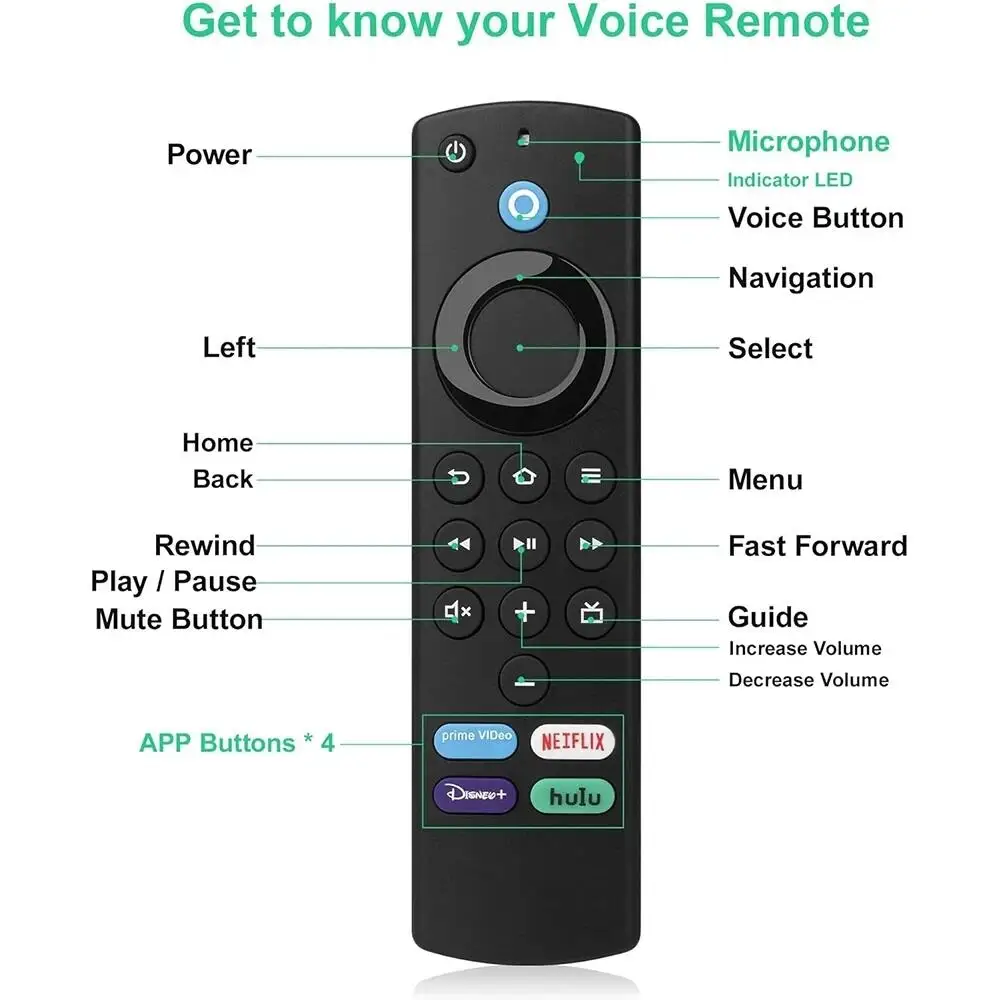
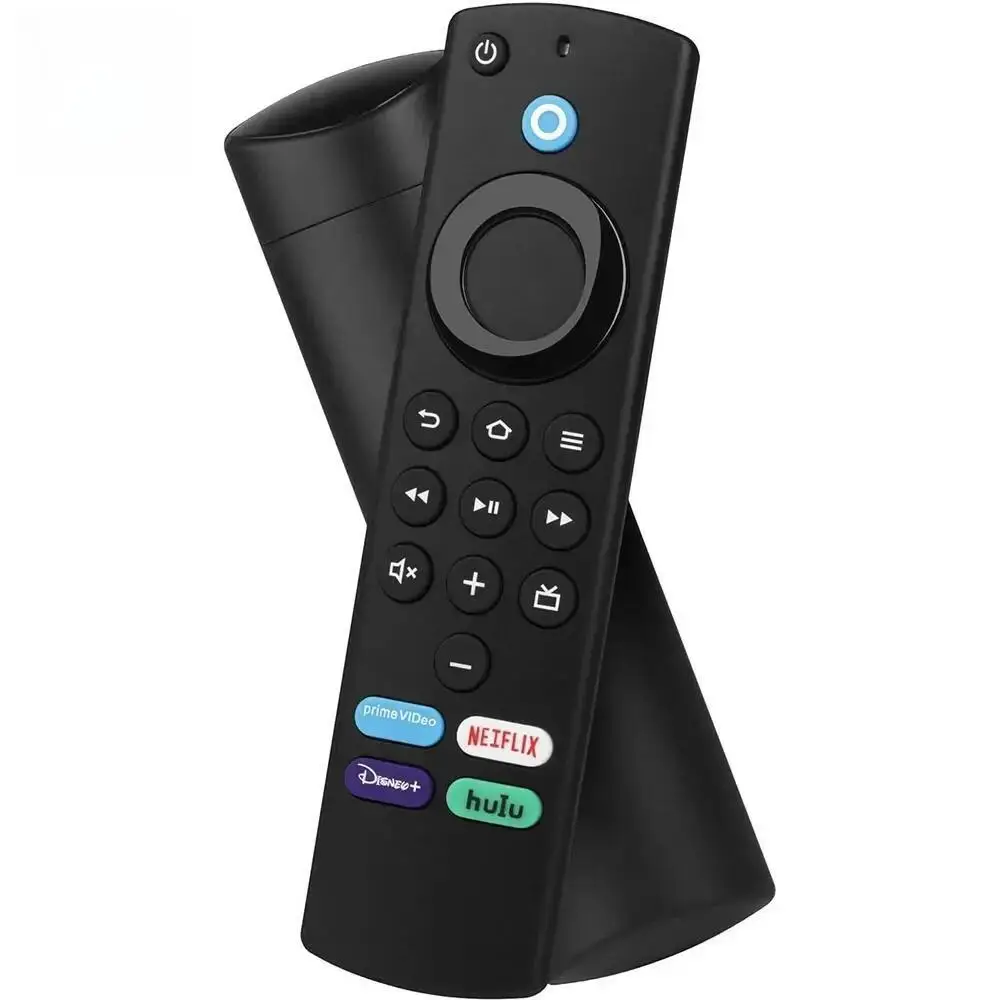
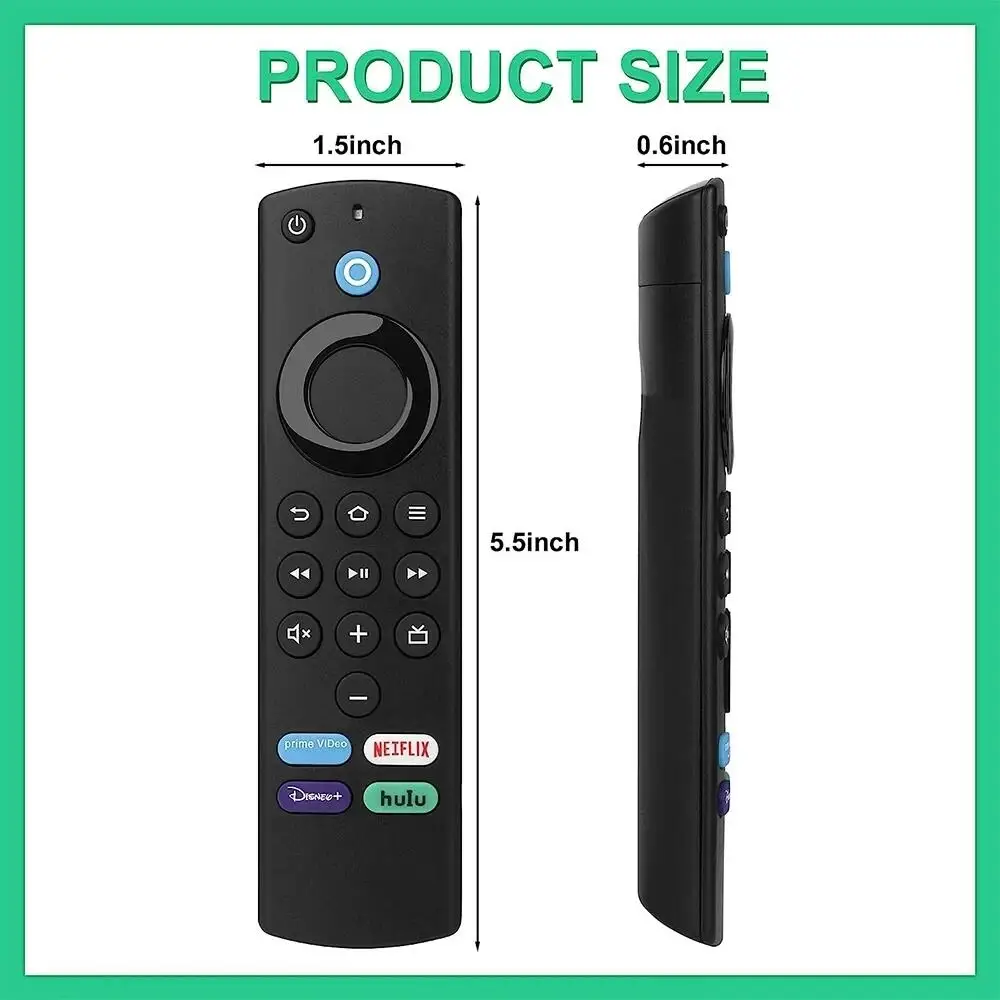
Superior compatibility—Compatible Devices:
Fire TV Cube (2nd Generation)
Fire TV Cube (1st Generation)
Fire TV Stick 4K Max
Fire TV Stick 4K
Fire TV Stick (3rd Generation)
Fire TV Stick (2nd Generation)
Fire TV Stick Lite
Fire TV (3rd Generation, Pendant Design)
Echo Show 15
Set up your Alexa Voice Remote:
1. Insert 2 AAA batteries (not included).
2. Remove the battery door and insert the batteries into you Alexa Voice Remote.
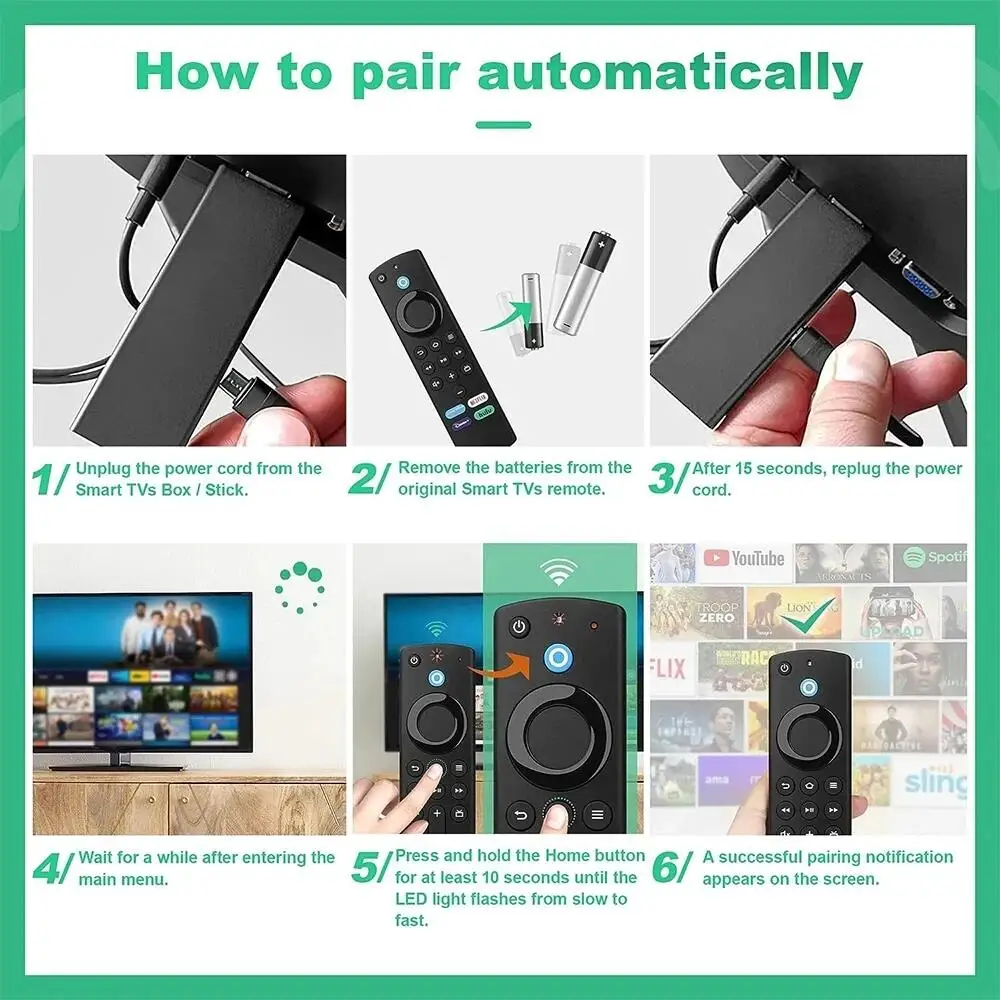
3. Pair the remote with your Fire TV device. You must pair your new remote to your Fire TV device. Choose the option below that fits your situation!
If this is a replacement remote and you don’t have the original remote that came with your Fire TV device:
(1) Restart your Fire TV device by unplugging the power cable from the electrical socket, then plugging it back in. Once the Home screen for Fire TV appears, your remote should be ready for use. If not, move to Step 2.
(2) Press and hold the Home button on the new remote for at least 10 seconds, The LED on the remote will slowly flash amber. Continue holding down the Home button until the LED starts to rapidly flash. A notification will appear on your screen indicating that your remote is successfully paired.
If you do have the remote that came with your Fire TV device, you’ll need both remotes for setup:
1. On your new remote, press and hold the Home button for 1 seconds. The indicator LED will slowly flash amber for 10 seconds. Then flash faster when your remote is ready to connect.
Use your original remote for the following steps:
2. Press the Home button, navigate to Settings at the top of the screen, then select Remotes & Bluetooth Devices > Fire TV Remotes > Add New Remote.
3. Your Fire TV device will search for remotes it can connect with, then display them in a list.
4. Using your original remote, select the new remote from the list. You’ll see an on-screen message when It has been successfully paired, You can now use your new Alexa Voice Remote.
Troubleshooting tips
·If the new remote does not connect, remove and reinsert its batteries.
·If your remote isn’t discovered, press and hold the Home button for at least 10 seconds until the LED rapidly flashes amber.
·Always replace dead batteries with new 1.5 V alkaline or 1.2V NiMH rechargeable batteries.
·If the Power Button, Volume +,Volume – and Mute doesn’t work,please try to reconnect it.
The instruction as below:
Setting->Equipment Control->Management Equipment->TV->Change TV, Then choose your Brand of TV.
Package List:
• 1.Voice Remote Control x1
• 2.User Manual(EN) x1
Notice:
1.Due to the diferent monitor and light effect, the actual color ofthe item might be slightly diferent from the color showed on the pictures. Thank you!
2.Please allow 1-2cm measuring deviation due to manual measurement
3.As your feedback is very important to our development, we sincerely invite you to leave positive feedback for us if you are satisfied with our product and service. please remember give us five stars, as our reward!
4.If you don’t satisfied the items, please contact us before leaving negative feedback, we can give you best solution,We will service to you satisfaction


T***e –
excellent value for money & easy to connect with amazon firestick & lot cheaper and not much difference to the original controller you get. brought & used in the uk
J***h –
Works great. Good price
J***a –
very nice item
J***t –
These are just like the original. Very easy to add as a new or second remote to a 4K smart fire stick.
a***l –
Served me very well
V***n –
Great! I would buy more. It’s better than the original Amazon remote because the battery cover stays on.
Customer –
very good quality
C***n –
amazing works perfectly
Customer –
All right, works like original
M***o –
She works great. Instant connection with Amazon TV Cube. Processing is also very good. All buttons work without learning them. Tip Top
R***o –
For the price it has is a perfect replacement if your dog ate the original controller. Works perfectly. That yes. Says it comes with batteries, but it is not true.
Customer –
can’t wait to pick this up
Customer –
I haven’t tested it yet but it looks good quality, just need to test, arrived fast, very efficient
J***s –
It arrived in perfect condition everything well and 100 percent functional is already the fourth time I have bought it.
t***r –
works with my amazon firestick model S3L46N. great value for the price.
J***t –
Excellent quality, works very well with the device in the first configuration. Very well packed and with an internal instruction
m***o –
Well manufactured, same as the original, easy to match, has the functions same as the original. Comes without pulas.