
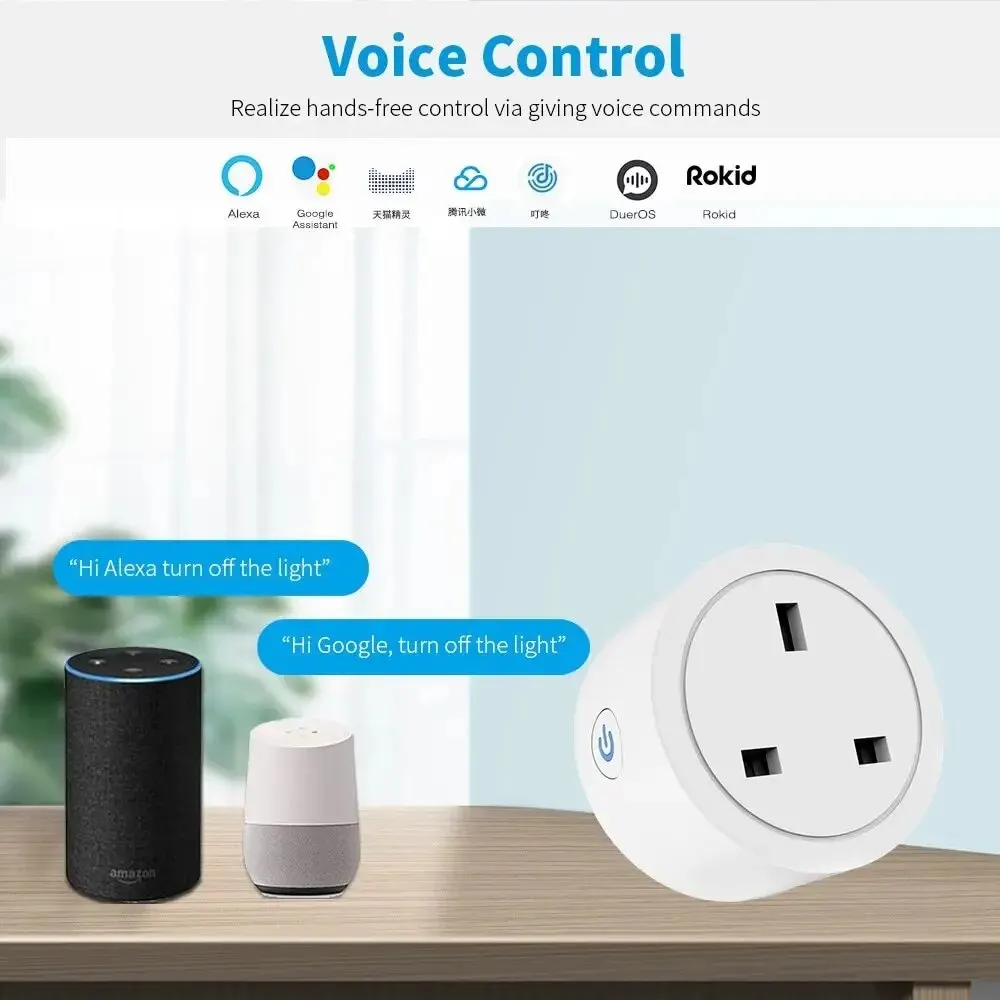
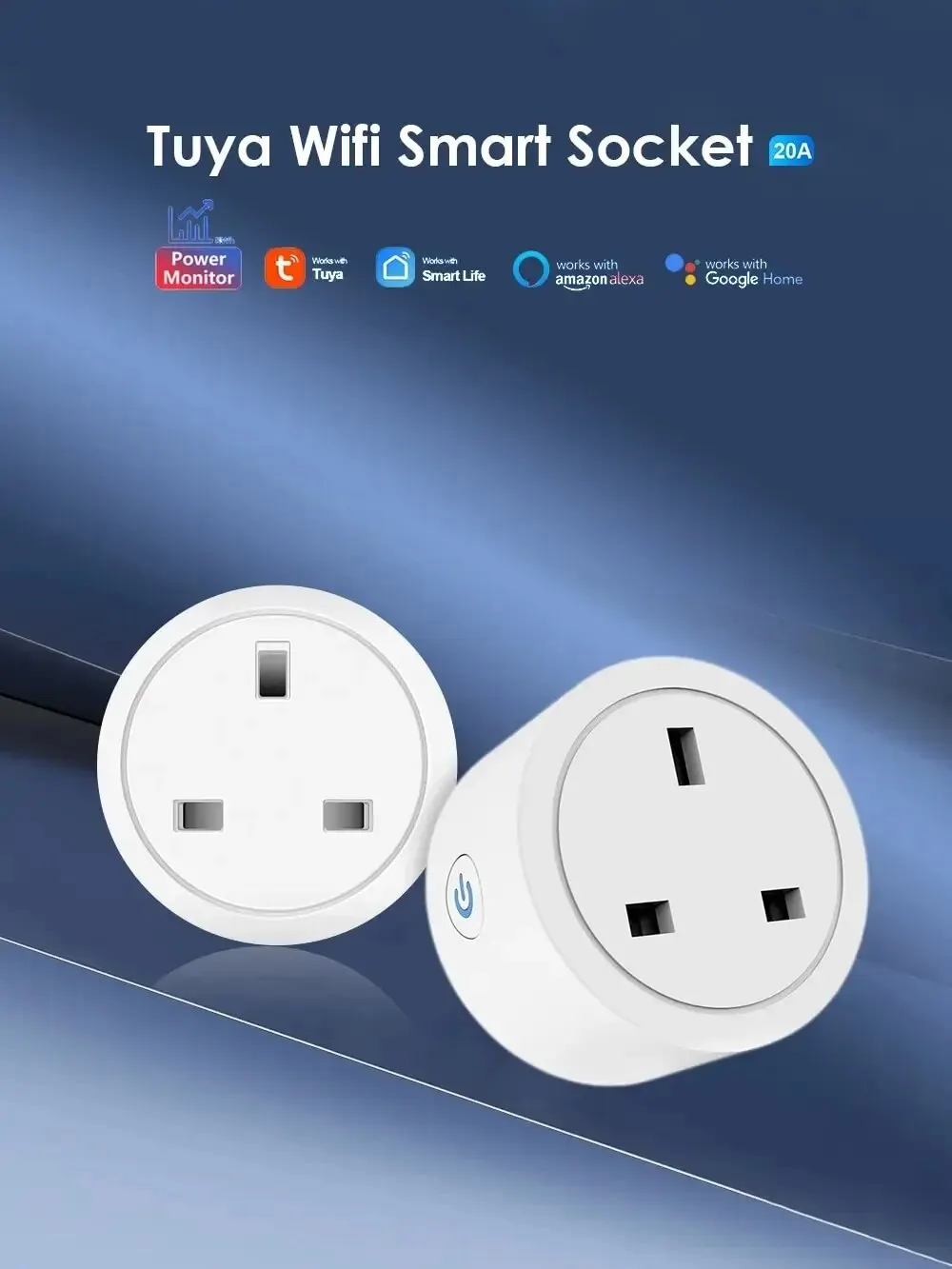


Features 1:Voice control

Features 2:App Remote Control by SmartLife or eWeLink
Using your smartphone or tablet remotely controls the smart wifi power plug by free app Smart Life or eWeLink from anywhere at any time. Easily to control your home appliances.

Features 3:Timing/Countdown/Schedule
You can set a countdown for humidifiers,microwaves,coffee machines and more,The device will stop automatically.Don’t worry about the device working all the time.

Features 4:Sharing&Group Control
One-tap to share the smart plug with your family member by the app to eliminate extra setup processes.Main account has the exclusive permissions,one click to share the permissions with the whole family.let the family enjoy the fun of smart life!


Features 5:Power Monitor
This smart power plug could provide real-time reports, on how much energy your home appliances consume. It is very good for you to set up a time schedule to turn on/off your devices automatically by the app. Helping you cut down electricity bills.

How to use it?
tuya version
Just 3 Steps
Step 1: Search “Smart Life or TuyaSmart” on APP store, Google Play or scan the QR code on user manual to download and install it.
Step 2: Plug the socket into an AC outlet and long press master power button until the indicator light flash.
Step 3: Open “Smart Life or Tuya Smart App”, discovery and add device in the app, and then finish configuration according to the guide.

eWeLink version
Just 3 Steps
Step 1: Search “eWeLink” on APP store, Google Play or scan the QR code on user manual to download and install it.
Step 2: Plug the socket into an AC outlet and long press master power button until the indicator light flash.
Step 3: Open “eWeLink”, discovery and add device in the app, and then finish configuration according to the guide.






P***s –
works perfectly and very quick delivery