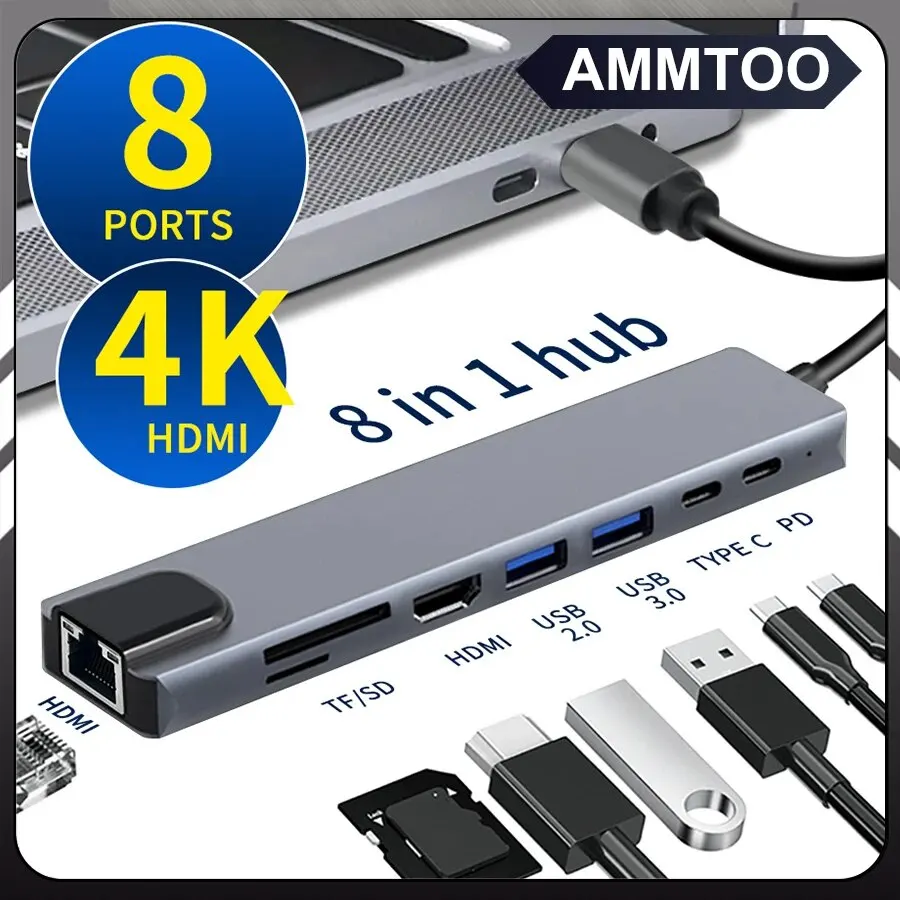
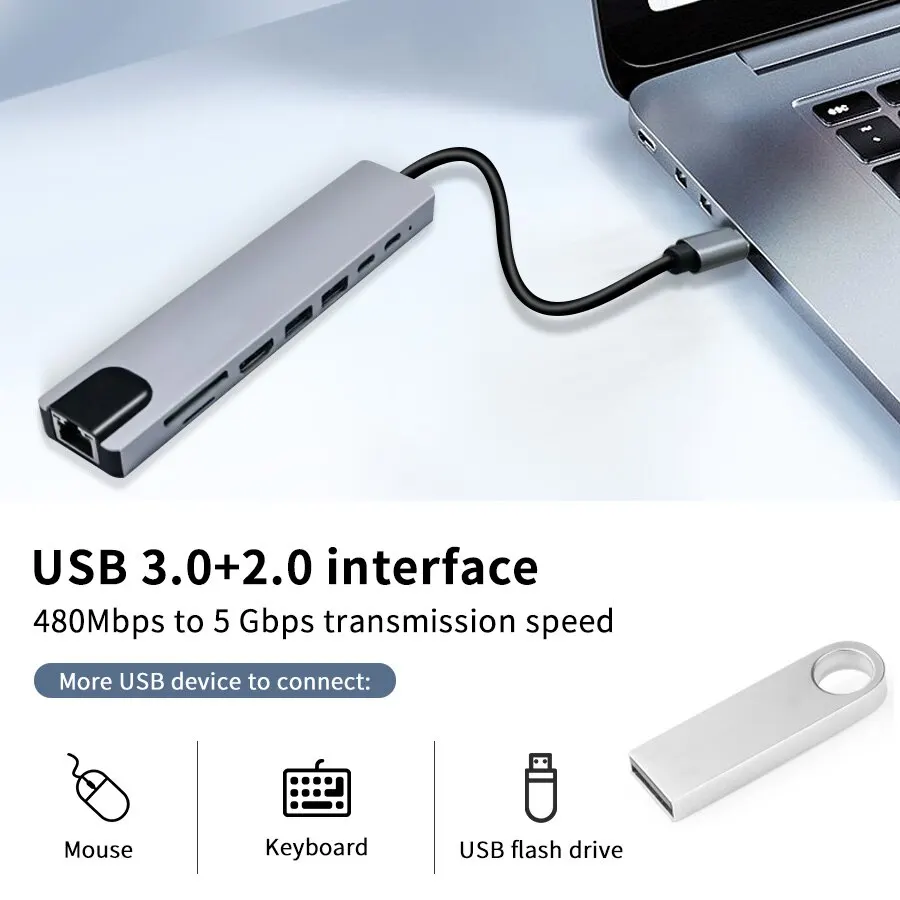
• 8-in-1 Functionality :This USB C hub offers 8-in-1 functionality, combining HDMI-Compatible, card reader, RJ45, and USB Type-C interfaces in one compact device.
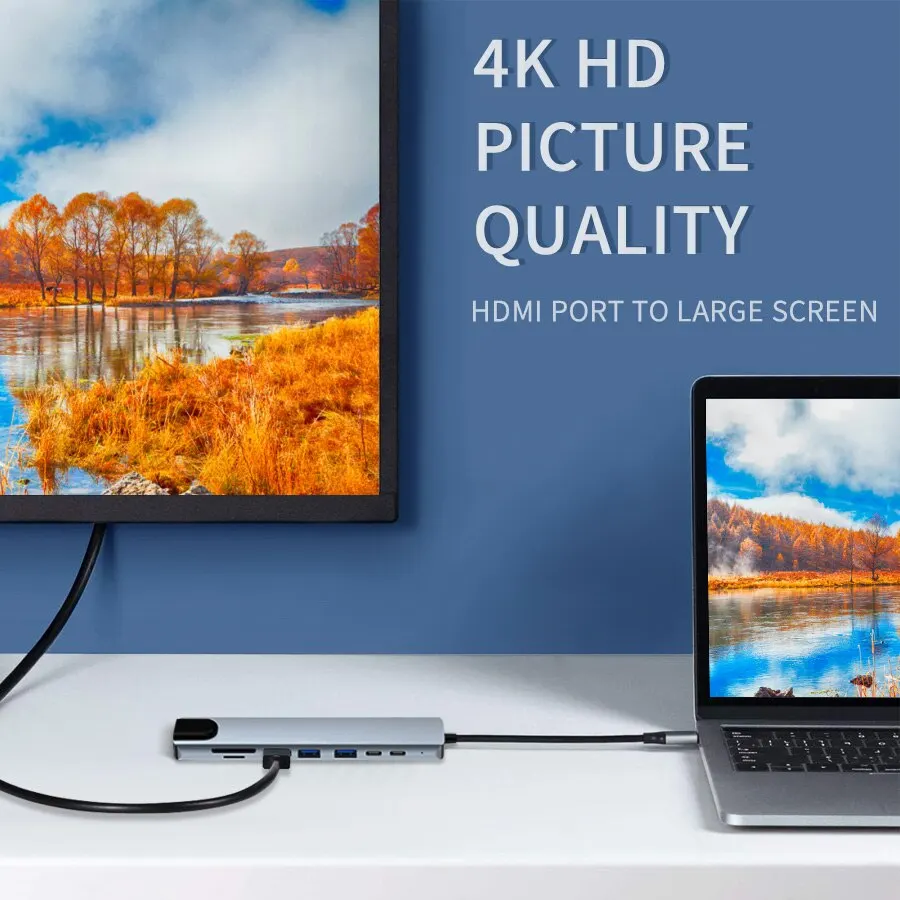
• 4K HDMI Adapter :The 4K HDMI adapter ensures high-definition video output, perfect for connecting your laptop to a monitor or TV for an enhanced viewing experience.
• RJ45 SD/TF Card Reader :Equipped with an RJ45 SD/TF card reader, this device allows for easy transfer of files from your camera, flash drive, or smartphone.
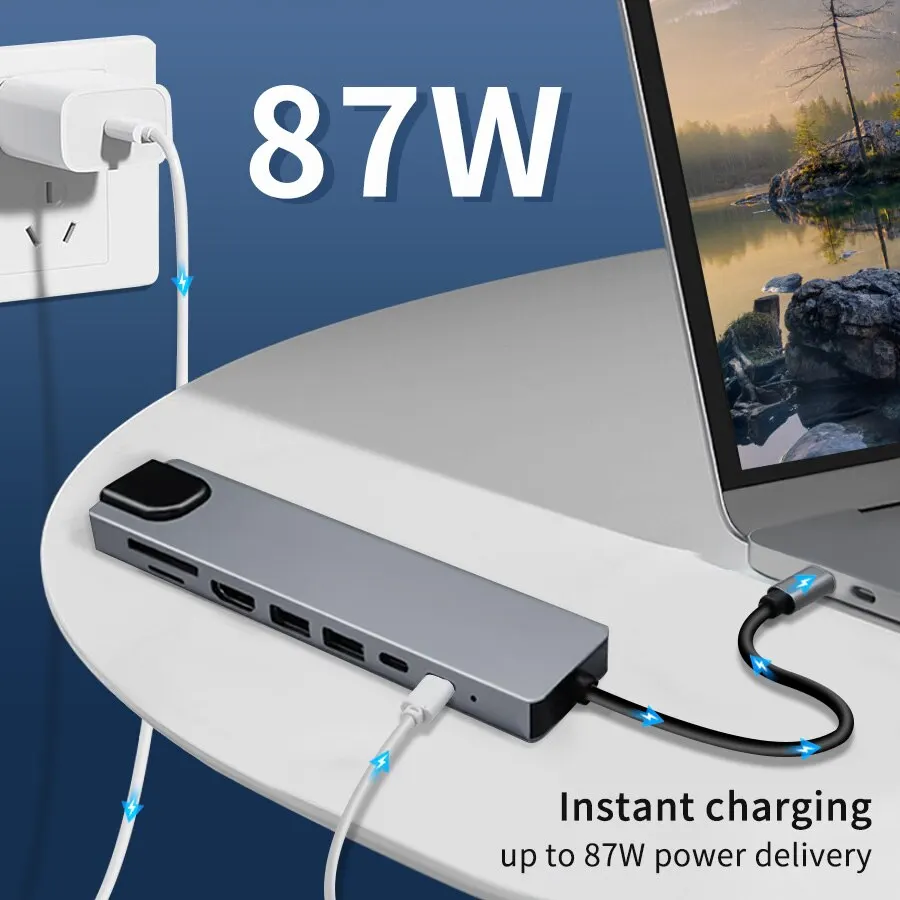
• Fast Charging Capability :With its PD fast charge capability, this USB hub can quickly top-up your devices, saving you time and enhancing your device usage experience.
• Versatile Compatibility :Designed for broad compatibility, this USB C hub is suitable for MacBook, notebook, laptop, and other devices with a USB Type-C port.
Specifications:
Color: gray
Material: aluminum alloy + ABS
Main interface: Type-c
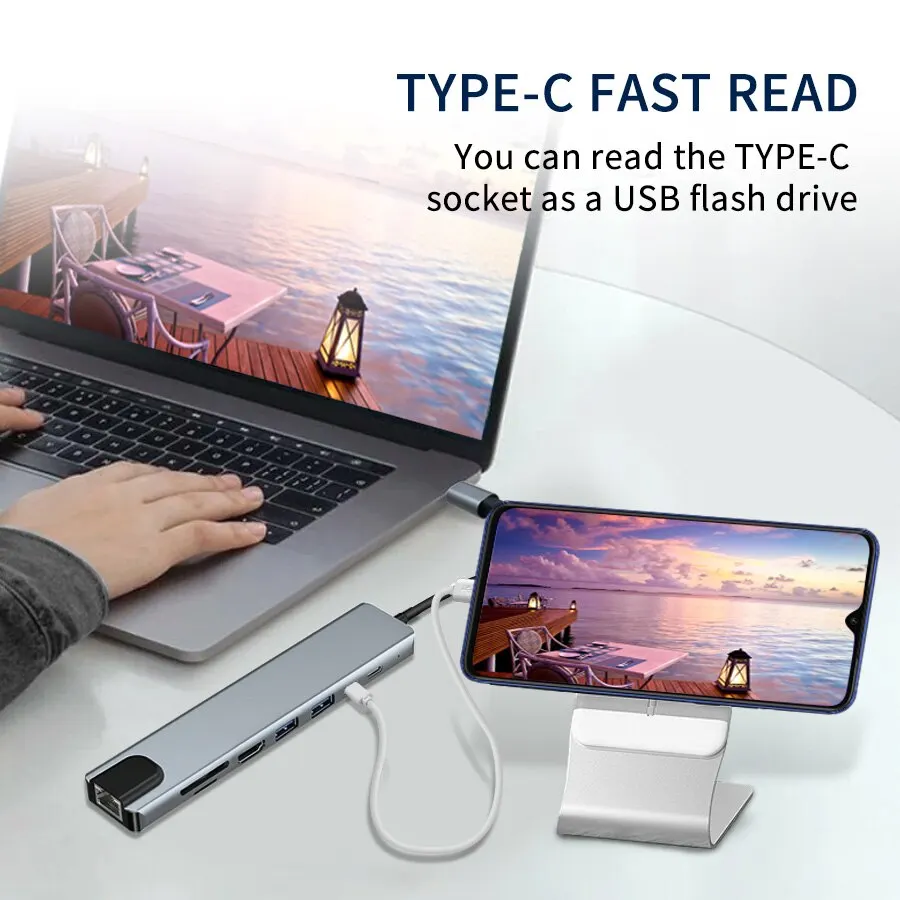
Expansion interface: HDMI * 1.100 Mbps RJ45 * 1, USB 2.0*1, USB 3.0*1, PD charging interface * 1,Type Cdata interface * 1.TF/ SD card reader * 1
Package includes
1*USB-C hub


HDMI port: This port allows you to connect an external monitor or display to your device with a maximum resolution of 4K @30Hz.

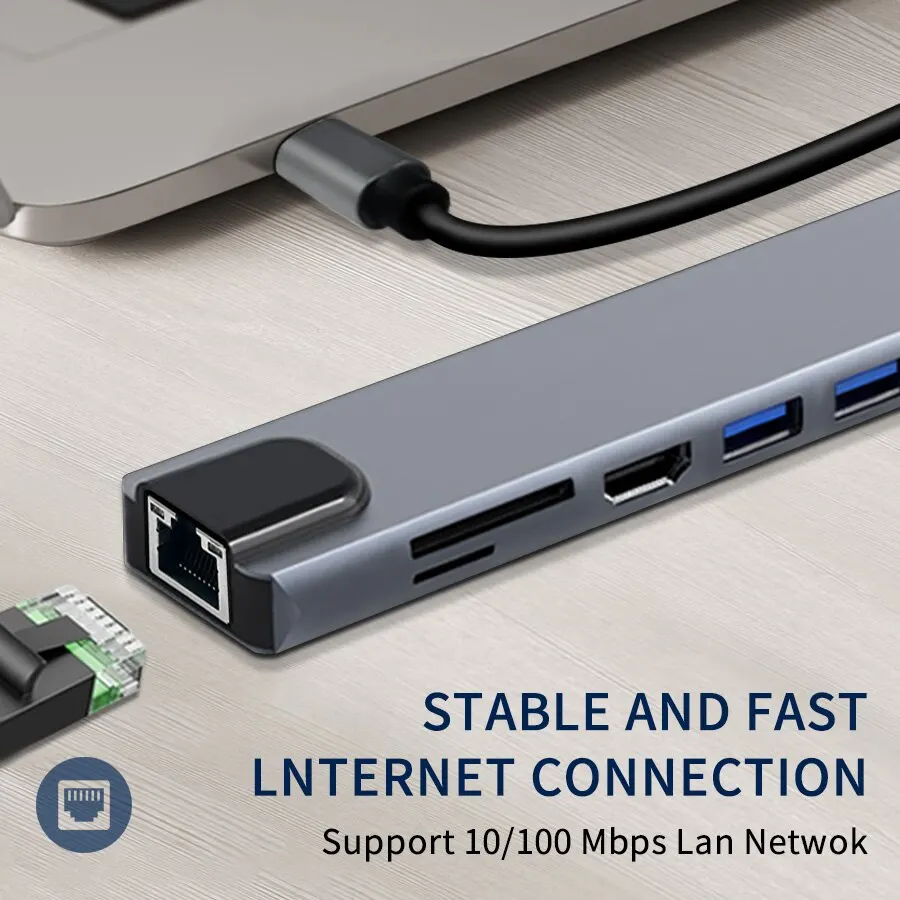
RJ45: This port allows you to connect to a wired network for faster internet connectivity.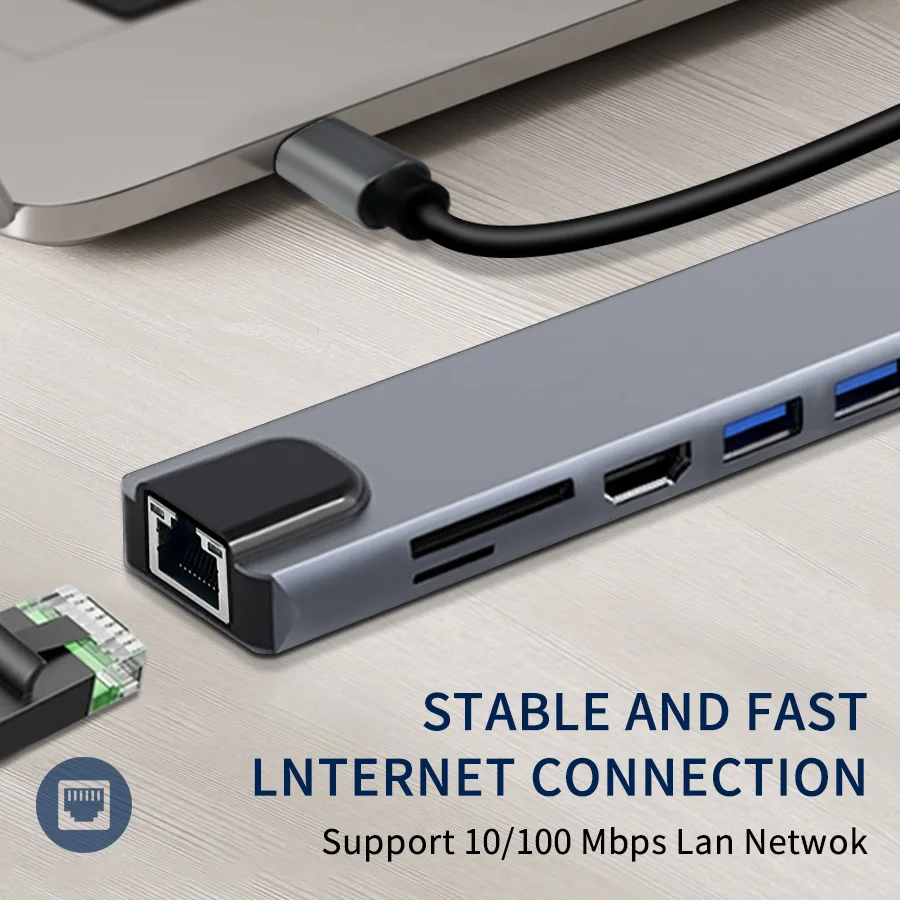
PD (Power Delivery): This port allows you to charge your device while using the hub. The power delivery capacity will depend on the hub’s specifications and your device’s power requirements.Max 87W.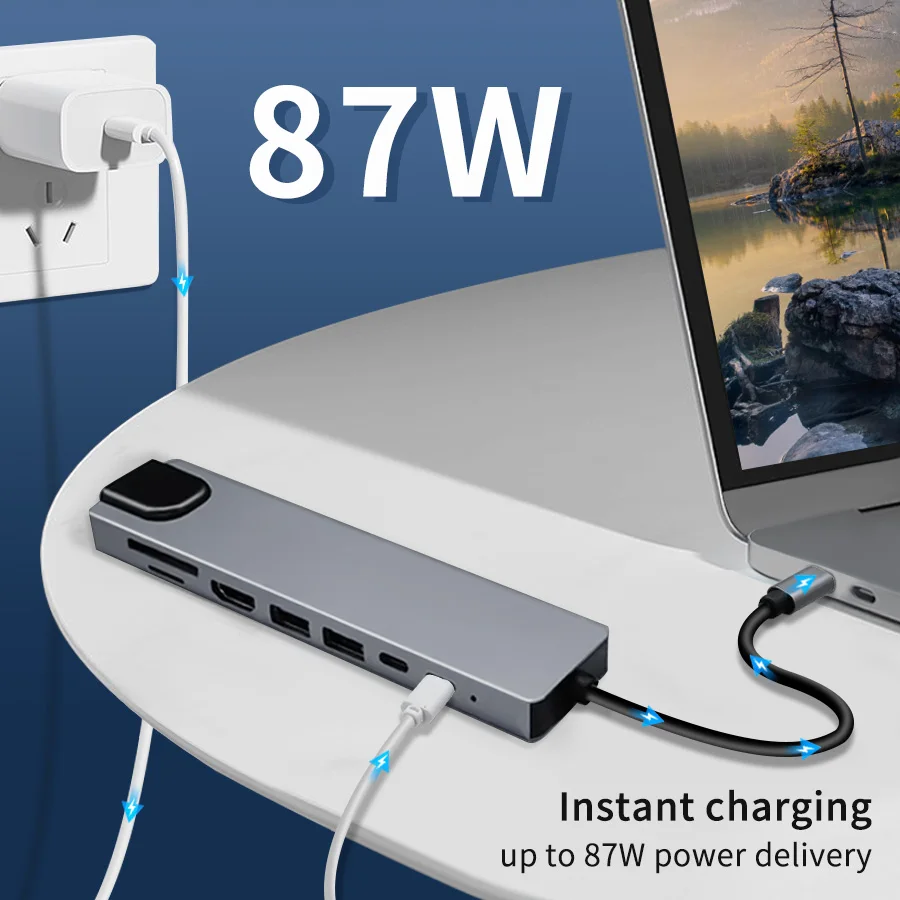
TF/SD card slot: This slot allows you to read and write data to a micro SD card.
USB 3.0 + USB 2.0: This port supports high data transfer speed and allows you to connect external devices such as U drives, and can also be used to connect external devices such as a mouse or keyboard.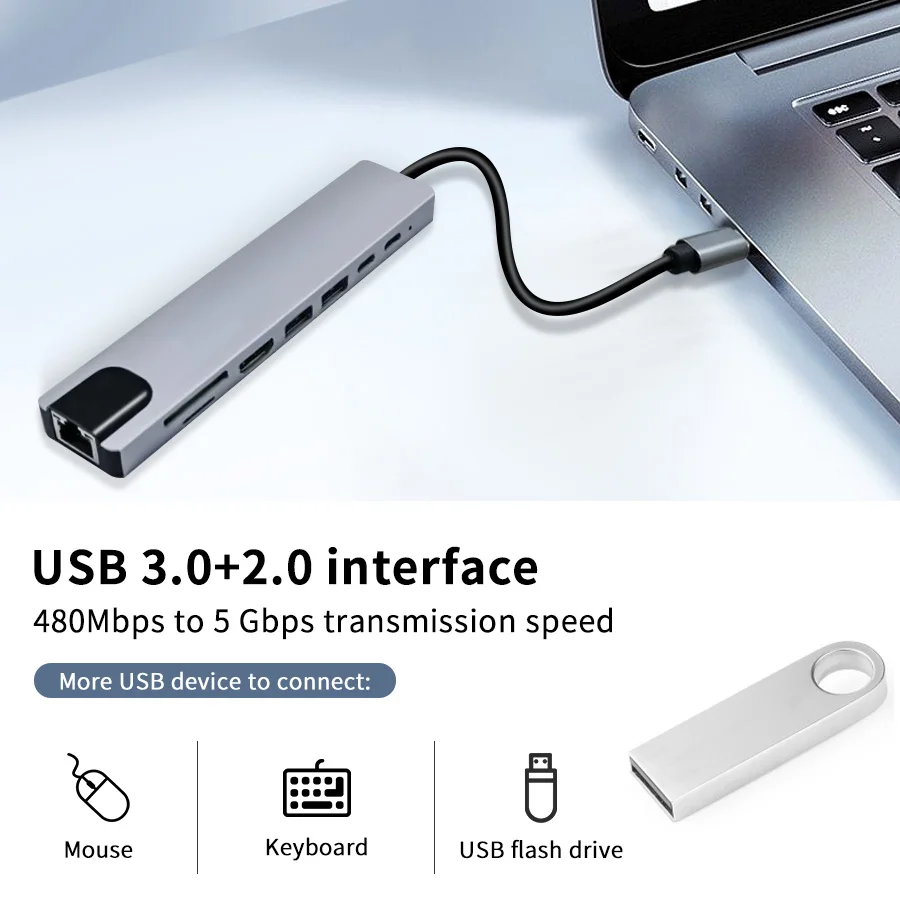
Good in details.
Aluminum shell:Good heat dissipation, wear resistance
Quality Port:Durable, stable transmission
LedIndicator:Soft lighting indicator shows working status.

Size as photo shows
Manual measurement, there may be errors

User Manual
Main type interface, connect to computer/mobile phone/tablet
Other interface connection methods:USB and type C port: connect USB device via USB /type C port, like your USB mouse,keyboard,U disk and etc.
rj45 port:plug network cable via rj45 port,then use the internet.
PD port:Use adapter to connect the power supply, then connect the PD port, then can charge the computer, if want to charge the phone at the same time, use the USB port to connect to the phone.
HDMI port:Please check if your computer USB C port support display port,if support, connect your monitor and the computer via the HDMI port,then you can use it.
TF/SD:put your TF/SD card into the interface, then you can read the data.please do not read two card at the same time, read it one by one.

Compatible models:
Compatible with most computers, tablets and mobile phones with Type C interface.


Notice:
Before purchasing, please confirm whether your Type C interface supports video output, charging, and data transmission,please check sign of your laptop C port.
If there is no sign next to the interface, please check the parametertable of your computer/mobile phone to confirm that the USB Cinterface is USB C 3.1 version, if not, it is not supported

Note:
An expansion dock is a useful device for expanding the interface options of your notebook computer. However, it’s important to ensure that your computer’s interface supports video output, charging, and data transmission for the expansion dock to function properly. If your computer’s interface is not fully functional, there may be limitations in the features that the expansion dock can offer.
For example, if your computer’s Type C interface only supports charging, the expansion dock won’t support HDMI and data transmission. This is not a quality issue, but rather a limitation due to your computer’s interface capabilities. It’s important to confirm your computer’s interface parameters before purchasing an expansion dock to ensure it meets your needs.
Frequently Asked Questions:
Q1: My computer also has a Type C interface. Why can’t I use the HDMI interface after connecting to the docking station?
A1: Because your computer’s Type C interface does not support video output
Q2: My computer also has a Type C interface. Why can’t I use the PD interface after connecting to the docking station?
A2: Because your computer’s Type C interface does not support charging
Q3: My display interface is a Type C interface. After being directly connected to the Type C interface of the docking station, I cannot use the HDMI function?
A3: Because there are two Type C interfaces in the docking station, one only supports PD charging, and the other only supports data transmission and does not support HDMI. If you need to use the HDMI function, please connect the HDMI interface.
Q4: Why is it not displayed on the computer after the USB flash drive is connected to the docking station?
A4: Because some U disks require a large amount of power to drive, please connect the PD interface for power supply. In the same way, some HDMI devices also need to be connected to the PD interface for power supply.



Customer –
Well received. Product well finished
s***z –
Excellent article, checked with a Chromecast and goes perfect. I recommend it.
j***e –
It works well. The finish is also good.
G***a –
great little device
B***n –
Good quality
m***i –
It’s beautiful as it is. Thank you all.
B***y –
Great product thank you
Y***o –
The product corresponds to the description, in working condition. I am satisfied with the purchase, thanks to the seller. I recommend this seller.
R***x –
I love the docking station absolutely the best