





How to check for wired CarPlay
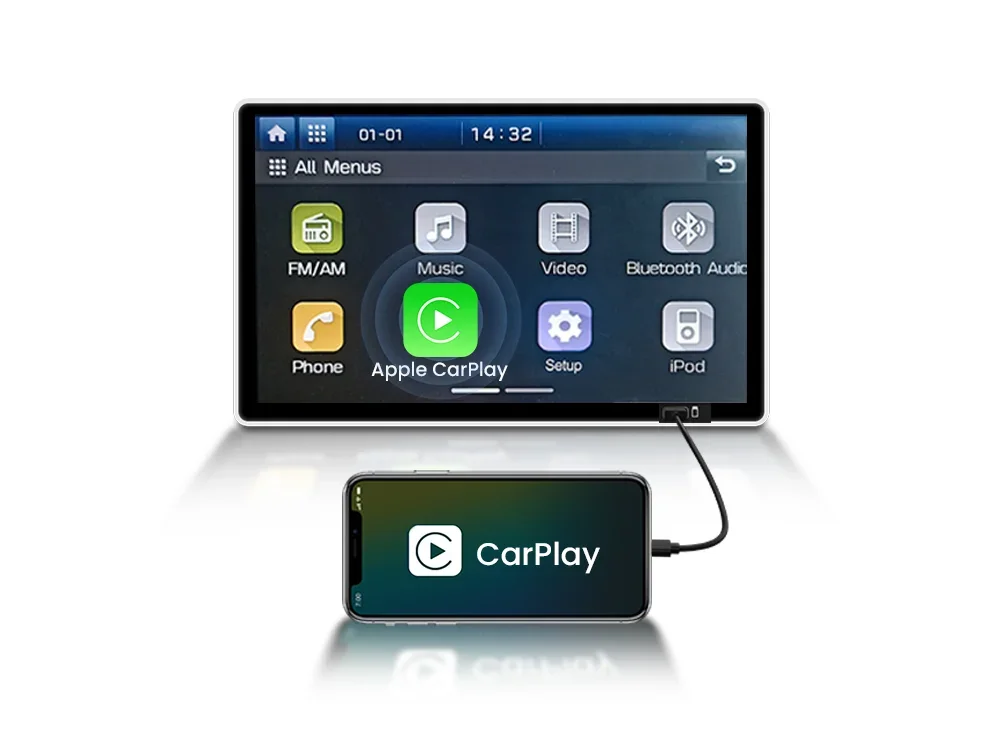
Insert the iPhone into the car's USB port using the original USB cable.
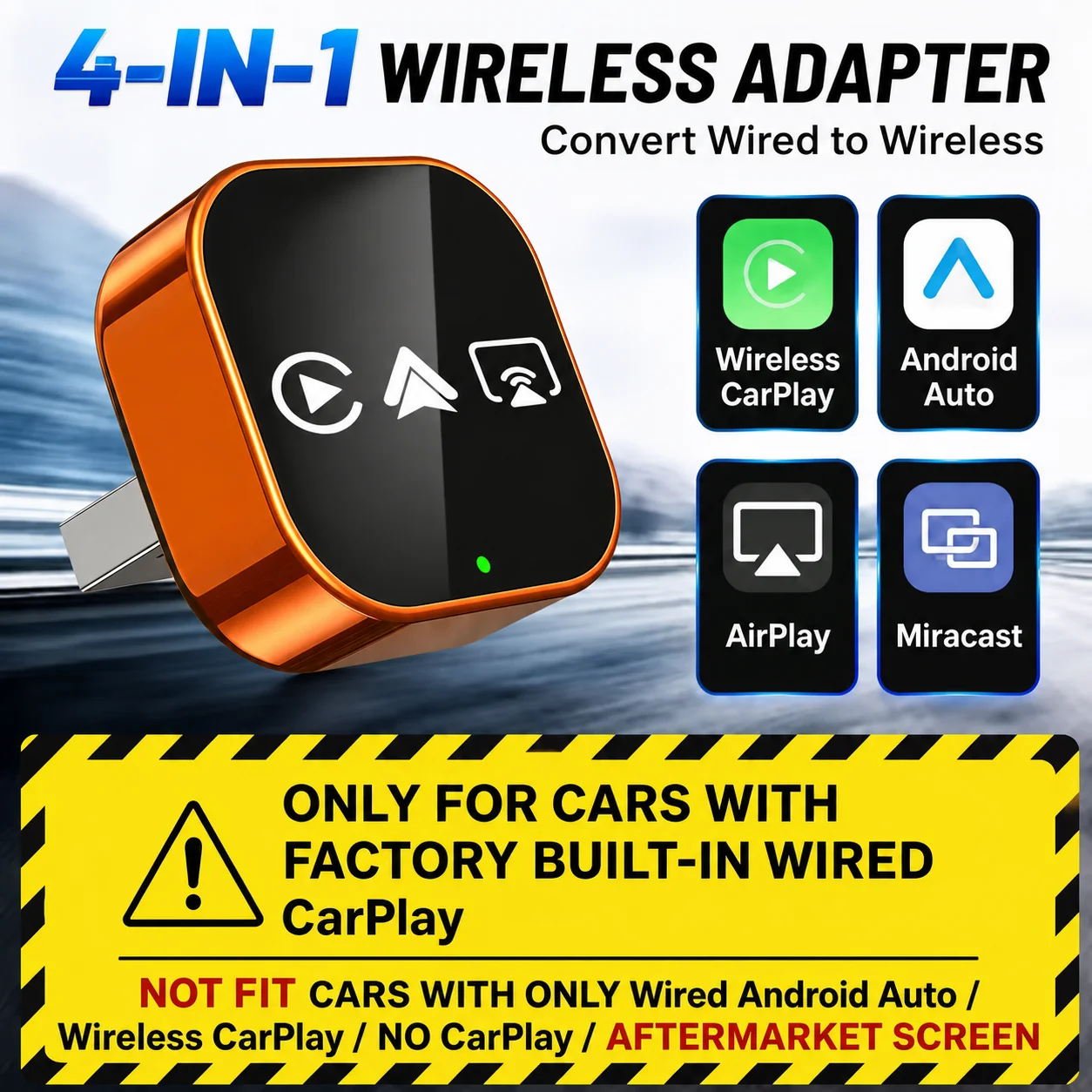
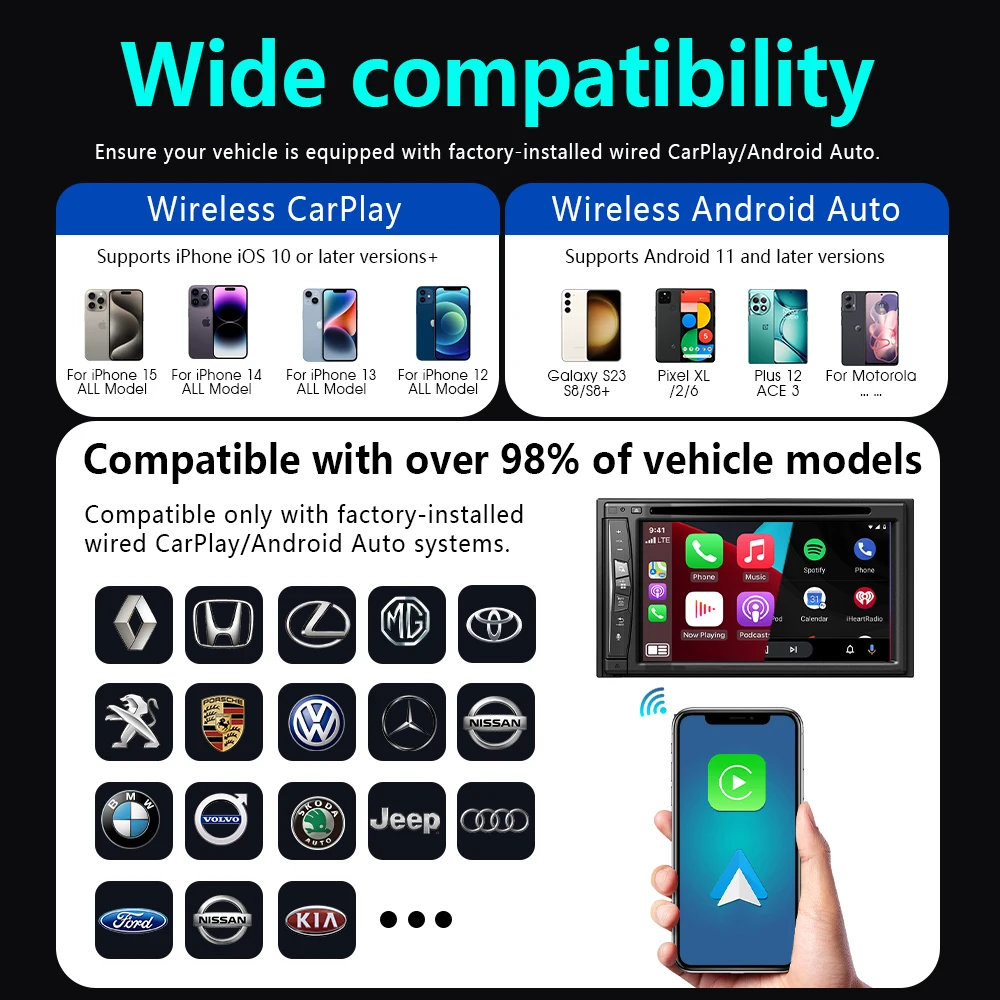
If the CarPlay logo pops up on the screen → compatible; No CarPlay after wired connection → incompatible
📬Nota antes de comprar:
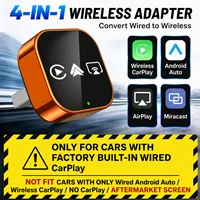
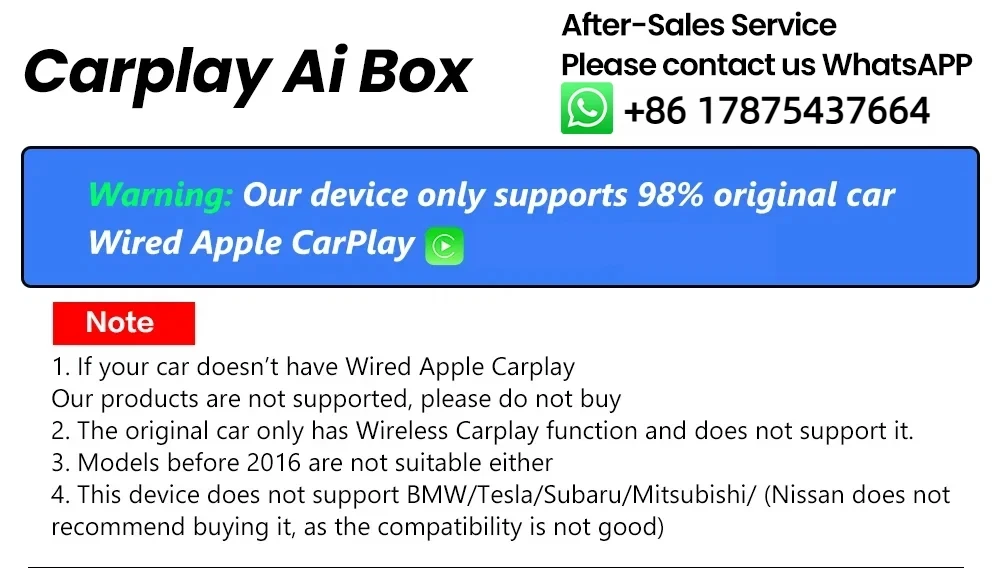
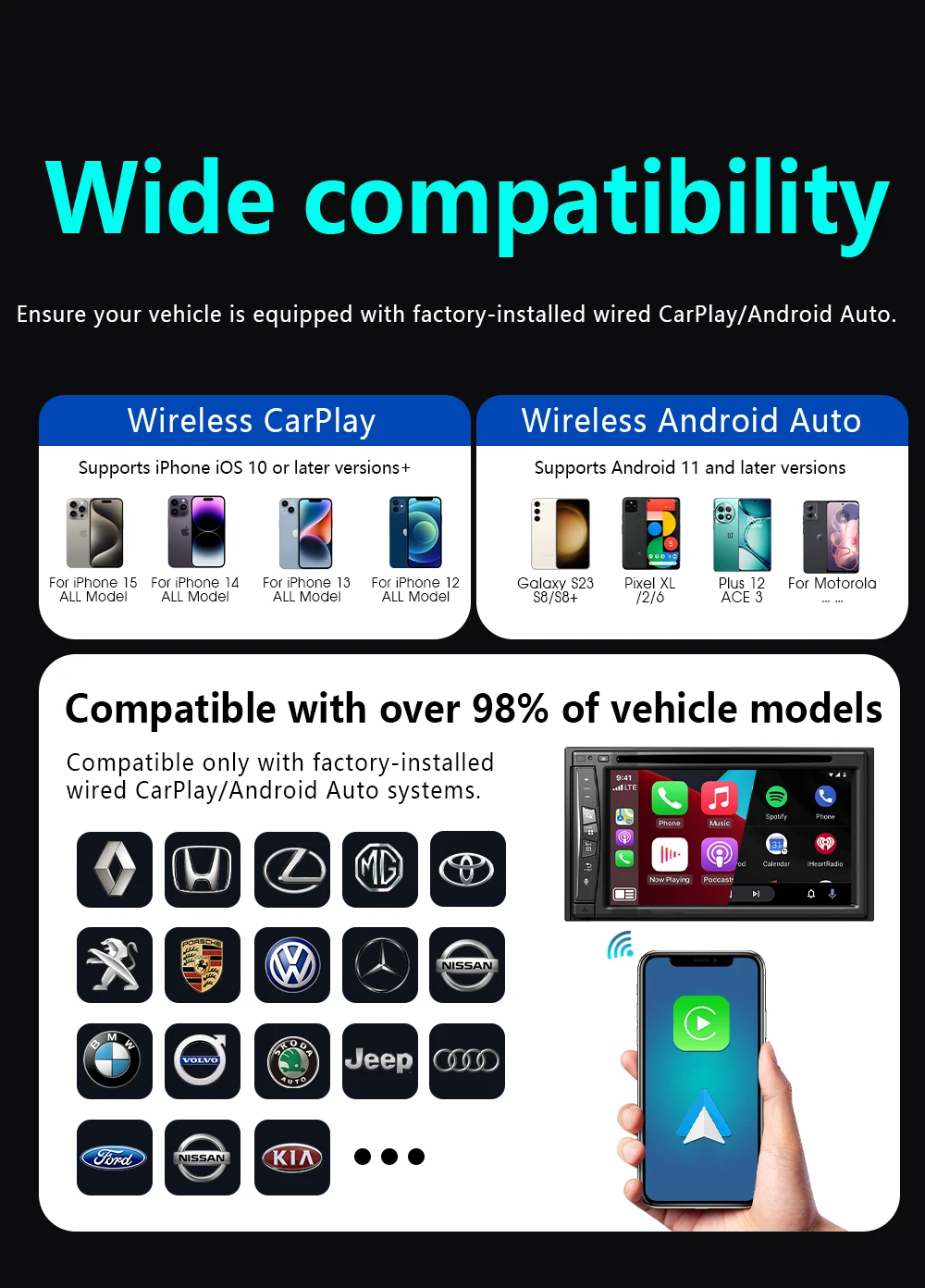
1. Por favor, asegúrese de que su coche original tenga CarPlay con cable OEM. Si no está disponible, no lo compre.
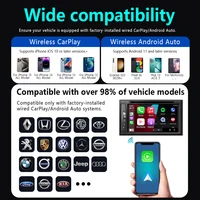
2. Este producto es adecuado para el 98% de los coches originales con CarPlay por cable. BMW, Tesla y algunos modelos no son compatibles. Si no está seguro, puede ponerse en contacto con el servicio de atención al cliente para obtener asesoramiento.
3.Carplay es compatible con los modelos iPhone 6 y superiores, con versiones de software iOS 10 y superiores.
4. Los coches con Android son compatibles con los modelos Android 11 y superiores. Tenga en cuenta que los teléfonos Huawei son muy únicos. Los dispositivos Huawei tienen su propio sistema operativo móvil EMUI. Lamentablemente, Android Auto Wireless no es compatible con EMUI.
5. Para conectar la función de espejo, debe salir de la función Carplay/Android Auto. Por favor, desconecte la configuración de Bluetooth.
🎁Product Features
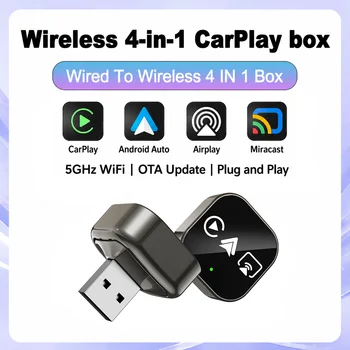
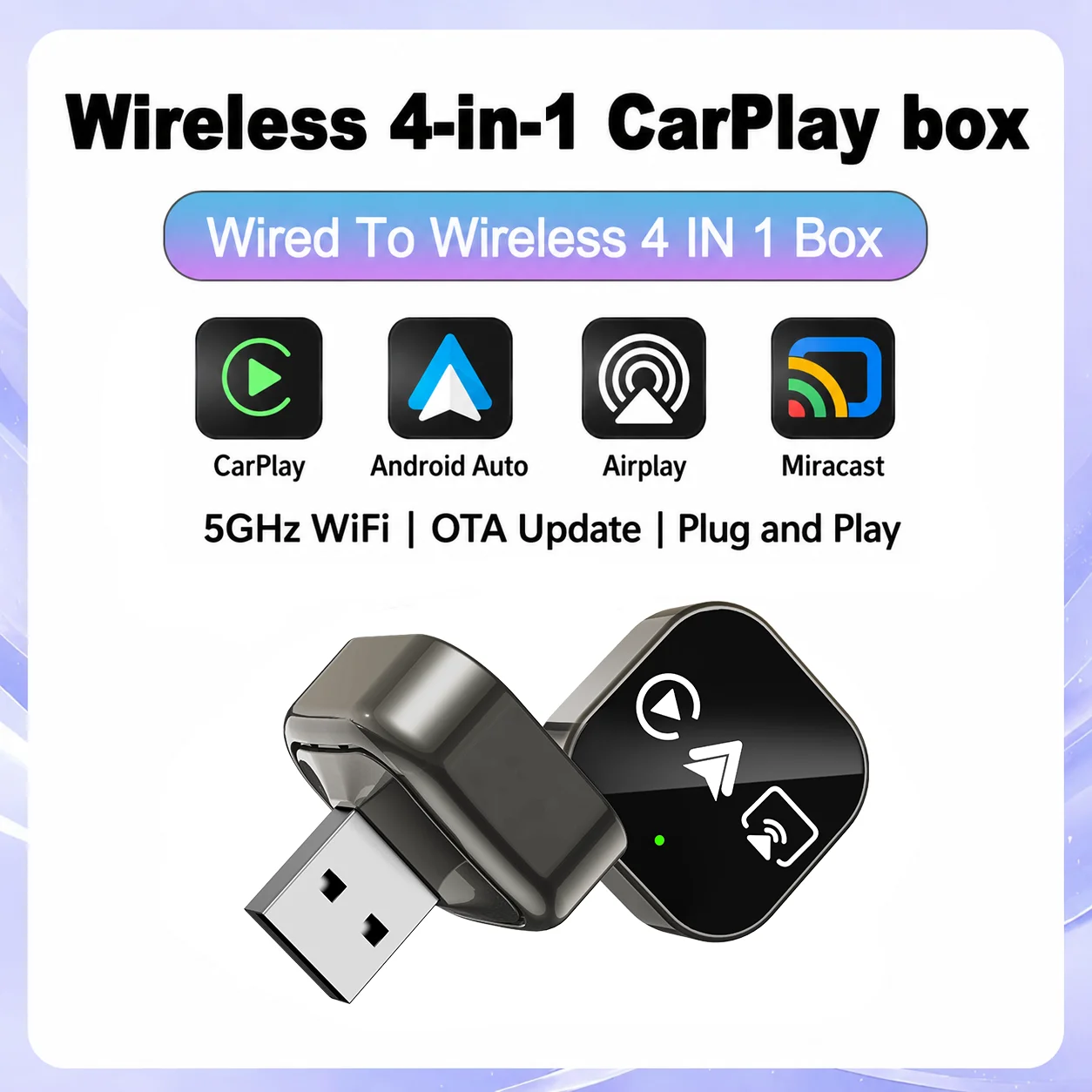
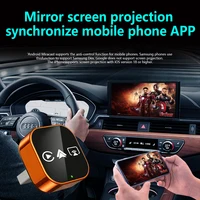
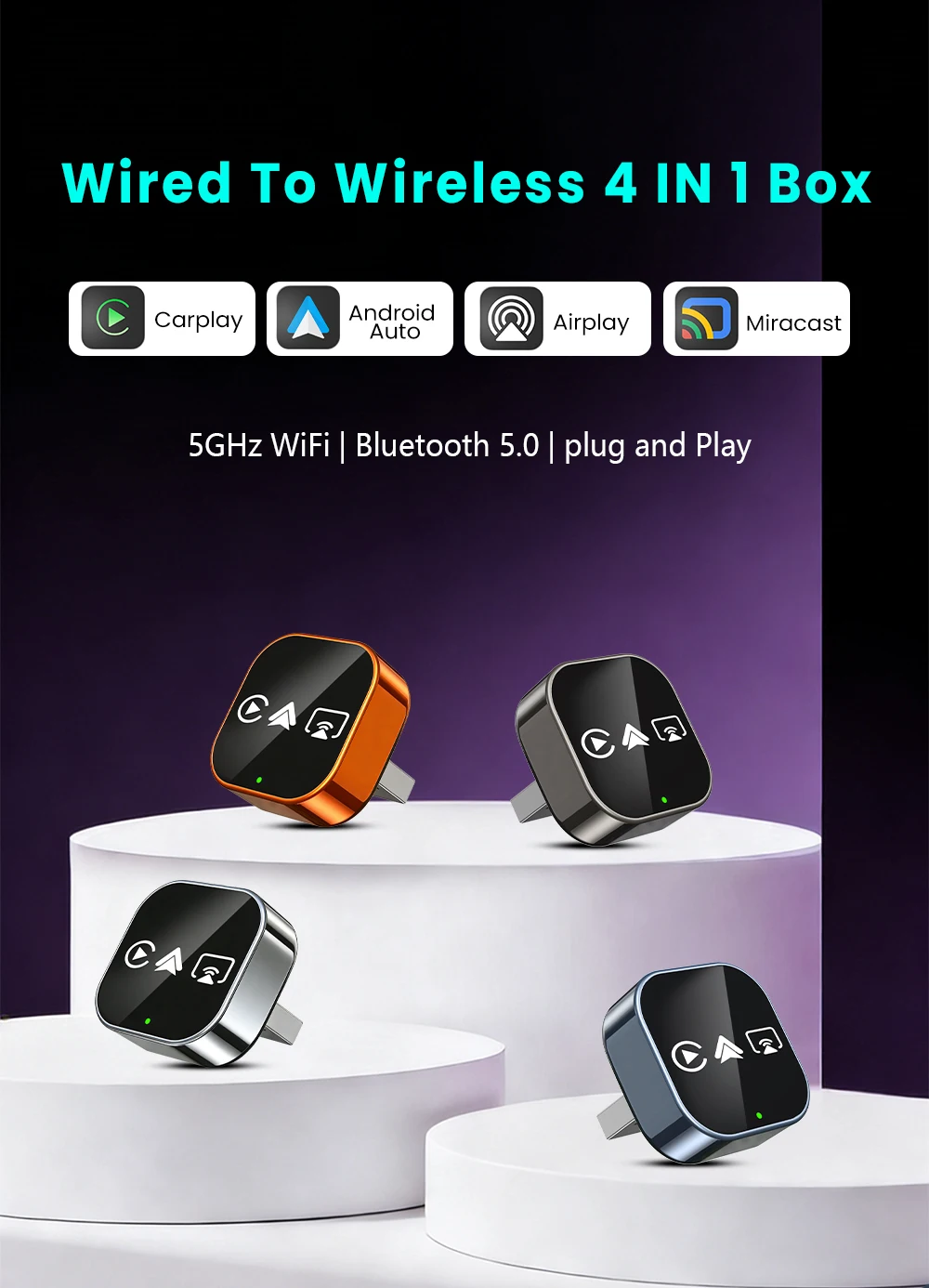
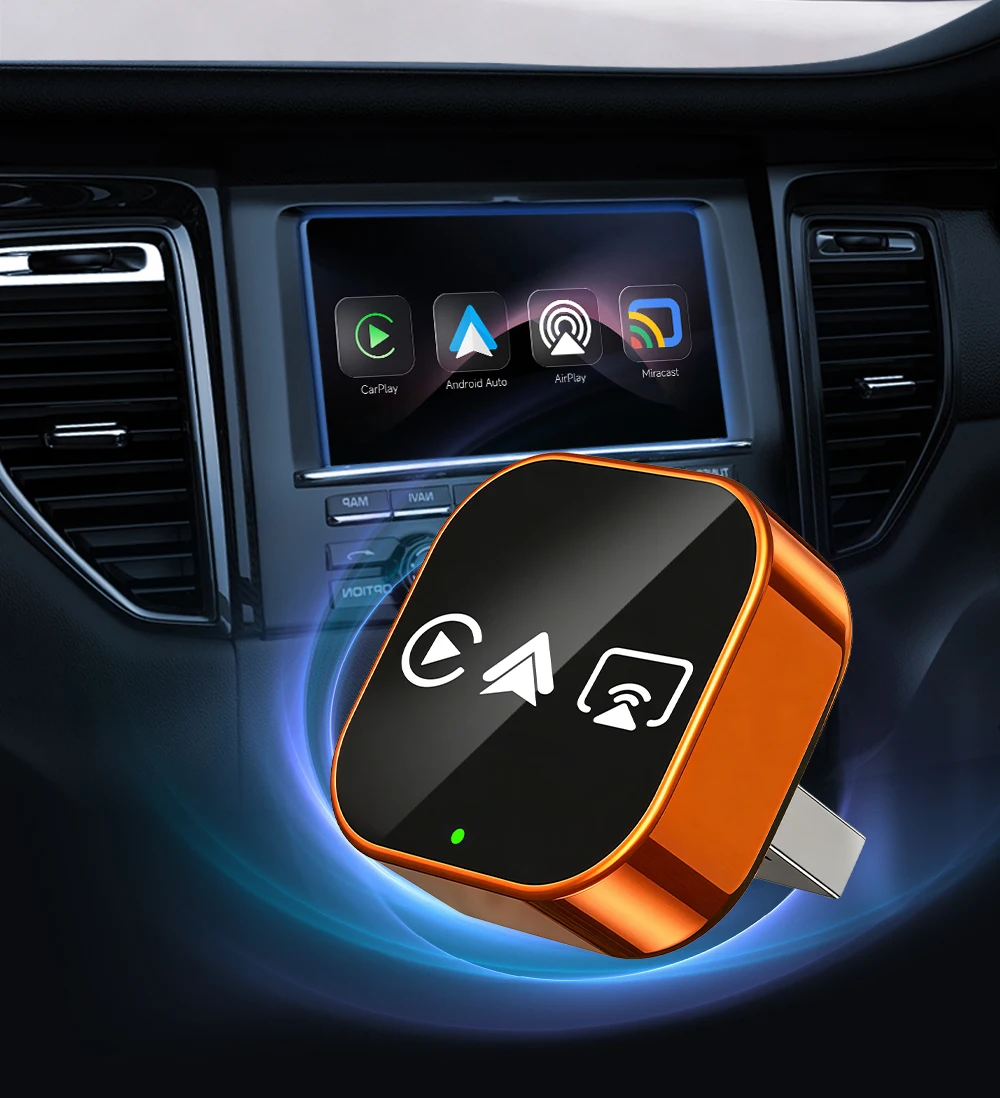
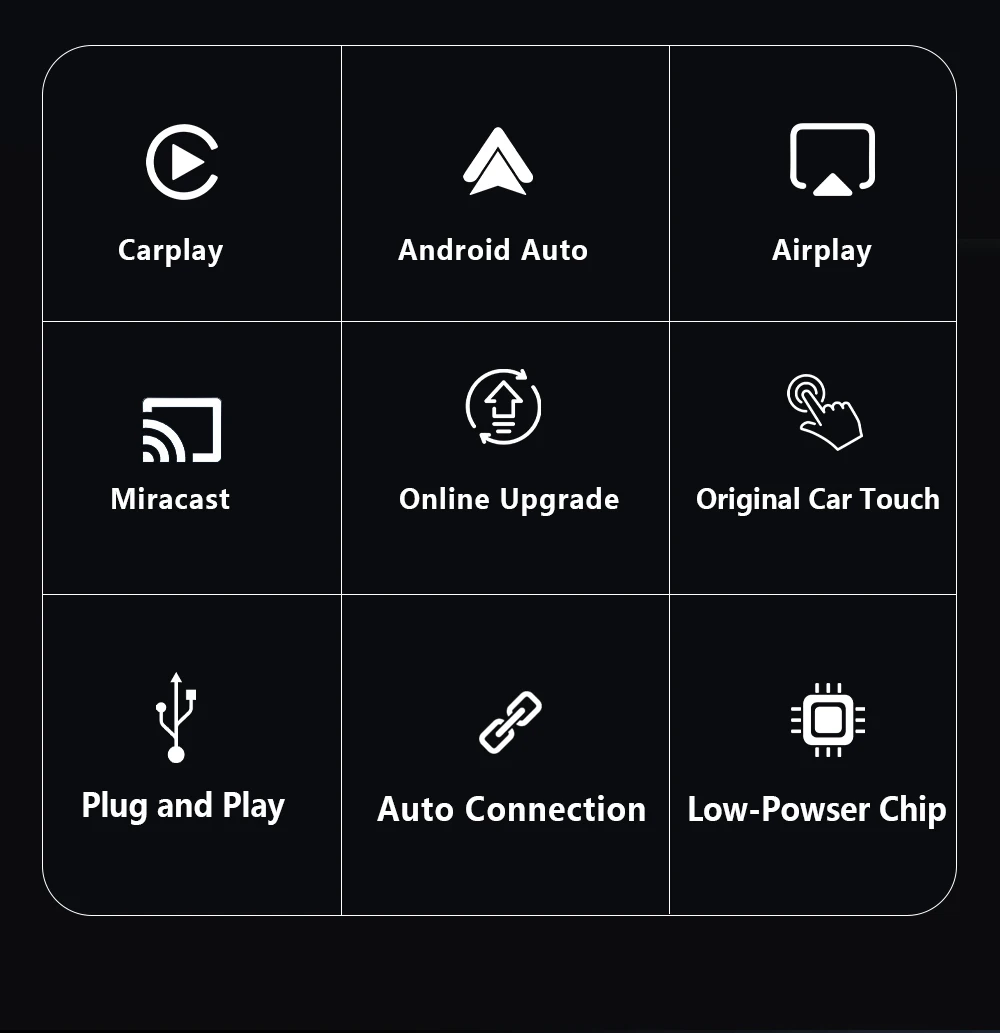
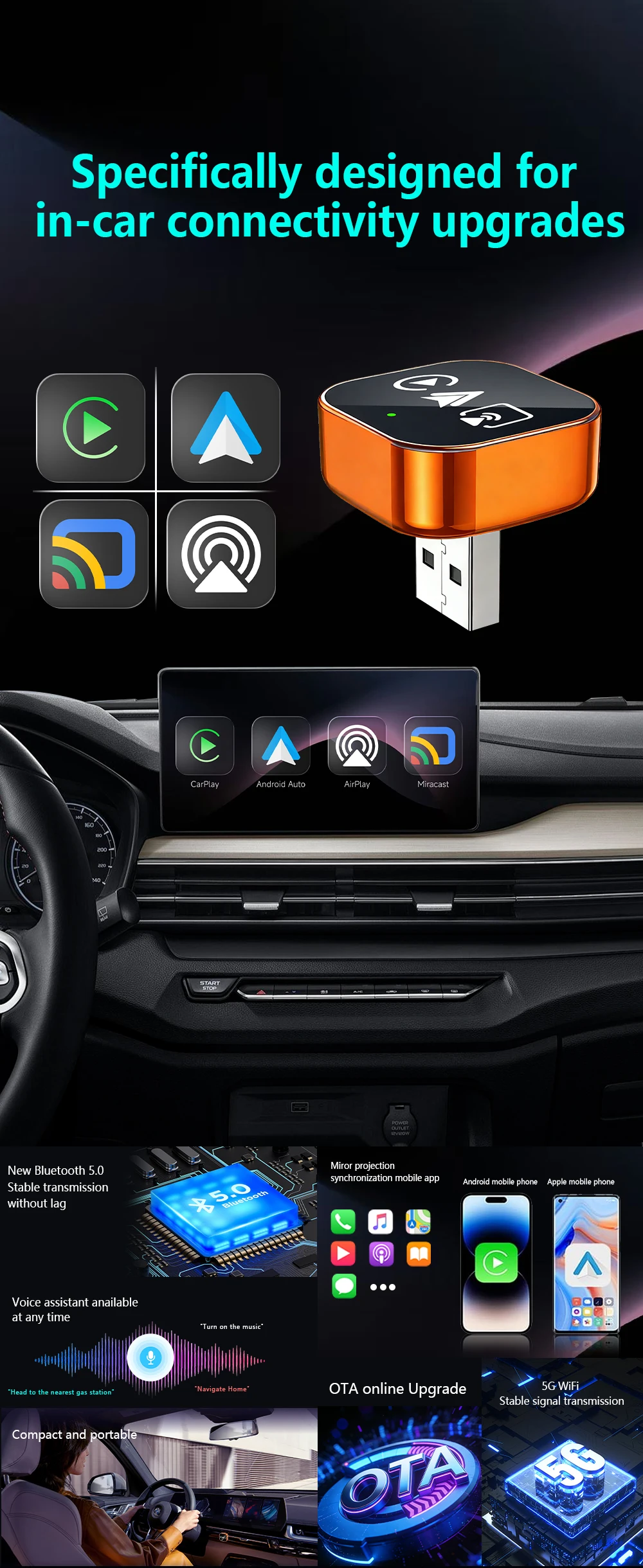
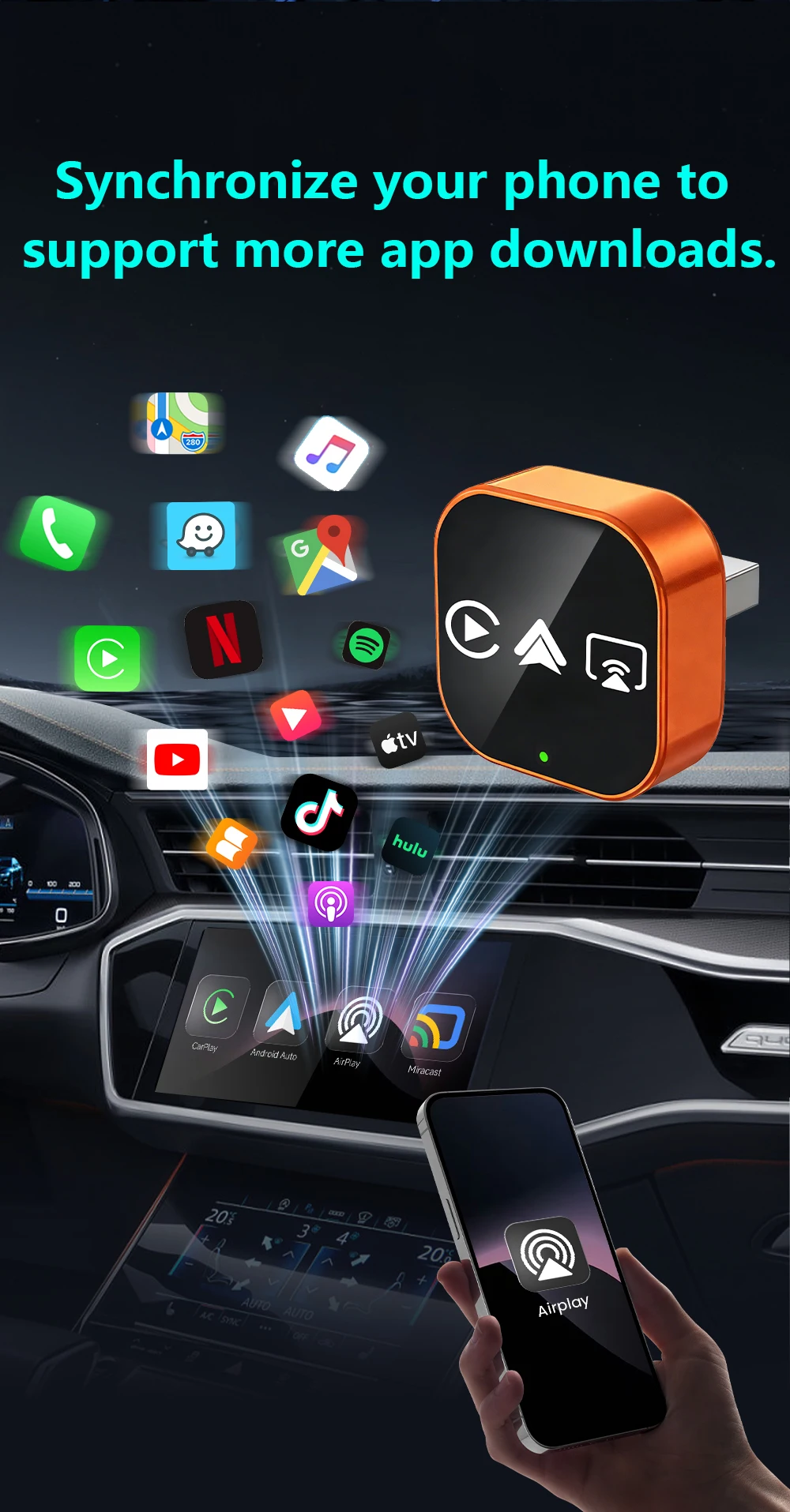
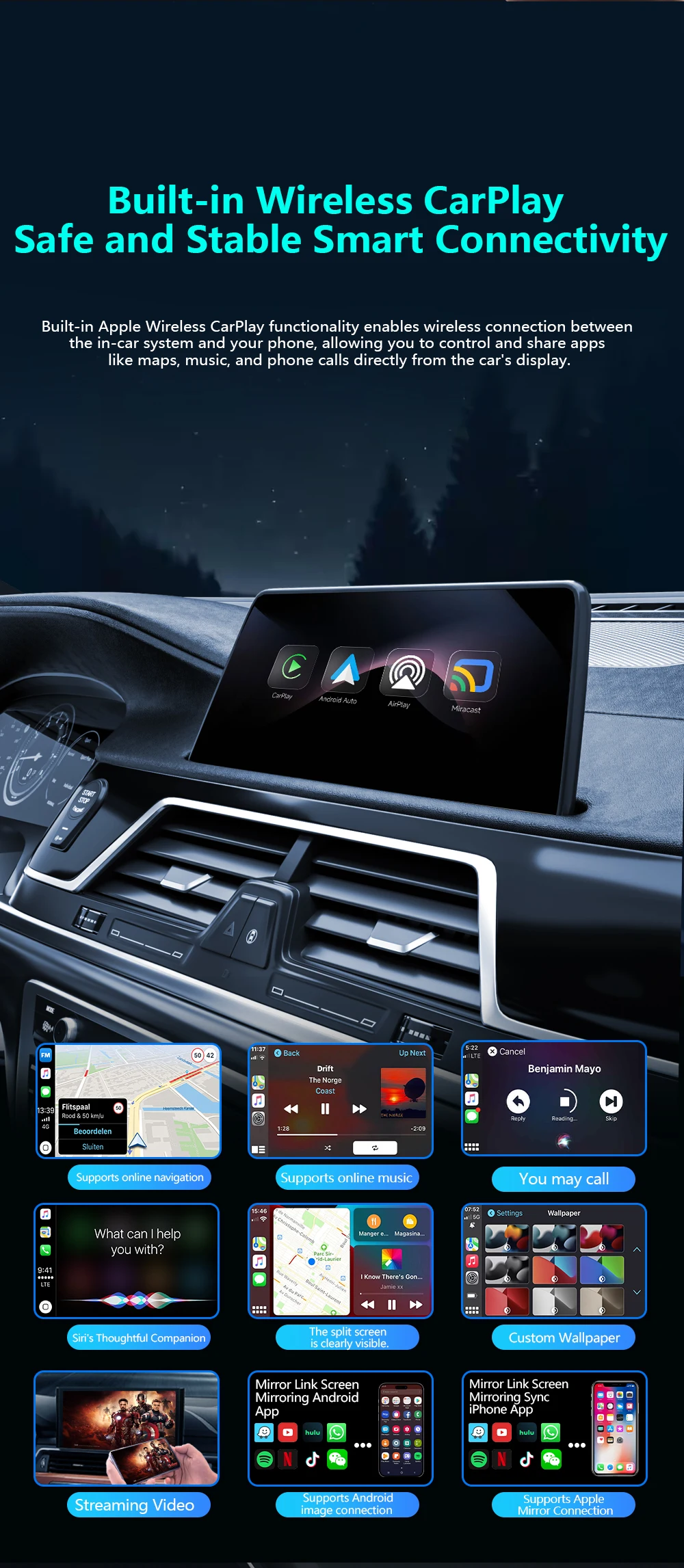
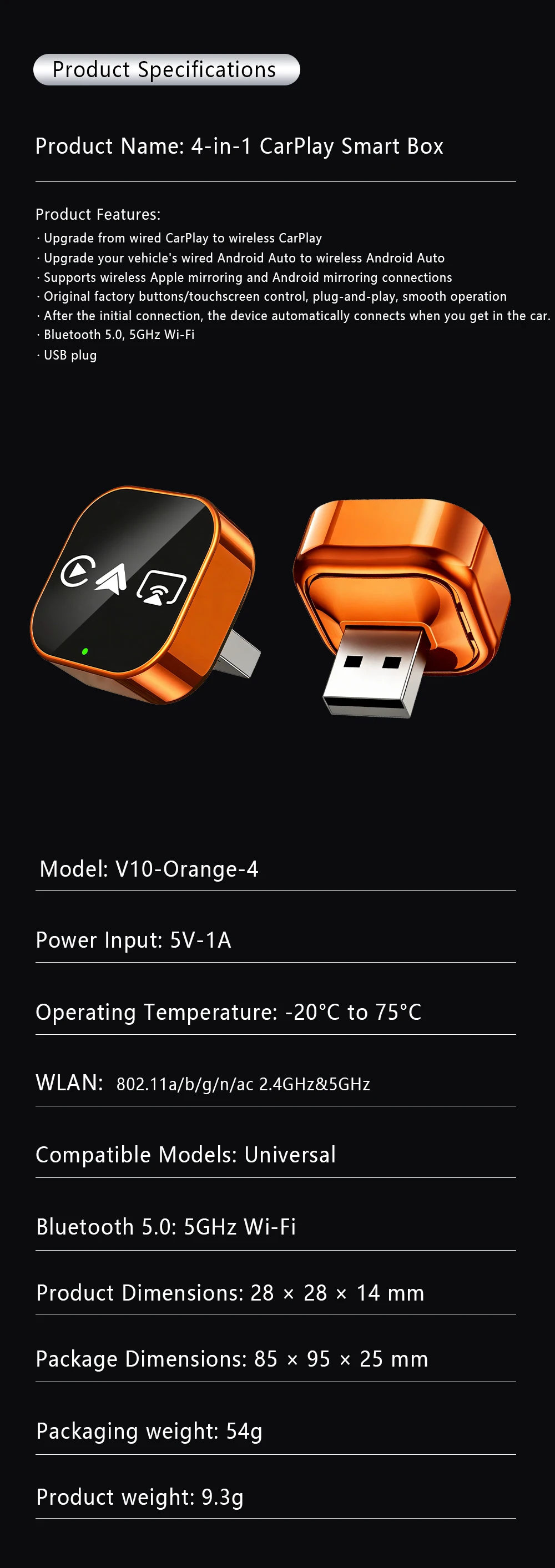
✅Upgrade from wired CarPlay to wireless CarPlay
✅Upgrade your vehicle's wired CarPlay to wireless Android Auto
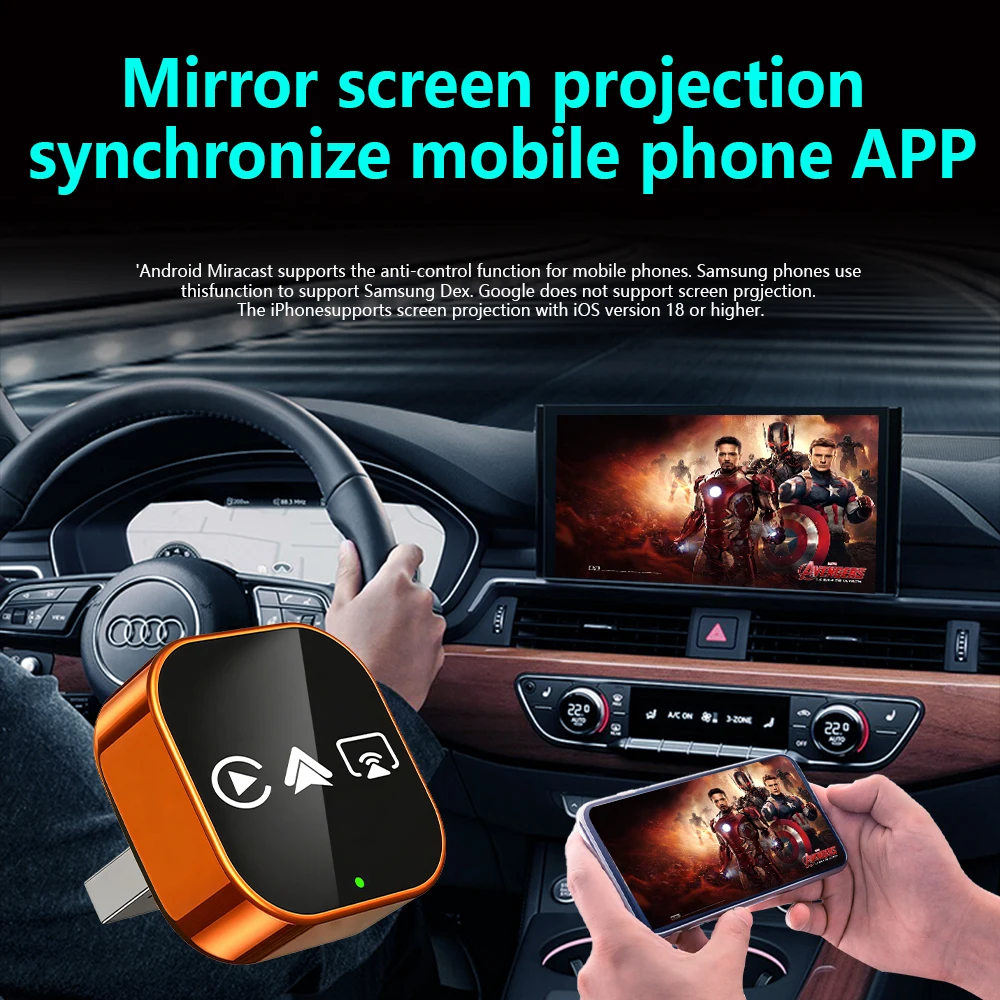
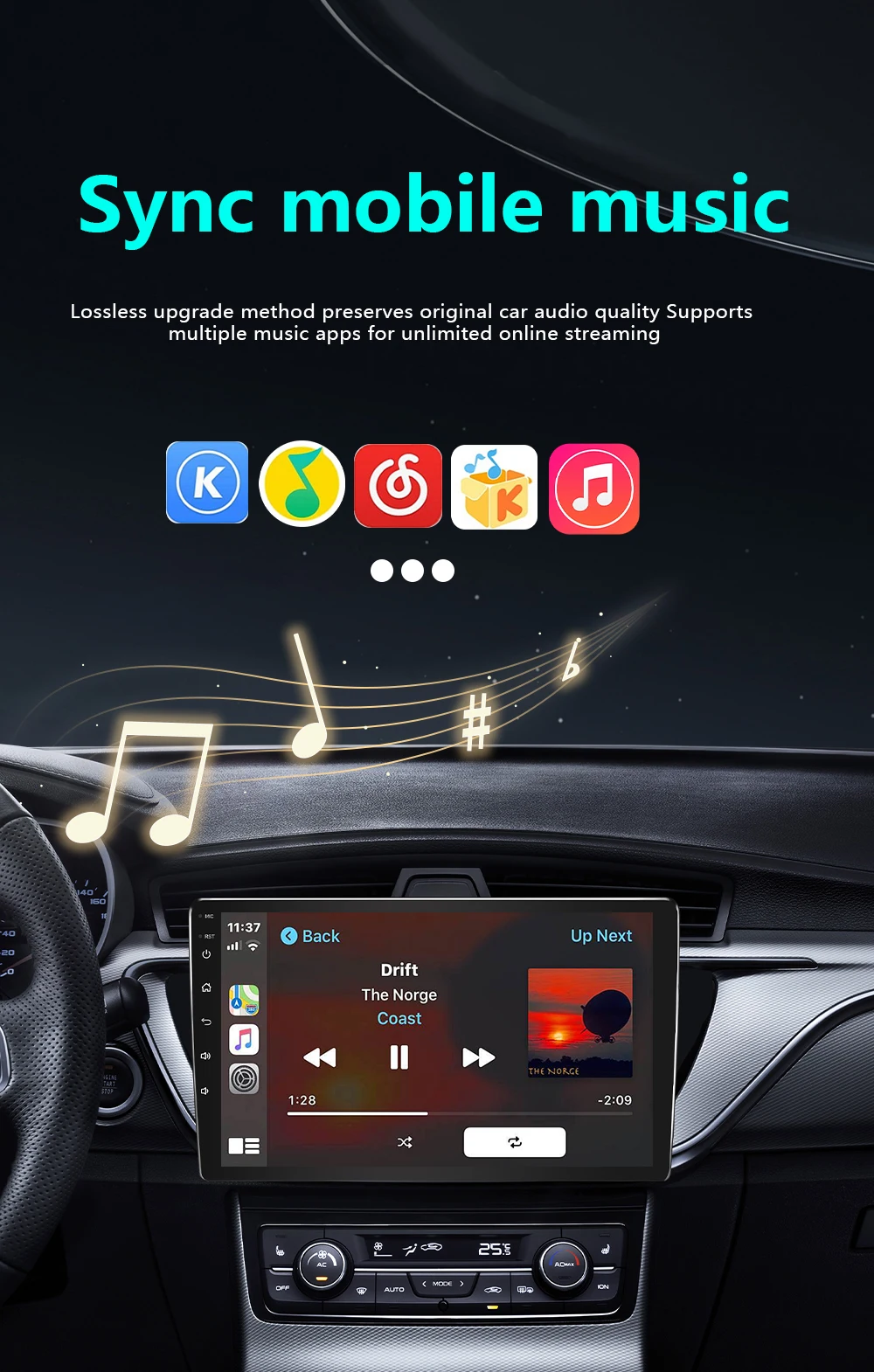
✅Supports wireless Apple mirroring and Android mirroring connections
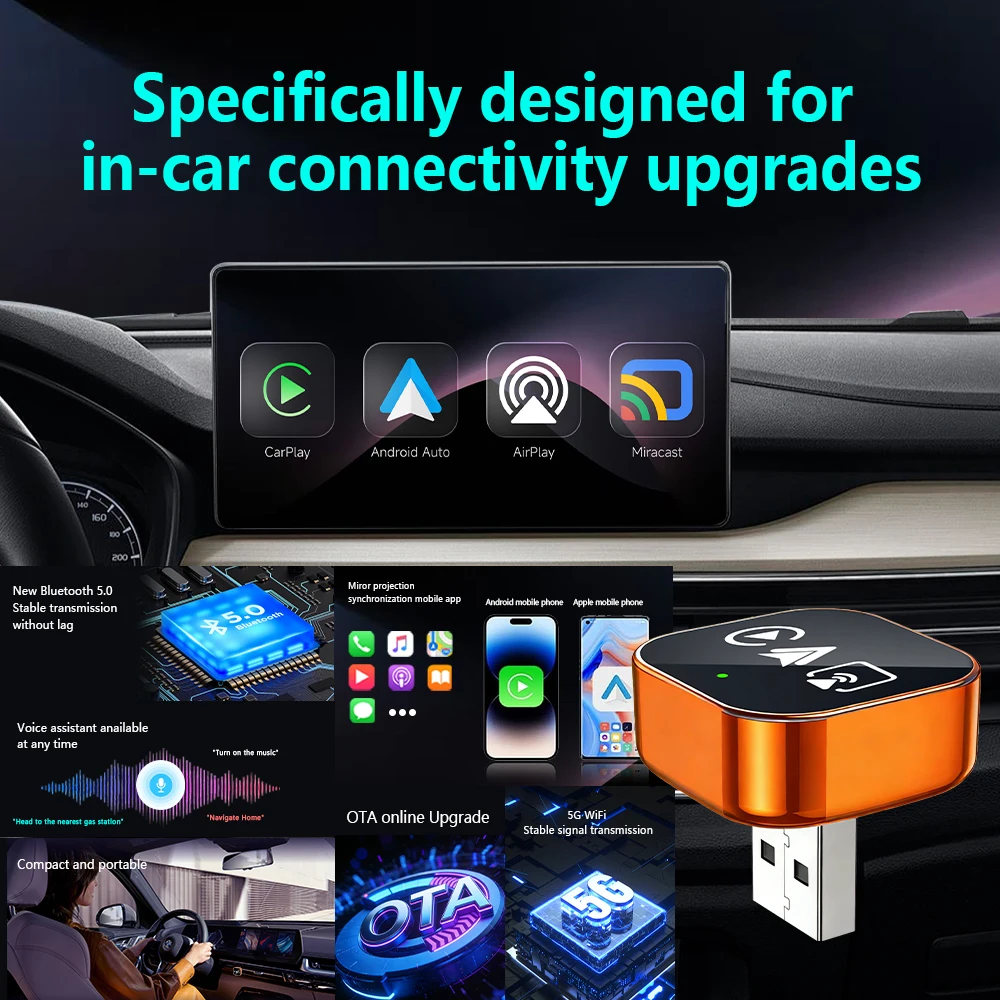
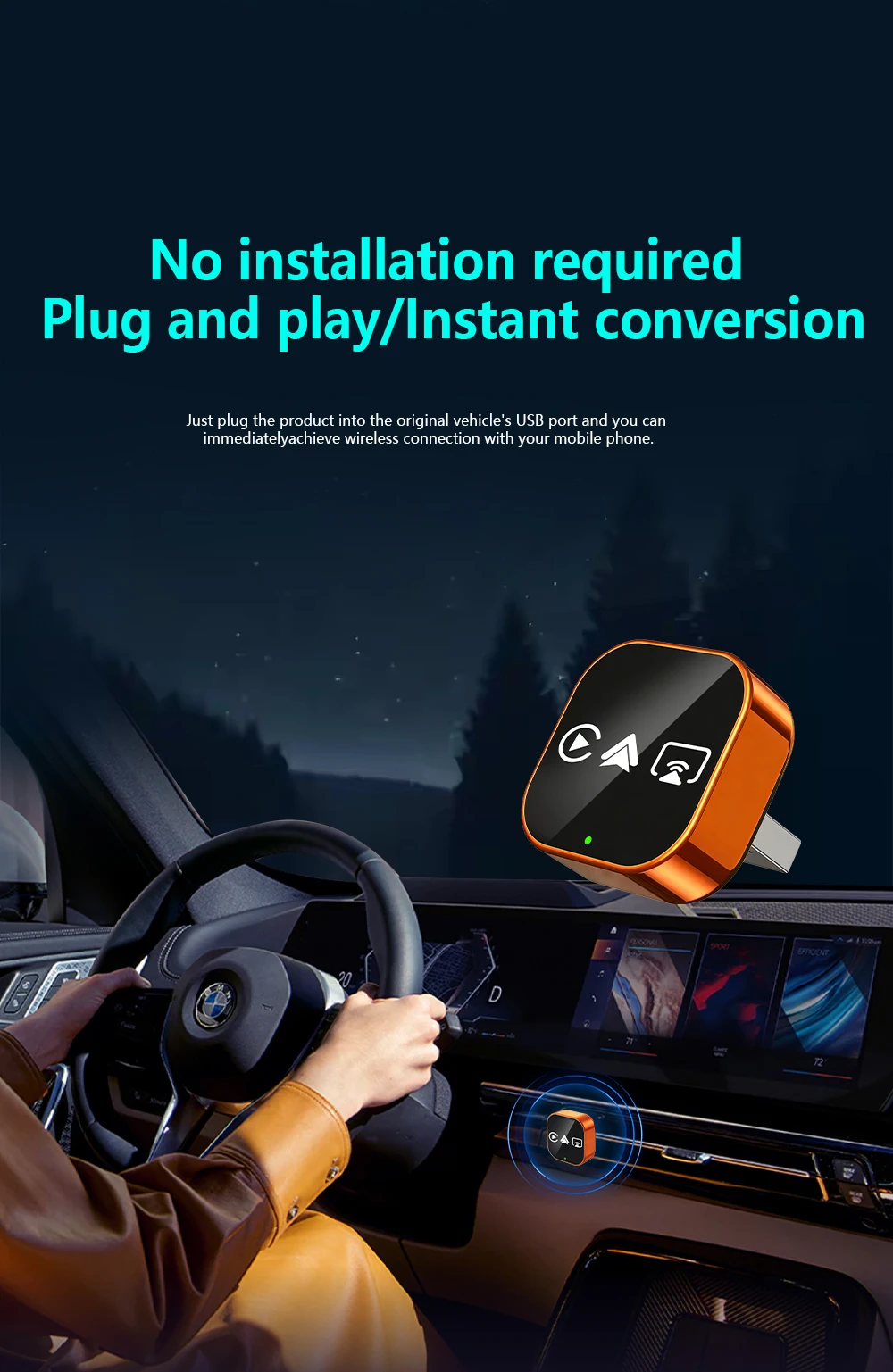
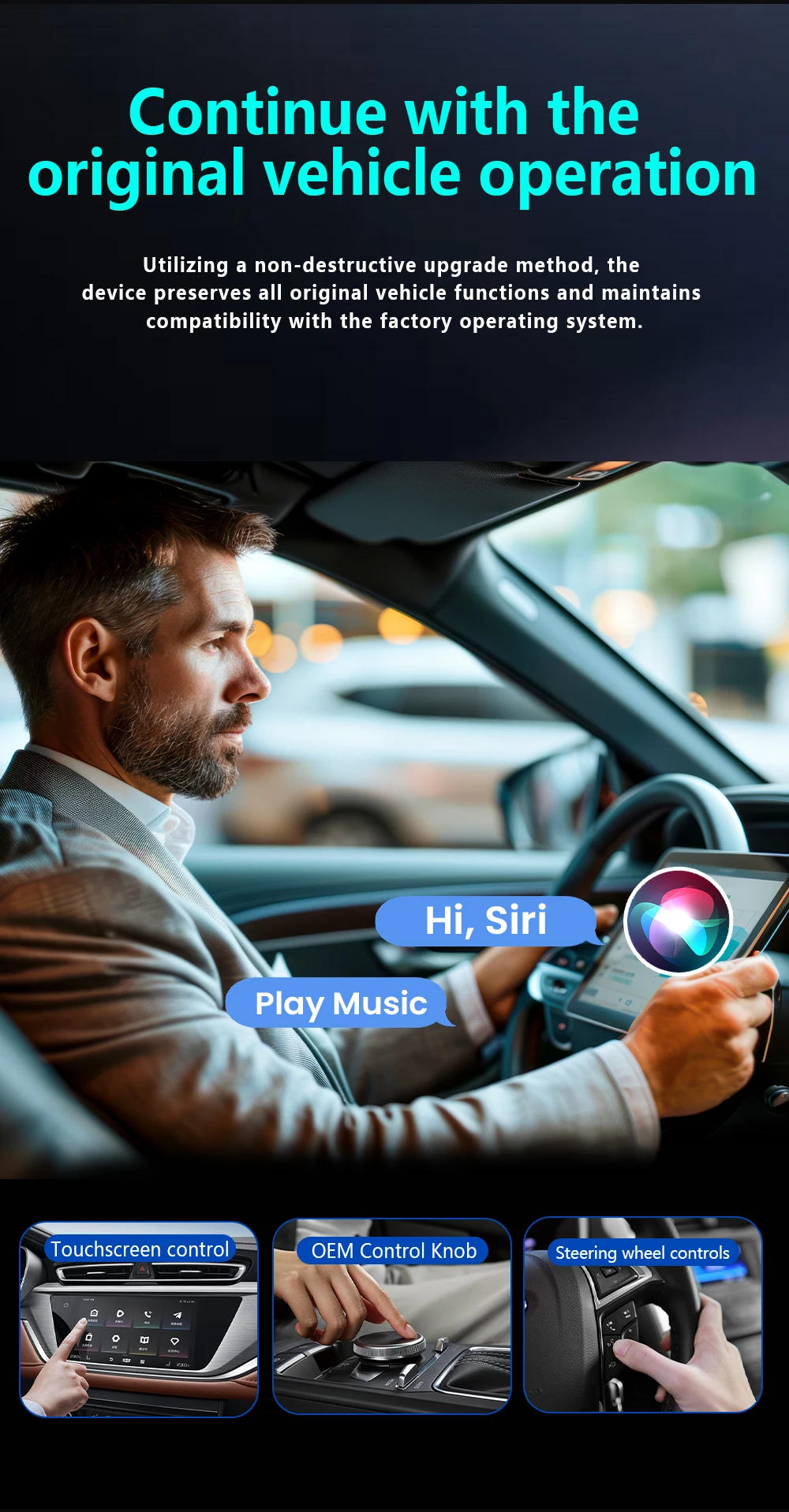
✅Original factory buttons/touchscreen control, plug-and-play, smooth operation
✅After the initial connection, the device automatically connects when you get in the car
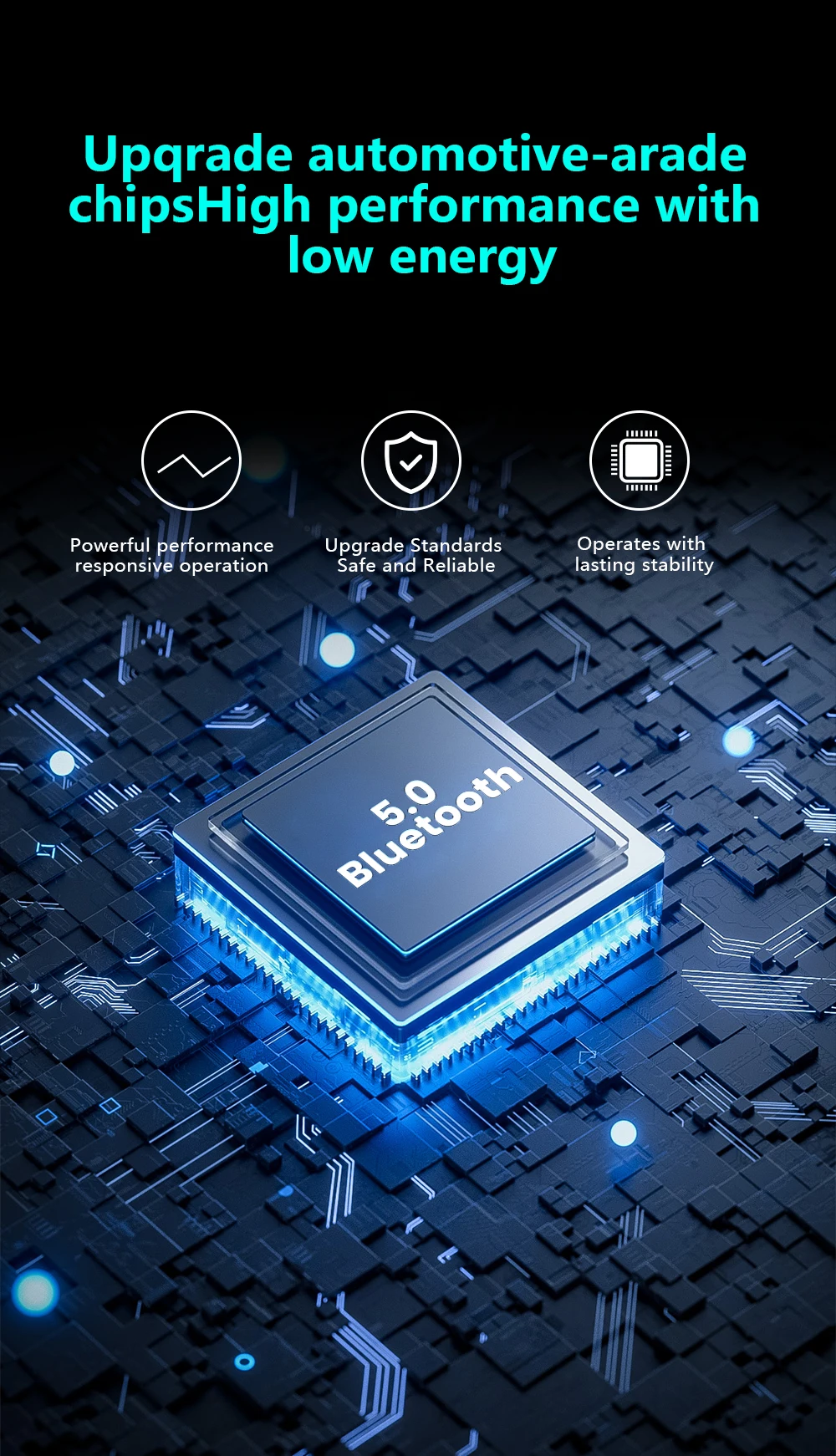
✅Bluetooth 5.0, 5GHz Wi-Fi
✅USB plug
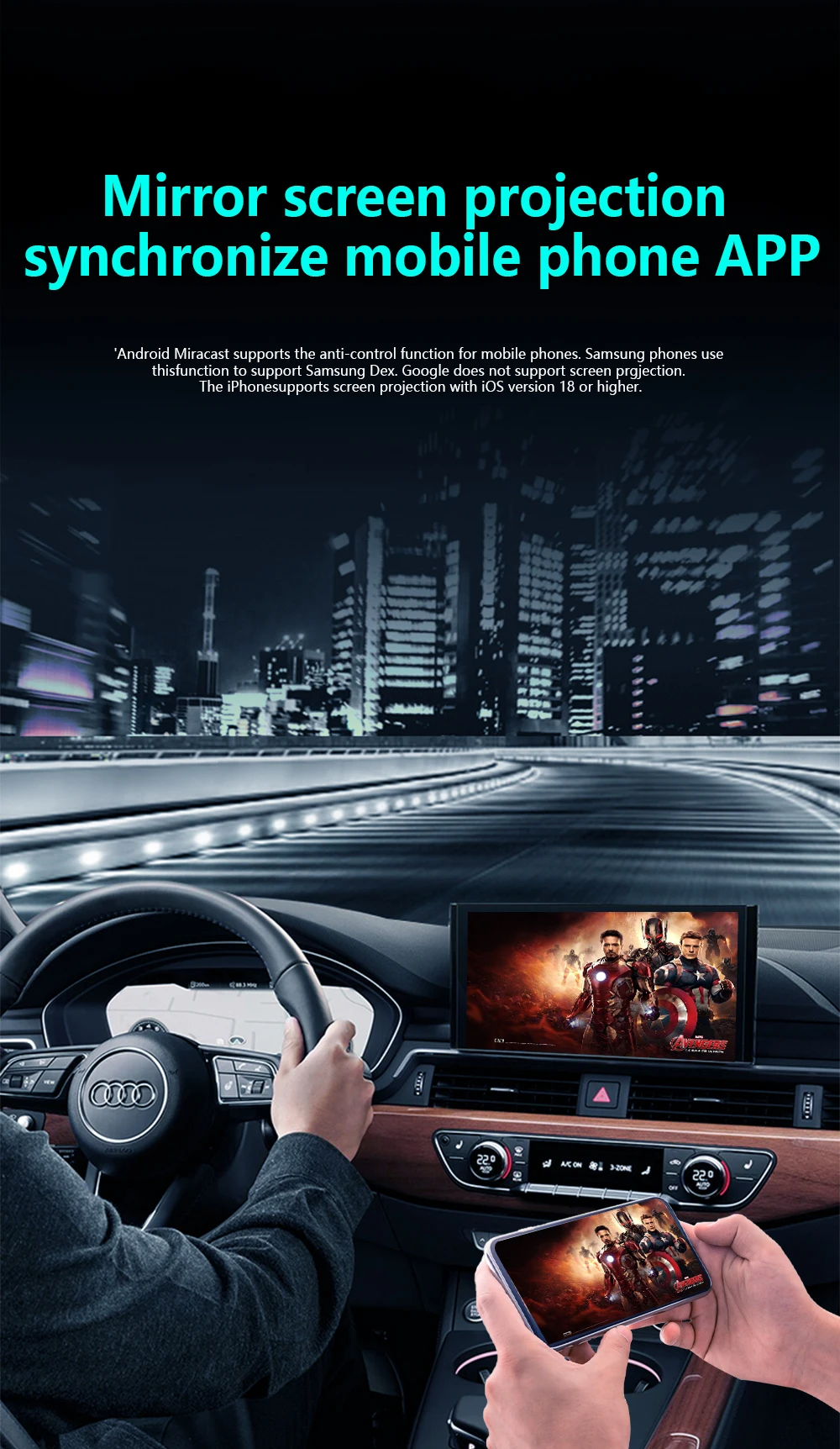
How to connect Mirror link?
1:Turn on WiFl on your phone
2: Click on wireless screen mirroring
3: Find the wireless screen projection entrance onyour phone(usually available in the drop-down menufunction list)or search for itin the settings
4: Find the device name of the box in the wirelessscreen casting list.
5: Click on the device nome to connect and casthe screen for use.
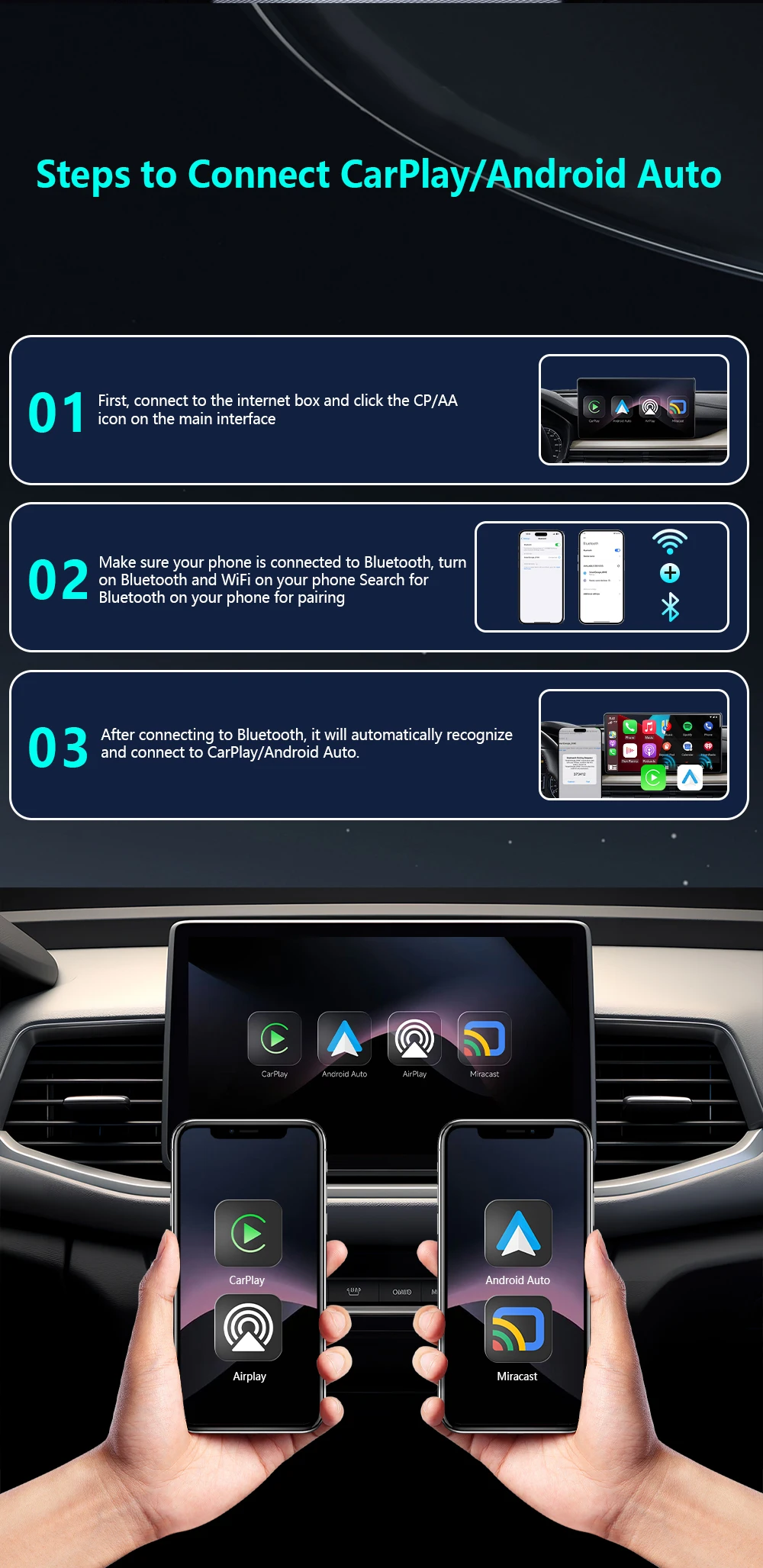
How to use wireless Carplay/Android Auto?
Step 1: Plug the adapter into your car’s wired CarPlay USB port.
Step 2: On the adapter’s interface, click the [CP/AA] icon.
Step 3: Turn on Bluetooth + WiFi on your phone.
Step 4: Search for the adapter’s Bluetooth name (e.g., “SmartBox-xxxx”) and pair.
Step 5: Auto-recognizes and connects to CarPlay/Android Auto – done!
| Weight | 0.073 lbs |
|---|---|
| Dimensions | 12 × 8 × 3 in |
| Brand Name | Tripodpie |
| Origin | Mainland China |
| High-concerned chemical | none |
| Conditions of Use | Only Support Original Car With Wired Carplay |
| Bluetooth | 5.0 |
| Wifi | 2.4G+5G |
| Feature | Wireless Carplay, Wireless Android Auto, OTA Update, Plug and play, Carplay adapter, Android auto adapter, Airplay, Miracast, Smart Screen Mirroring |
| Choice | yes |
Related products
More Products-

CarlinKit 5.0 Mini Ultra &Mini 5 Pro Wireless Adapter Wireless CarPlay &Android Auto USB Dongle For Cars Wireless Auto Connect
Price range: $43.99 through $61.99Select options This product has multiple variants. The options may be chosen on the product page -
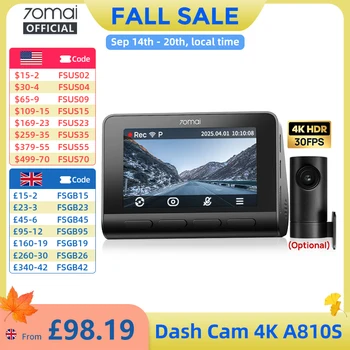
70mai A810S 4K Dash Cam IMX678 Dual HDR Supercapacitor 4G LTE Remote Control Wi-Fi 6 5GHz Voice Control GPS ADAS Car Camera
Price range: $247.99 through $506.99Select options This product has multiple variants. The options may be chosen on the product page -
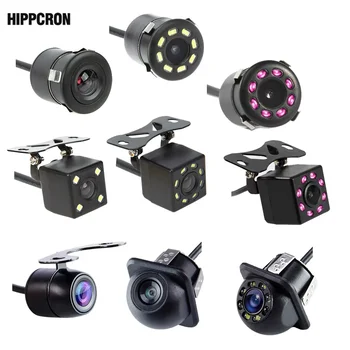
Hippcron Car Rear View Camera 4 LED Night Vision Reversing Auto Parking Monitor CCD Waterproof 170 Degree HD Video
Price range: $7.99 through $9.99Select options This product has multiple variants. The options may be chosen on the product page -

K2 Pro 11.3″ Car DVR 4K Camera Wireless Carplay Android auto Ai Screen Dash Cam Dual Len Video Recorder GPS Navigation Dashboard
Price range: $179.99 through $298.99Select options This product has multiple variants. The options may be chosen on the product page


0.0 Average Rating Rated (0 Reviews)